1. OPERATION
1-36
7. Press the MENU/ESC key several times to close the menu.
Note: To turn off the bottom discrimination display, select Off at step 4.
1.26 Telesounder Setting (For Japan)
If a telesounder (TS-7100 or TS-80M2) is connected, set the telesounder as follows:
Note 1: The telesounder TS-7100 and TS-80M2 are sold in Japan only (as of May
2015).
Note 2: When the display range is 20 m or shallower, this fish finder may not commu-
nicate with the TS-80M2 because of the difference of the transmitting rate. Lower the
setting value for [TX Rate] on the [TX/RX] menu (see page 2-5) to communicate with
the TS-80M2 in 20 m or shallower range.
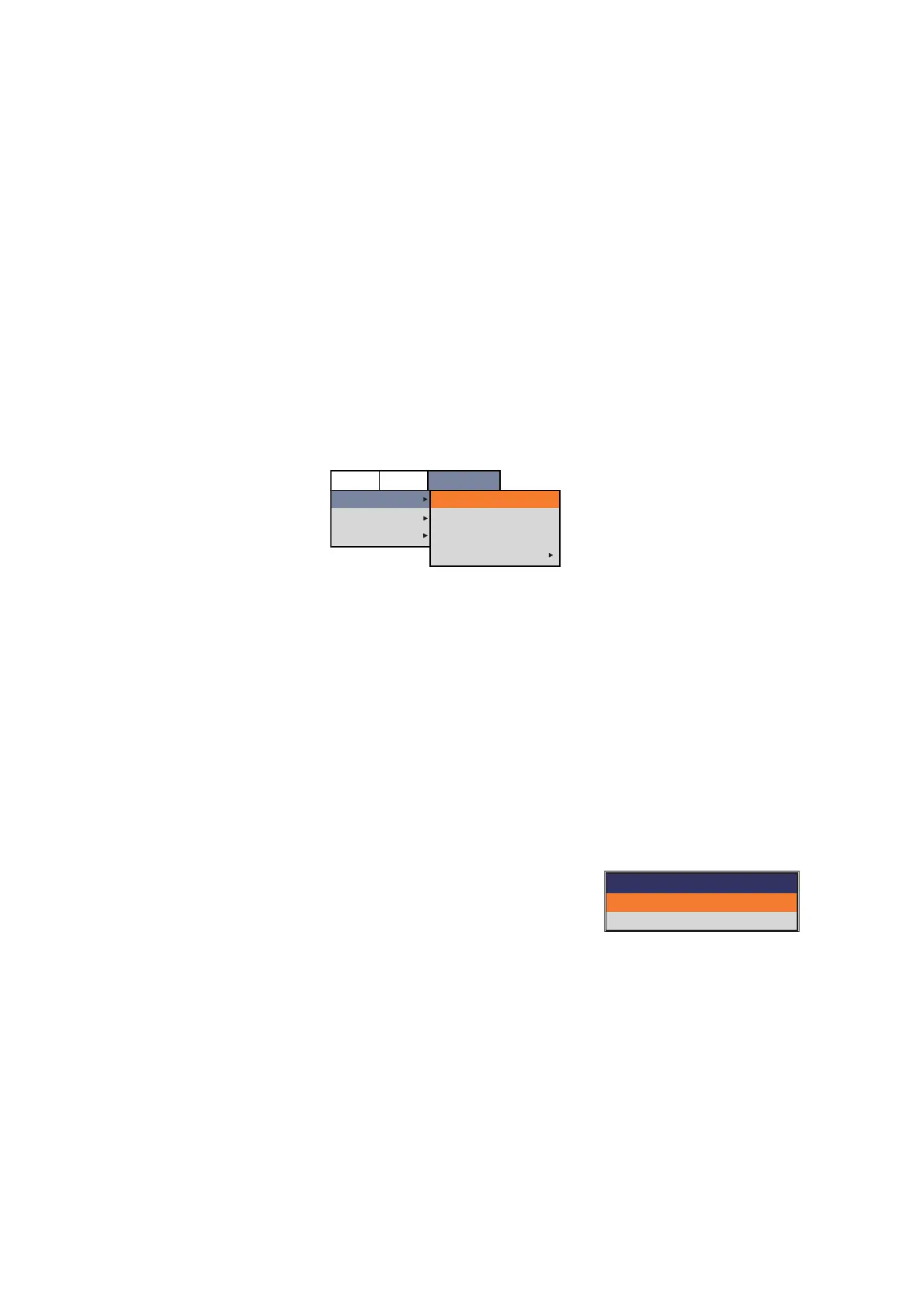
1. Press the MENU/ESC key, then open the [Telesounder] tab.
2. Select [Telesounder], then push the ENTER knob.
3. Select [Echo Setting], then push the ENTER knob.
4. Select [Input] or [Output], then push the ENTER knob.
• [Input]: Select when this fish finder is installed on the mother ship.
• [Output]: Select when this fish finder is installed on the sister ship.
5. Select [Telesounder], then push the ENTER knob.
6. Select the model of the connected telesounder ([TS-7100] or [TS-80MARK2]),
then push the ENTER knob.
7. Select [Fish Finder], then push the ENTER knob.
8. Select the model of the fish finder installed on the other ship ([FCV-1900] or [FCV-
1200L]), then push the ENTER knob.
For FCV-1200L, go to step 12.
9. Select [TX Mode], then push the ENTER knob.
10. Select [HF TX Mode] or [LF TX Mode] as applicable,
then push the ENTER knob.
11. Select [TruEcho CHIRP] or [Std], then push the ENTER knob.
Select the same setting item as the fish finder installed on the other ship.
12. Press the MENU/ESC key several times to close the menu.
13. Reboot the system to apply the telesounder setting.
Setting
Telesounder
Sounder
Calib
Echo Setting
Telesounder
Fish Finder
TX Mode
Input
TS-7100
FCV-1900
BBDS1
Telesounder
TX Mode
HF TX Mode
LF TX Mode
TruEcho CHIRP
TruEcho CHIRP



 To Next Page