1. OPERATION
1-5
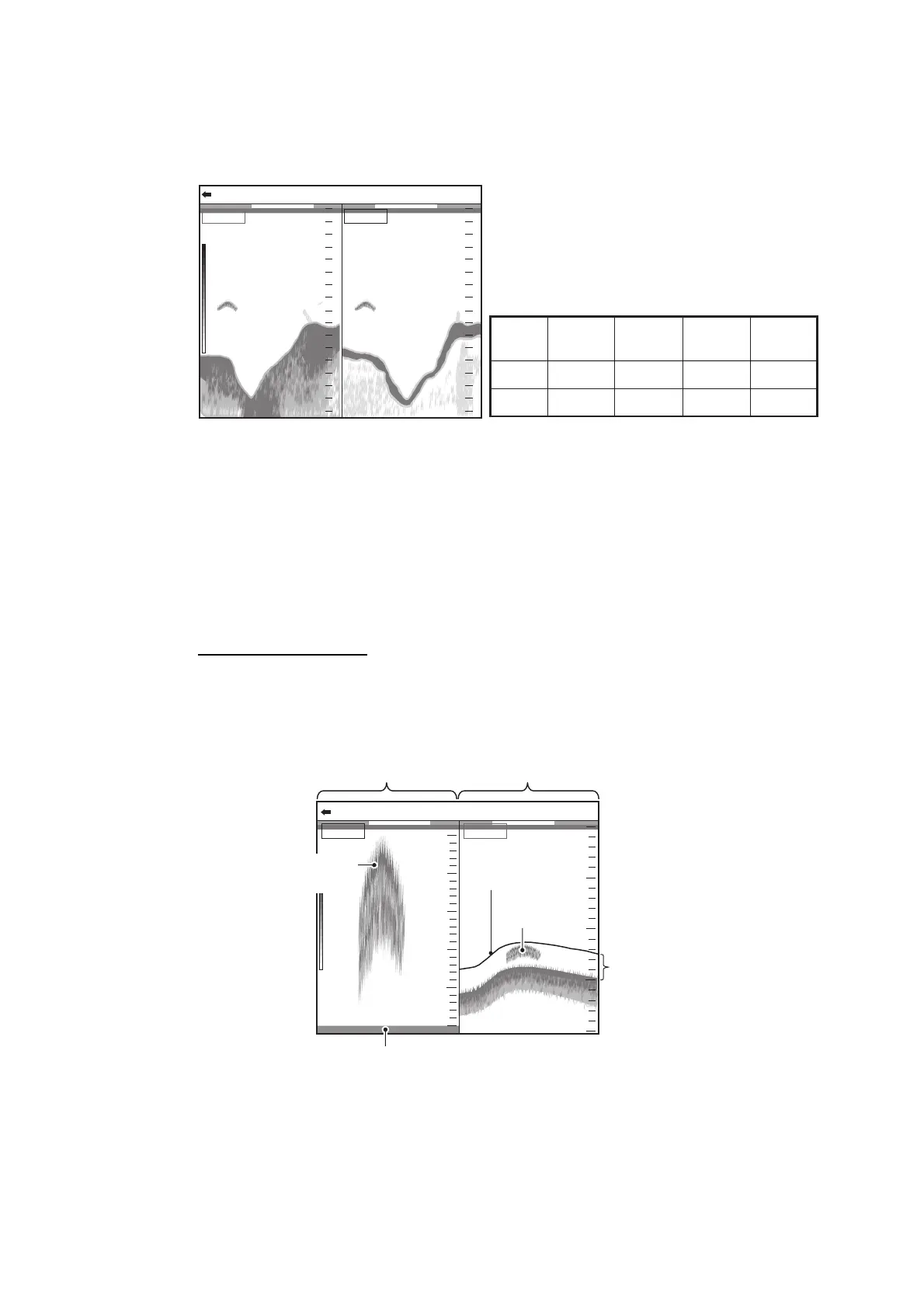
1.4.2 Dual frequency display
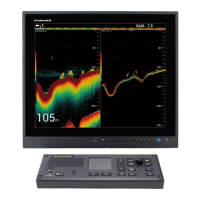
The low frequency echo appears on the left; the high frequency echo on the right. This
display is useful for comparing underwater conditions with two different frequencies.
Note: The dual frequency and zoom display are divided vertically in the default setting.
You can divide the display horizontally (see page 1-38).
1.4.3 Zoom display
The zoom displays expand the specified area of the single frequency echo. Four
modes are available: bottom lock, bottom zoom, marker zoom and bottom discrimina-
tion. The default mode is bottom lock. For how to change the zoom mode, see page 1-
38.
Bottom lock display
The bottom lock display provides a normal picture on the right half of the screen and
a 16-9000 feet (default: 16 feet) wide layer in contact with the bottom is expanded onto
the left half of the screen. This mode is useful for detecting bottom fish.
Note 1: To adjust the range of the zoom display, go to the [Range] menu (see
section 2.3).
Note 2: To show or hide the zoom marker, go to the [Display] menu (see page 1-38).
47.647.6
mm
0.00.0
2020
4040
6060
8080
00
2020
4040
6060
8080
00
0/99
x
1
x
1
x
1
VRM 0.0
HF: 2.0LF: 2.0
Low frequency High frequency
Freq.
Beamwidth Resolution
Detection
range
Bottom tail
Low
High
Wide
Narrow
Low
High
Deep
Shallow
Long
Short
31.231.2
mm
0.00.05.35.3
Bottom lock display Single freq. display
Zoomed
fish echo
Zoom
marker
Fish echo
Bottom displayed
flat
*: This section zoomed on
the left half.
*
0/99
x
1
VRM 0.0
LF: 2.0LF_BL
1010
2020
3030
4040
00
33
22
11
00
55
44


 To Next Page