2. SYSTEM MENU
2-9
• [FURUNO-TLL]: Output latitude/longitude*
1
, water temperature*
1
, bottom discrimi-
nation*
2
, depth, and fish size data*
3
. This requires FURUNO-TLL enabled device.
[Baud Rate]: Set the baud rate of the transmission signal. The setting range is
changed according to the port. This menu item is not available for [SC] (setting value
is fixed to “38400 bps”).
• For [NMEA1] and [NMEA2]: 600, 4800 and 38400 bps
• For [CIF]: 600, 1200, 2400 and 4800 bps
[Start Bit]: Show the character size of the TX data.
[Data Length]: Show the bit length of the TX data.
[Stop Bit]: Show the stop bit size of the TX data.
[Parity]: Show the parity of the TX data.
[Clear Window]: Refresh the information on the communication port monitor display.
[Exit]: Close the [NMEA Port Set&Monitor] menu to return the normal menu.
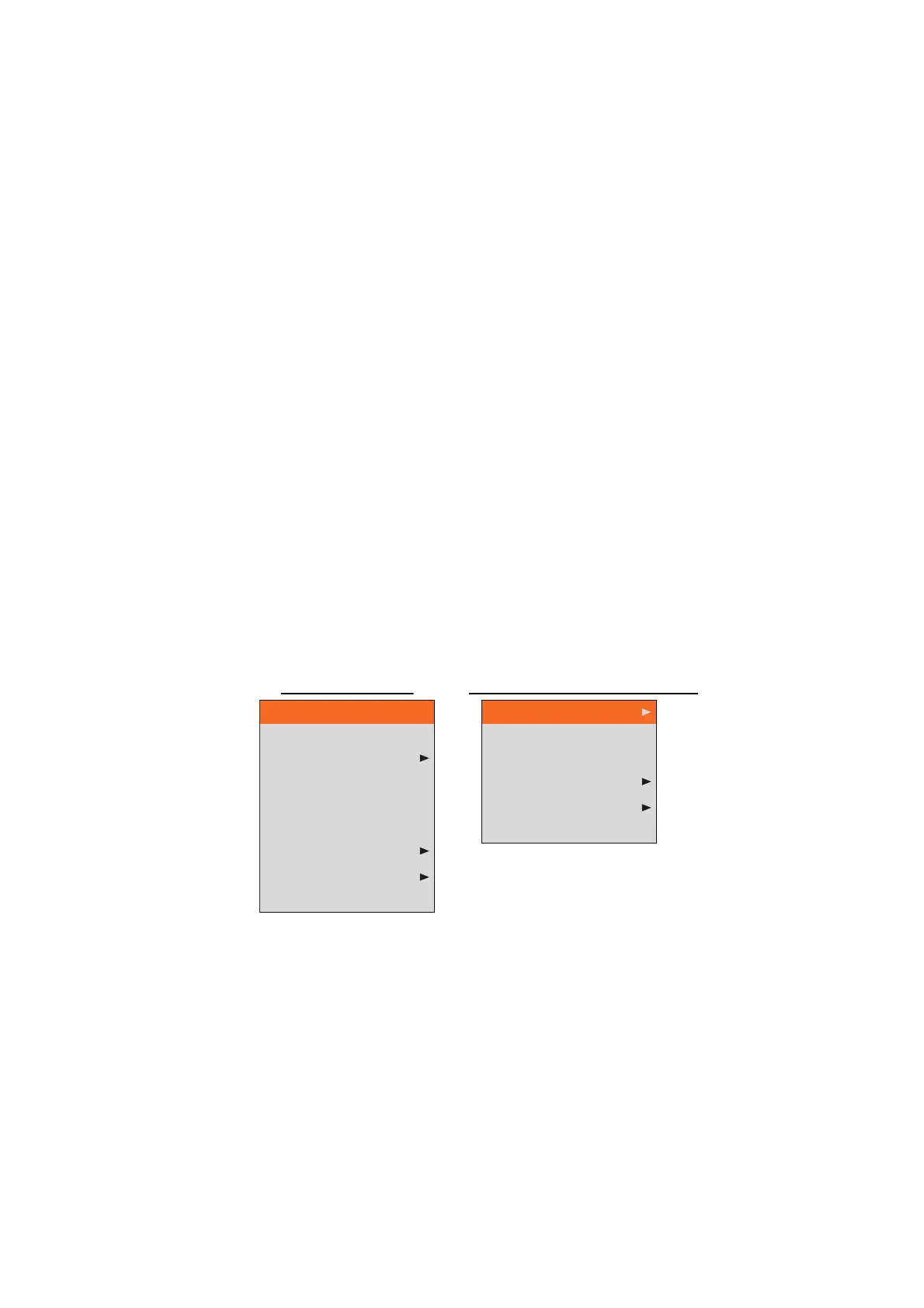
2.9 [Calib] Menu
The [Calib] menu mainly lets you apply offsets to speed, water temperature, and bot-
tom level.
[Sound Speed]: Adjust the sound velocity of the TX/RX signal if the depth indication
is incorrect, because of water temperature or salinity density.
[Temp]: If the water temperature indication is wrong, you can correct it here. For ex-
ample, if the water temperature indication is 2 °F higher than actual water tempera-
ture, enter -2.0 °F.
*
1
: Requires appropriate sensor. *
2
: Requires BBDS1.
*
3
: Available with FCV-1900G.
Sound Speed
Temp
Bottom Level
Zero Line Rejection
Zero Line Area
Zero Line Fill
Draft
Gain ADJ
Fish Size
1500.0 m/s
0.0ºF
On
4.5ft
On
0
Bottom Level
Zero Line Rejection
Zero Line Area
Draft
Gain ADJ
Fish Size
On
4.5ft
0
For [Setting] tab
For [External fish finder] tab



 To Next Page