1. OPERATION
1-9
1.5 How to Adjust the Range
Select the display range indicated on the screen. Default settings for the display range
are shown below.
*: Japanese unit of depth measurement.
1. Press the RANGE key to assign the range control function to the ENTER knob.
2. Rotate the ENTER knob to select the display range.
The current setting value appears at the upper right of the display.
Note 1: For FCV-1900 and FCV-1900B, you can select the display range by pressing
the or key.
Note 2: Basic ranges may be preset as desired, on the [Range] menu (see
ssection 2.3).
Note 3: The range can be adjusted automatically to display the bottom echo on the
screen always. For how to turn on the auto range mode, see page 2-4. The range shift
and range control are inoperative in the auto range mode.
Note 4: In the dual frequency display, the range for the low and high frequencies can
be adjusted mutually or independently. Turn on [Split Range] in the [Range] menu to
enable independent adjustment (see page 2-4).
Adjusting the range in the dual frequency and user display
The range of the each echo display (other than mix and zoom display) can be set in-
dividually on the dual frequency and user display. The range shift and gain control also
can be set individually.
Note: To set the range individually, turn on [Split Range] in the [Range] menu. The
range of the external fish finder and telesounder can set individually regardless of the
setting for [Split Range].
1. Press the RANGE key to select the display to adjust the range.
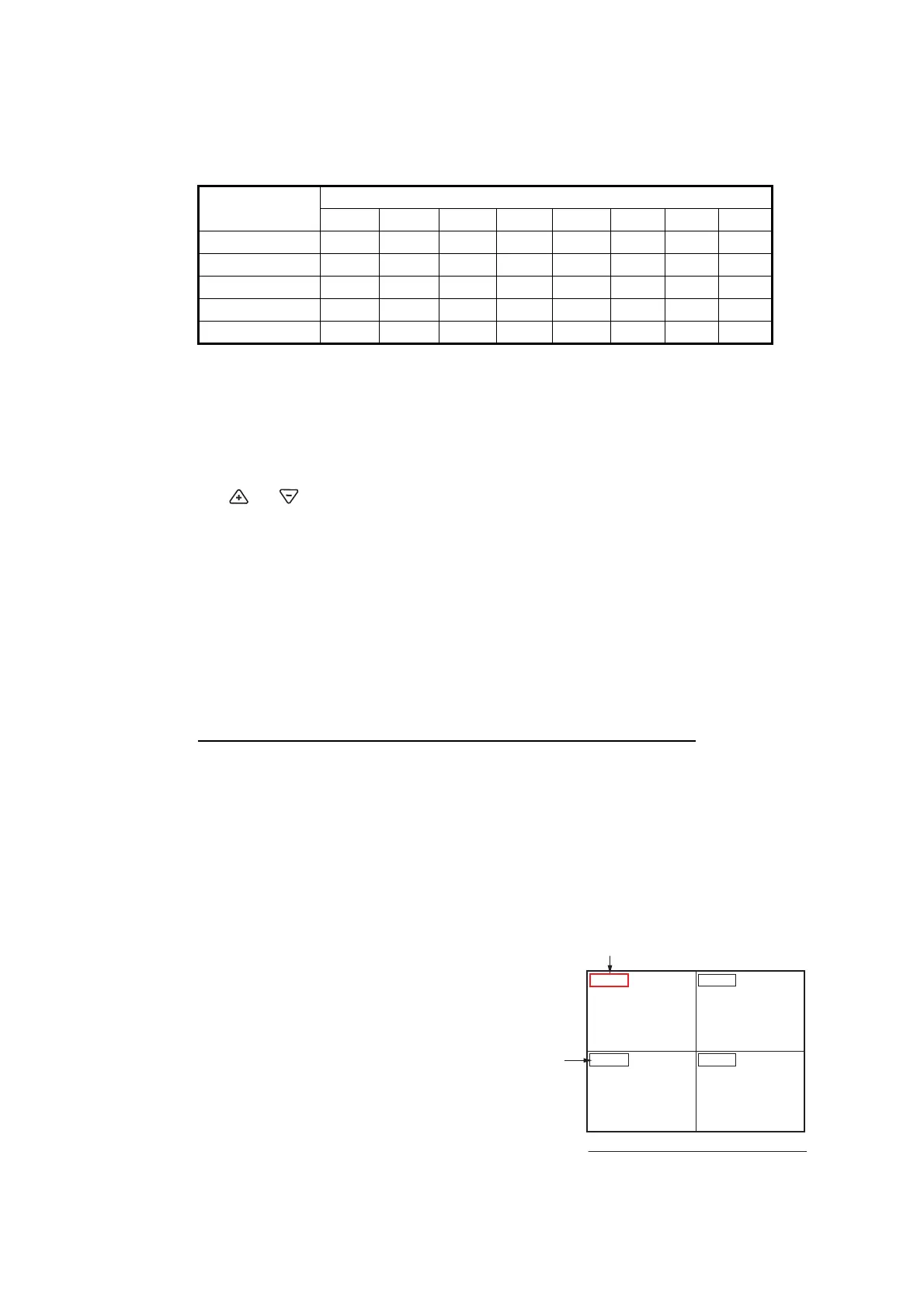
The red cursor appears at the in-
dication of the mode and gain on
the selected display. For exam-
ple of the four-way split display,
the cursor moves in the se-
quence as shown in the figure
right.
Note: The indication of the mode
and gain does not appear when
the [Mode&Gain Display] is
turned off.
2. Rotate the ENTER knob to select the display range.
The range of the selected display changes.
Unit
Range
12345678
meter 10 20 40 80 150 300 500 1000
feet 30 60 120 250 500 1000 1600 3000
fathoms 5 10 20 40 80 160 250 500
Hiro* 6 12 25 50 100 200 300 600
passi/braza 6 12 25 50 100 200 300 600
㽲
㽳
㽴
㽵
㪟㪫㪑㩷㪉㪅㪇
㪟㪝㪑㩷㪉㪅㪇
㪣㪫㪑㩷㪉㪅㪇 㪣㪝㪑㩷㪉㪅㪇
Red cursor appears on the selected display.
Mode and
gain
Example: Four-way split display



 To Next Page