1. OPERATION
1-19
• Delete unnecessary files (see section 1.14.3).
• Extract the screenshot files to a USB flash memory (see page 2-13).
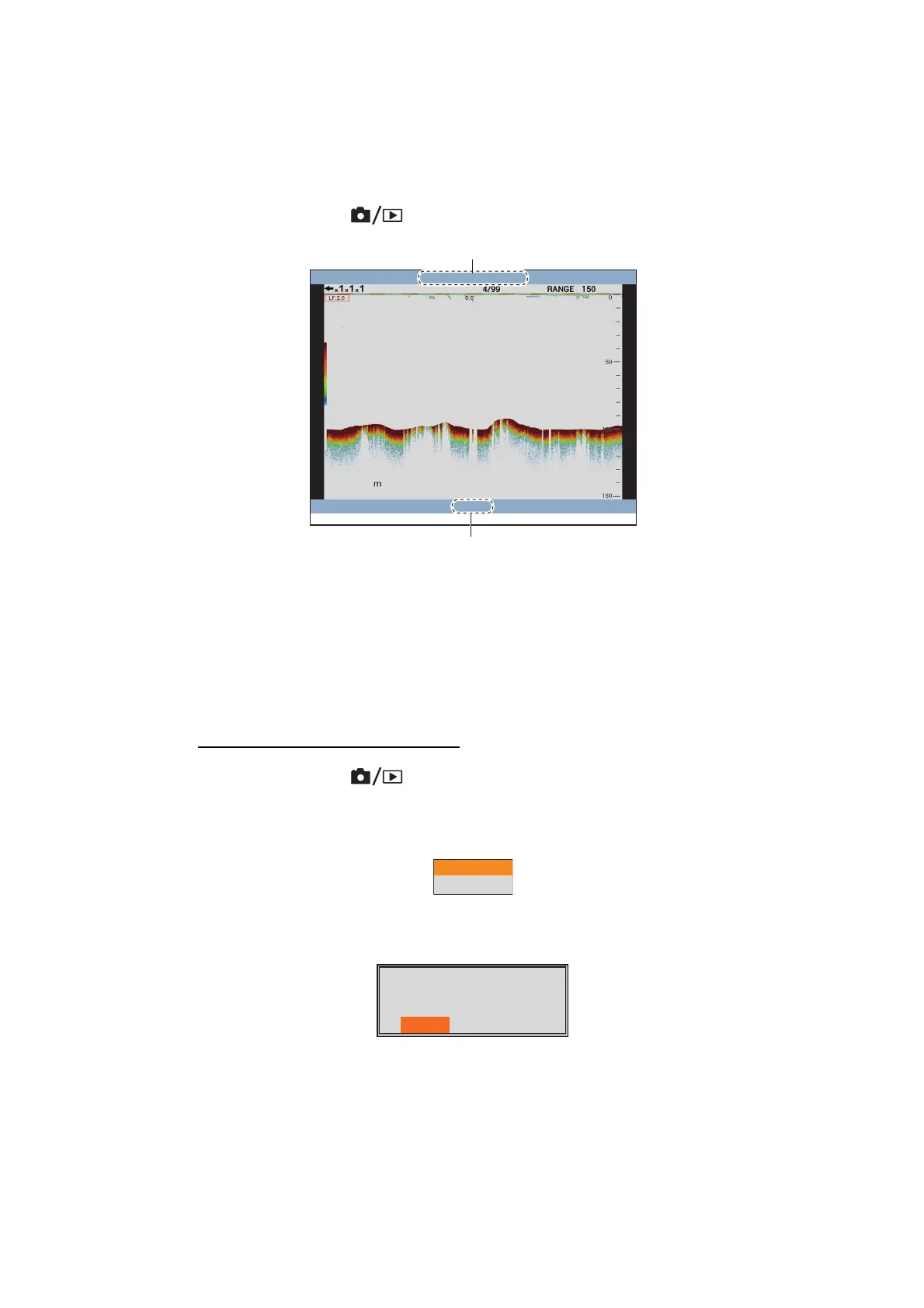
1.14.2 How to replay a screenshot
1. Long press the key to show the latest screenshot on the replay window.
2. Rotate the ENTER knob to select the replay file.
To select the previous file, rotate the ENTER knob clockwise.
3. Press the MENU/ESC key to close the replay window.
1.14.3 How to delete a screenshot
You can delete individual or all screenshot files on the replay window.
How to delete a screenshot file
1. Long press the key to open the replay window.
2. Rotate the ENTER knob to select the file to delete.
3. Push the ENTER knob to show the menu window.
Note: To abort the delete operation, press the MENU/ESC key.
4. Select [Delete], then push the ENTER knob.
5. Select [Yes], then push the ENTER knob.
6. Press the MENU/ESC key to close the replay window.
98.5
2015/02/20 04:07:29
15/16
[ENTER]: Operate Menu
䇭䇭
[MENU/ESC]: Close
File name (saved date and time)
Replay position (current / total)
This displayed screen will
be deleted Are you sure?
Yes No



 To Next Page