2. SYSTEM MENU
2-14
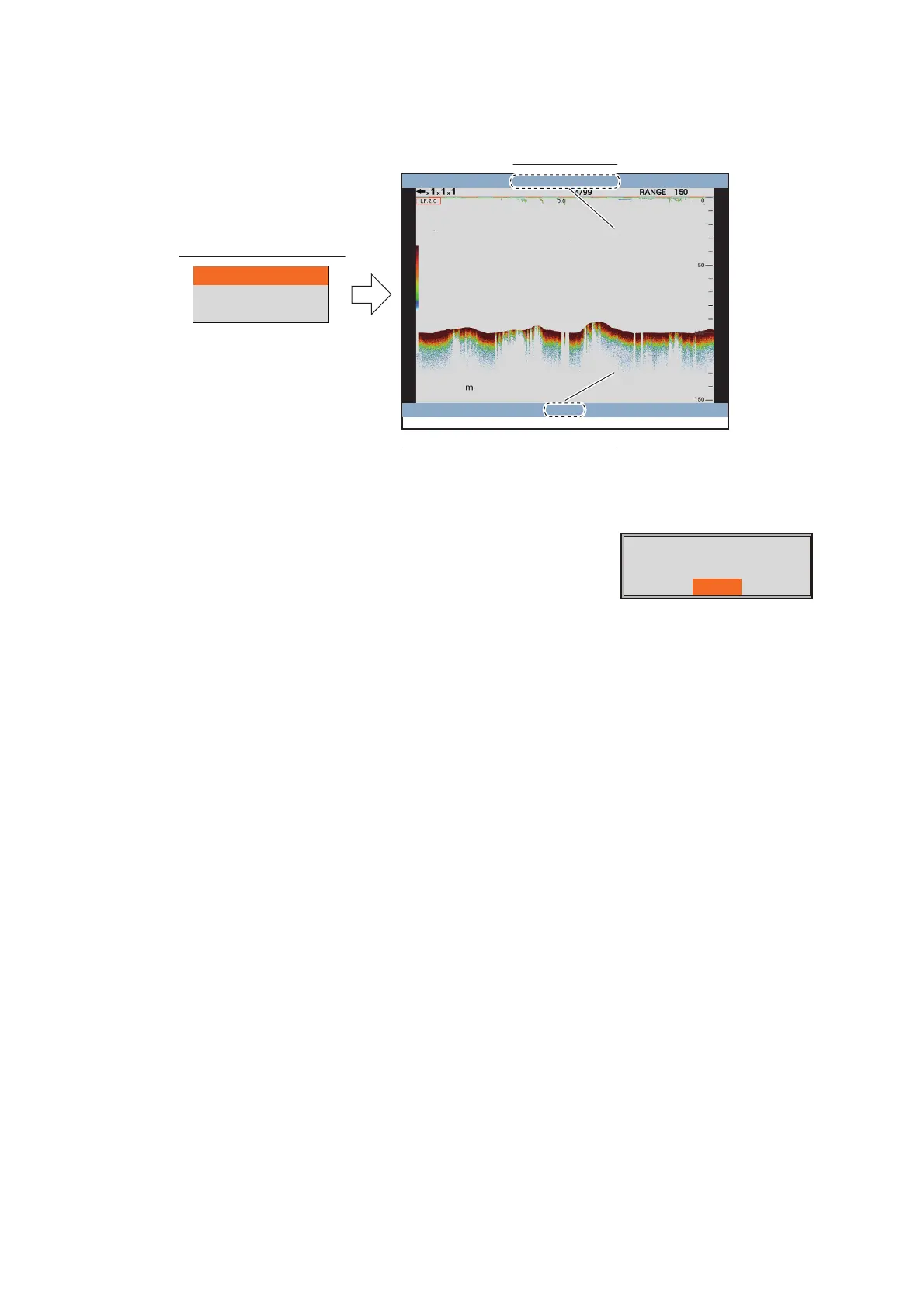
[External USB Replay]: Replay the screenshot saved to a USB flash memory. The
replay window appears after selecting the folder where screenshots are saved.
If a USB flash memory is not connected or there are no
screenshots in the USB flash memory, the error message
shown right appears.
98.5
2015/02/20 04:07:29
15/16
[MENU/ESC]: Close
File name
(saved date and time)
File name
(saved date and time)
Replay position
(current / total)
Replay position
(current / total)
Operation in the replay window
• Rotate the
ENTER
knob to select the replay file.
• Push the
MENU/ESC
key to close the replay
window.
Capture_700104121625
Capture_700104121614
Capture_700104121602
Folder selection window
Replay window
The image replay is
failed.
Yes



 To Next Page