41
Adjusting
the
Tool
Carriage
Transmission
Belt
When you replace the tool carriage or
belt it, the belt tension needs to be adjusted to 150g. This is done as follows
1.
Move the tool carriage to
the far left end of the guide
beam after the tool
carriage or belt being
replaced.
2. Loosen the 2 retaining screws on top
of the carriage belt roller housing.
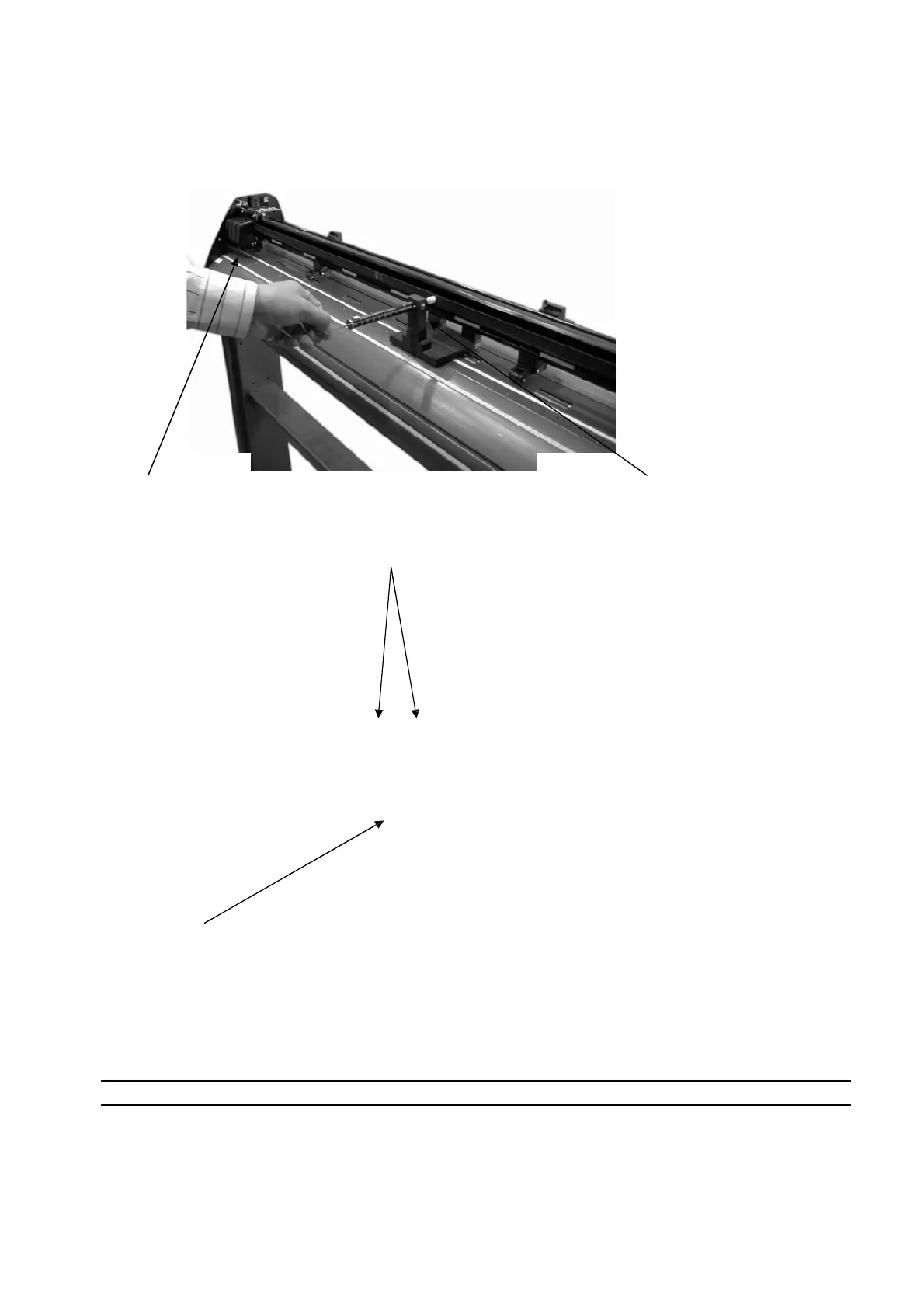
3. Use a tension gauge to measure the
belt’s tension by placing the gauge’s push
arm to the center of the belt, as seen in the
figure above.
4. To change belt tension
adjust the belt tension screw
on the side of the carriage
belt roller housing.
5. To tighten the tension, turn the belt tens ion screw
clockwise. To loosen the tension turn the belt tension screw
anticlockwise, until the desired adjustment tension is reached.
The desired tension is 150g.
Note: Fasten the retaining screws on the top of the carriage belt roller housing once the adjustment is made














 To Next Page