34
Replacing
the
Tool
Carriage
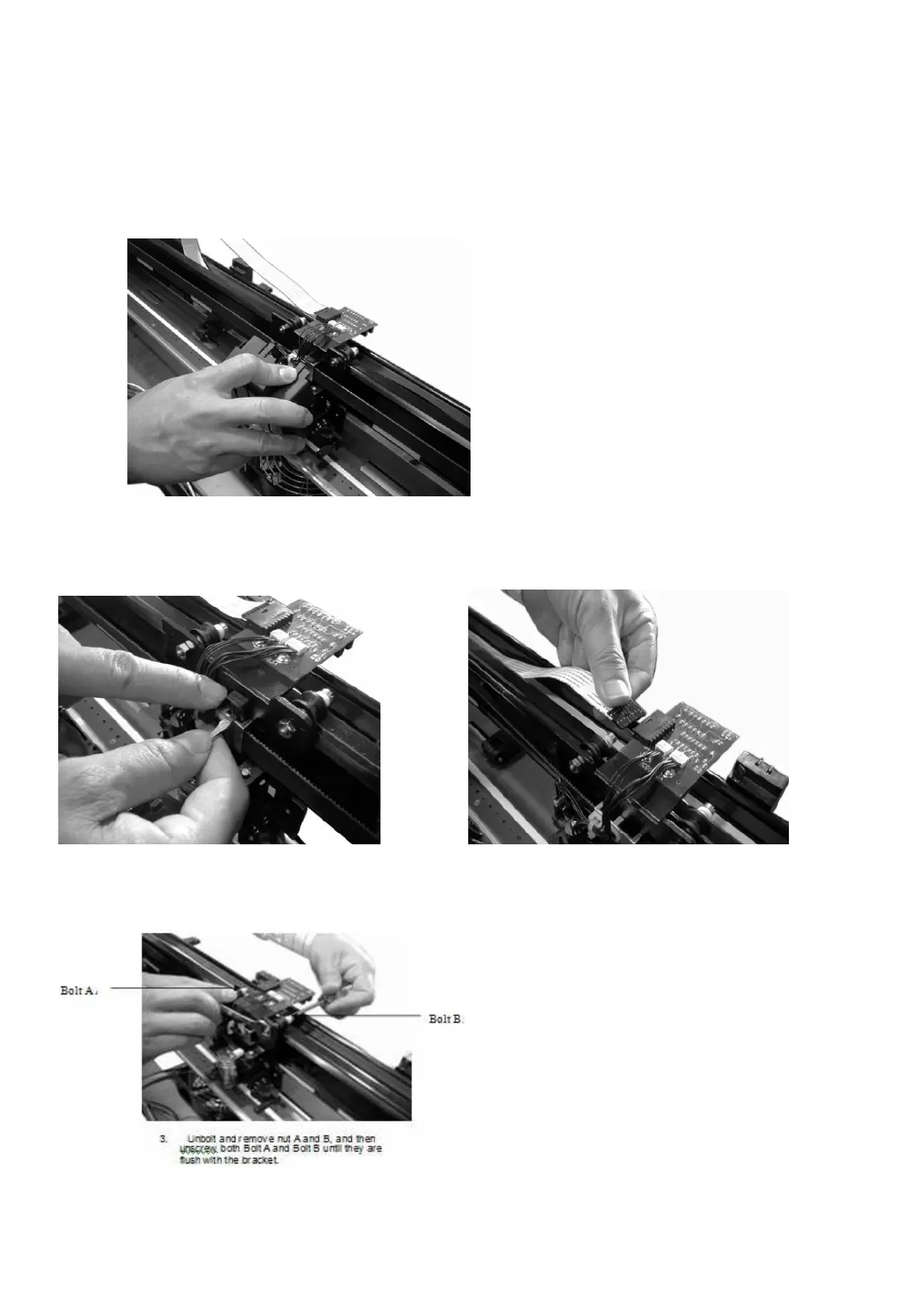
To Remove the Tool Carriage cover:
1. Depress the two locking clips at the top of the Tool
Carriage Cover and pull the Cover away.
To Prepare the Tool Carriage for Removal:
1.
Pop up the plastic locking pins using a
flathead screwdriver.
2. Disconnect the Flat Sensor Cable.
Bolt B



 To Next Page