48
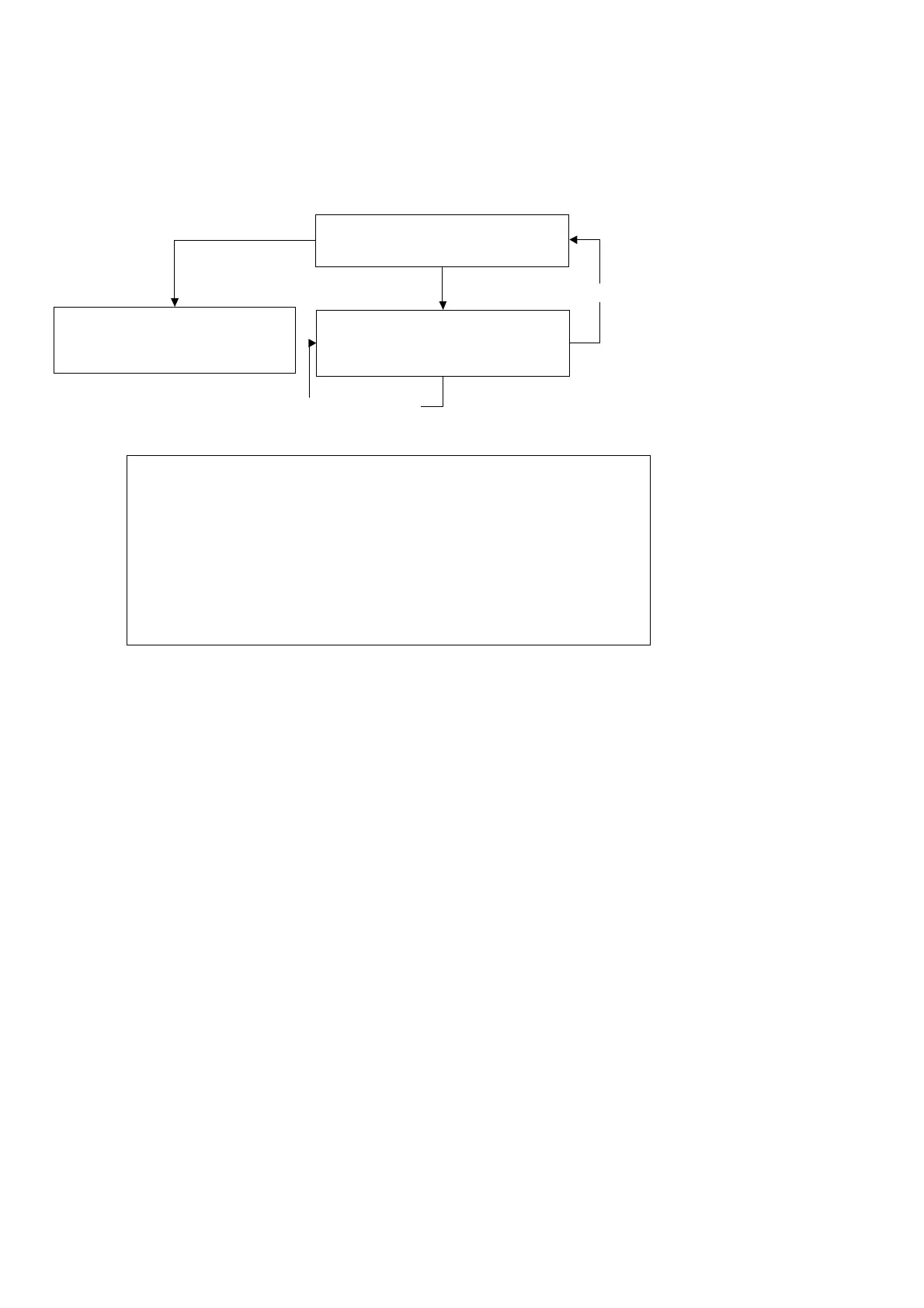
Up/Down Key
Check
Media Sensors?
Enter Key
Pressed
Diagnostic
Test
for
Media
Sensors
This
test is to diagnose the media sensors. If they are fau lty, the cutting plotter c annot detect the media length correctly. You
can see the current front and rear sensor condition, you can turn it on or off to see if sensors are out of order or not.
Cancel Key
Previous/Next Test item
Display Current
Sensor Condition Messages
Change Sensor Condition
Note
that: the LCM displays one of following messages
1.Now Open Front Eye Cover Rear Eye CANCEL
2.Now Cover Front Eye Open Rear Eye CANCEL
3.Now Open Front Eye Cover Rear Eye CANCEL
4.Now Cover Front Eye Cover Rear Eye CANCEL



 To Next Page