Other software such as EngraveLab and PhotoGrav may work with the LaserPro X380,
but these are not supported. Any software that can output to the LaserPro Print Driver
should work.
NOTE
Support will not be offered, if you experience output problems with non-supported
graphics software.
4.2.1 Recommended Computer Configuration
The LaserPro X380 operates under Windows operating systems and is designed to work on a
computer that meets the following minimum requirements.
Computer
CPU Pentium 90 (or equivalent) or greater
RAM 32MB or higher
HDD 1.2 GB Hard Drive or greater
SVGA 15” Super VGA Monitor
On Board Parallel Mode (Enabled from your motherboard’s BIOS):
SPP – Preferred Mode
ECP – Cable (Less than 1.8 meters)
Software
The LaserPro X380 drivers are designed for Windows 2000, XP, or newer operating
systems.
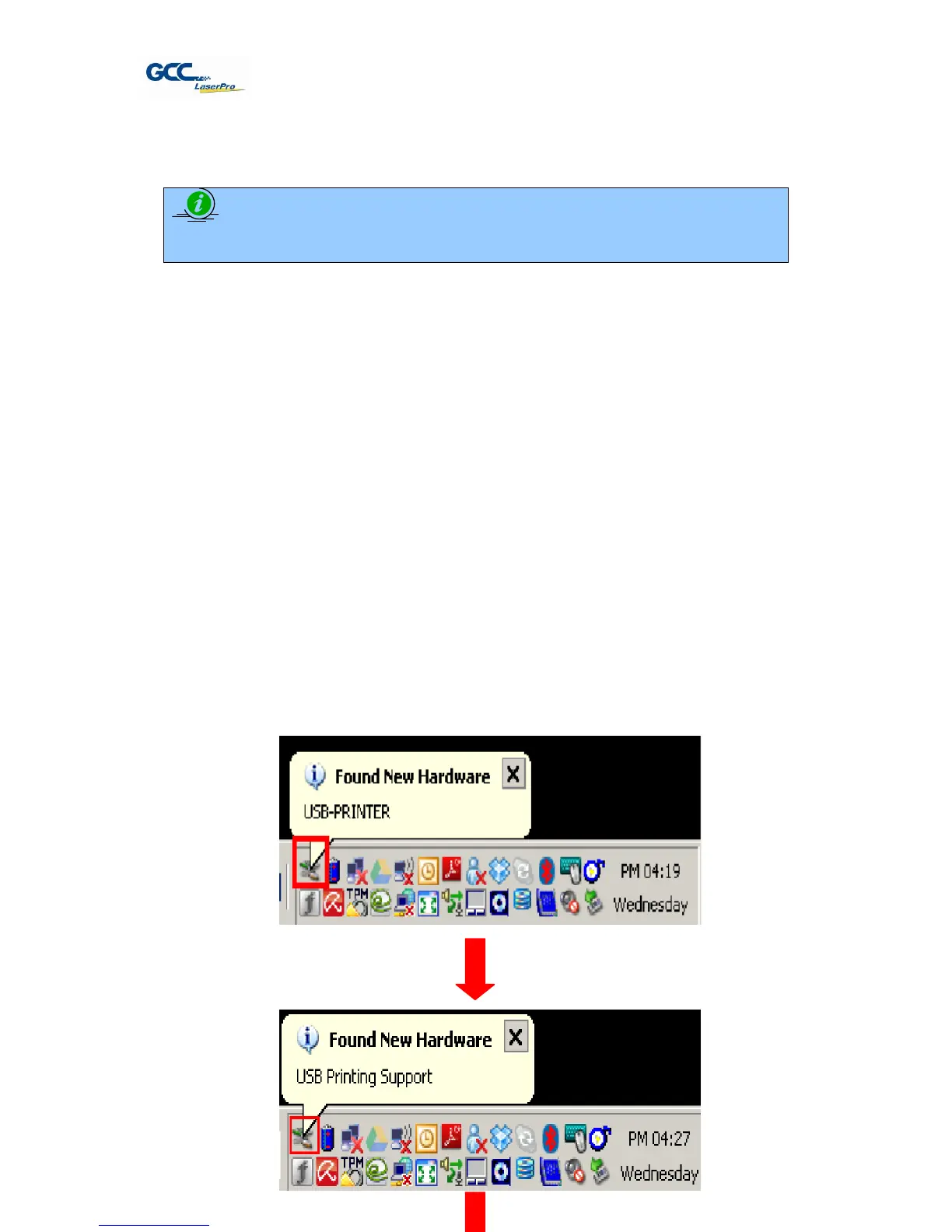
4.2.3 Installation of Common USB
When you connect computer with GCC machine by USB, the computer will detect and install a
common USB driver automatically as below procedure. It will finish all procedure within several
minutes



 To Next Page