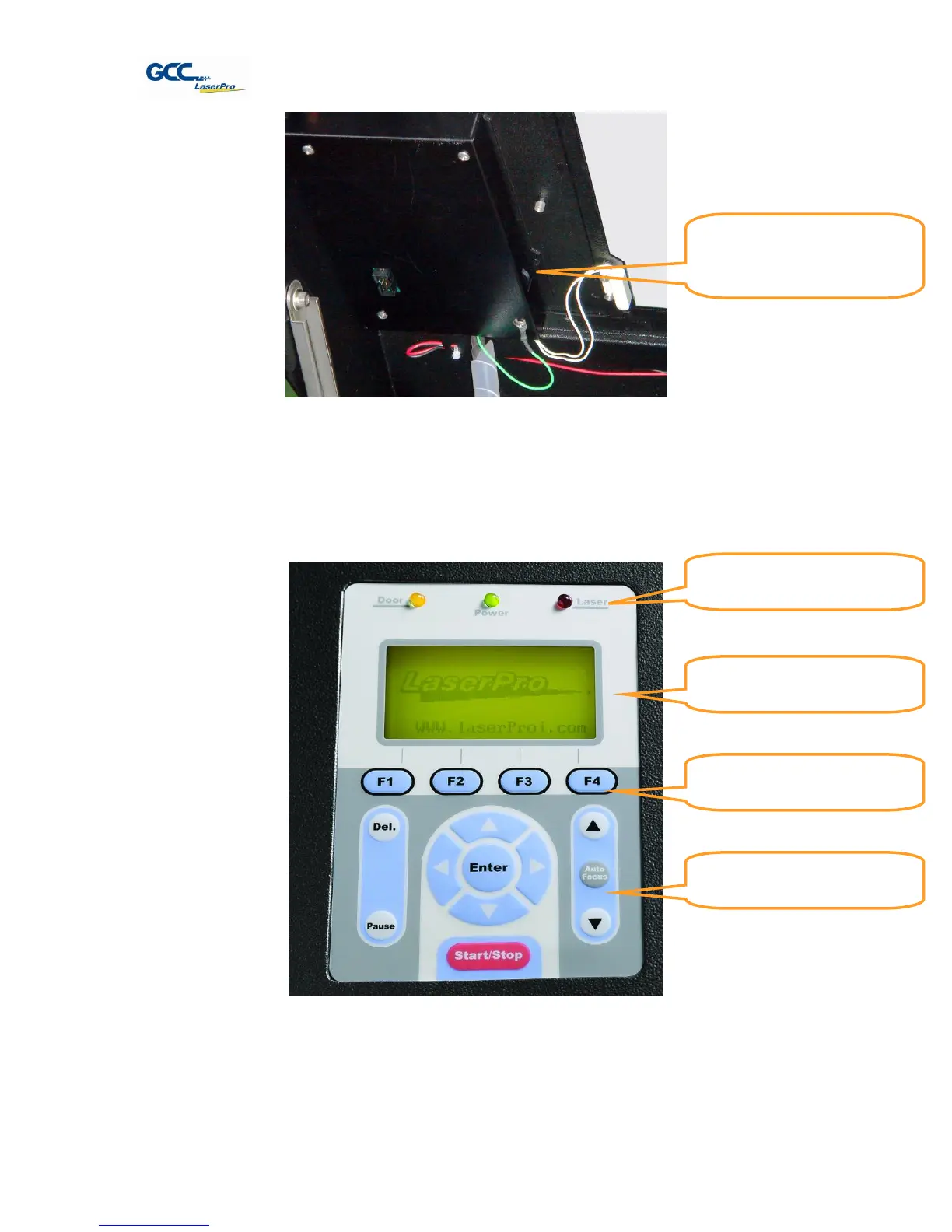
* The contrast adjustment dial is locating underneath the control panel
5.1.2 Graphic Control Panel Overview (Description)
The Control Panel
The control panel on the LaserPro X380 provides easy access to all of the manual controls
needed for cutting. The liquid crystal display (LCD), functional, directional and selection buttons
make navigating through the machine’s manual controls easy to do.
LED INDICATOR LIGHTS
Three indicator lights on the LaserPro X380’s control panel are part of the system’s safety
interlock system.
LCD Display Screen’s
Contrast Adjustment
Wheel
Directional and
Selection Buttons



 To Next Page