- 84 - 232001250G(06)
8.2 Cleaning the Optics System
8.2.1 Removing the Mirrors
We recommend you check the mirrors once or twice a week to see if they require cleaning. If any
debris or smoke residue is present, use the following steps to clean them.
NOTE
It is highly recommended you remove, clean and replace each mirror one at a
time!
Refer to section 8.2.2 on how to clean the mirrors.
The following section will detail how to access and remove each of the four mirrors found on the
LaserPro X380 for cleaning.
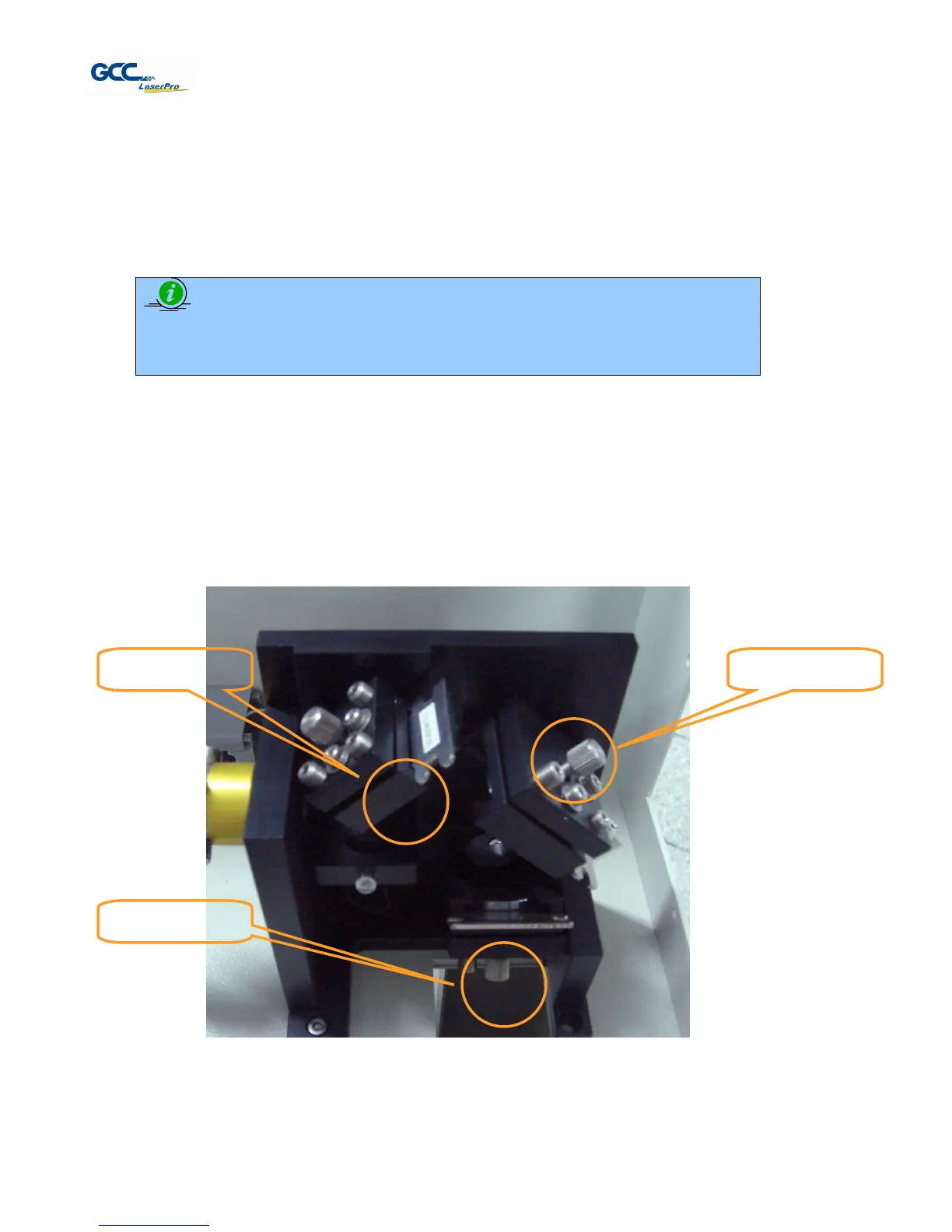
Mirror 1
This mirror is located inside the laser cabinet of the LaserPro X380.
1) Use a #2 Phillips Screwdriver to open the rear laser cabinet of the LaserPro X380.
2) Loosen the thumbscrew and remove the dust cover securing the mirror. (As shown in the
picture below).
3) Clean the lens in the proper manner.
4) Re-install the mirror after cleaning.
5) Tighten the thumbscrew.



 To Next Page