63 232001250G(06)
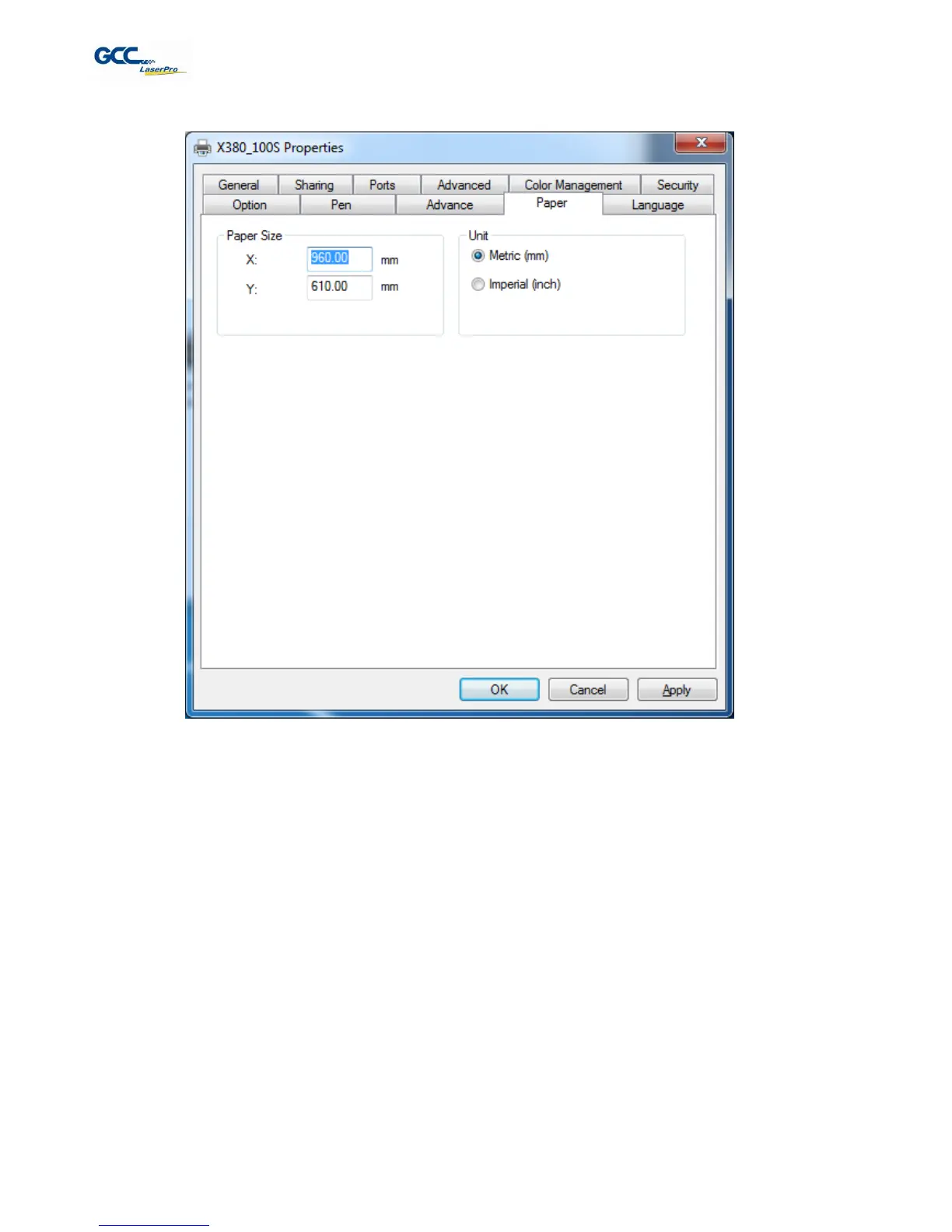
5.2.3.4 X380 Print Driver >> Paper Page
Paper Size (Paper Page)
The paper size represents your total work area. Ensure that the paper size is never set greater than the X380’s
worktable area of 36” x 24” (900mm x 600mm). The X value represents the length and the Y value represents
the width.
Unit (Paper Page)
[DEFAULT SETTING: Metric (mm)]
Here you can set your preferred measurement standard in which you would like use with the X380 print driver.
You can choose between metric or imperial standards.



 To Next Page