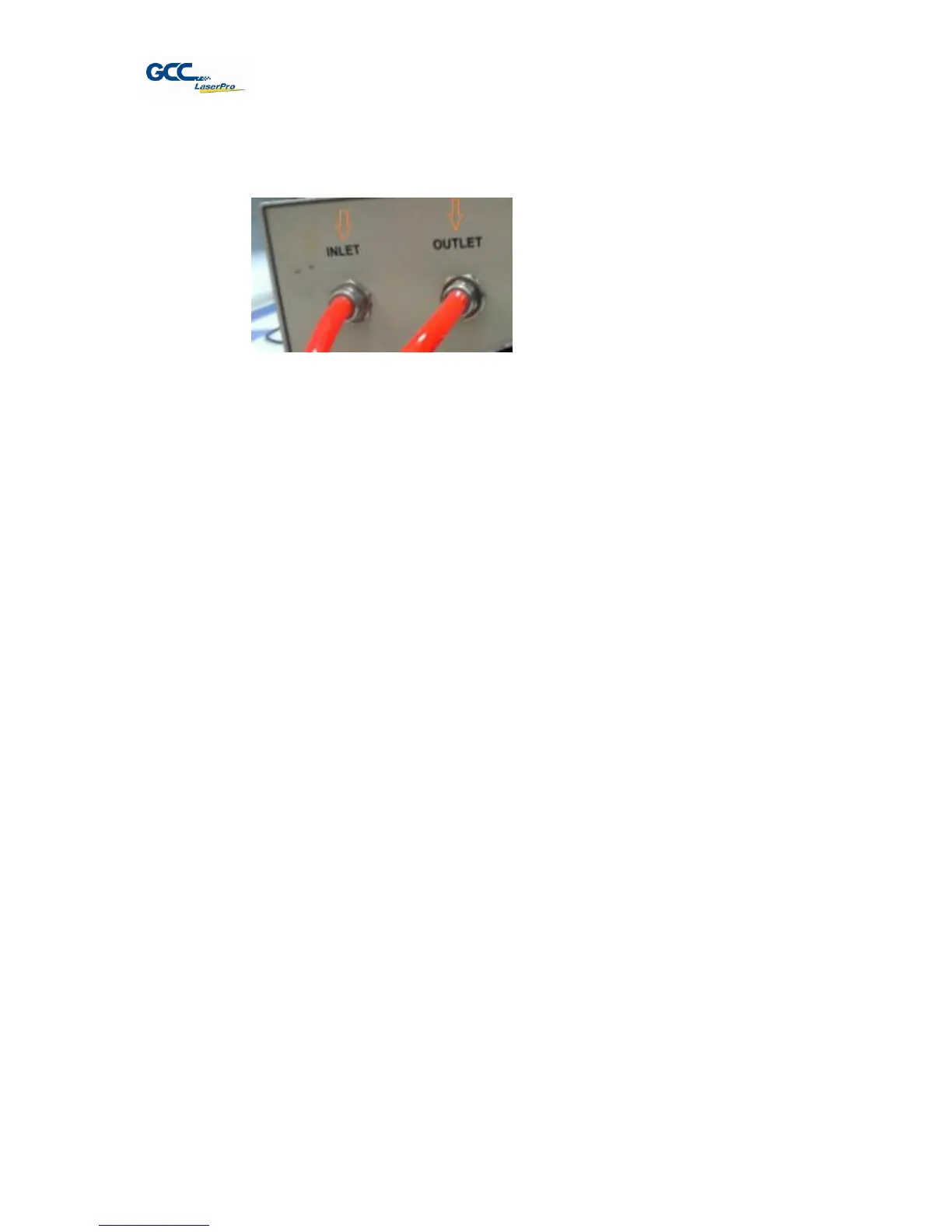
3. Connect the tubes to the water chiller system.
Chapter V - Operating the LaserPro X380
Once you have installed the LaserPro USB Driver (USB connectivity only), LaserPro Print
Driver, and have connected the LaserPro X380 to your computer, you will need to familiarize
yourself with the LaserPro X380’s control panel and LaserPro Print Driver. The print driver will
be where you spend most of your time configuring specific laser parameters for your jobs,
while the control panel will allow you to set repeat times, manipulate the file order, perform
auto / manual focusing, configure the start point, and more.
5.1 Using the Hardware
5.1.1 Adjusting the LCD Display Screen’s Contrast Setting
Depending on the lighting of your immediate work area, you may need to adjust the LCD display
screen’s contrast. You may increase or decrease the display screen’s contrast via the contrast
adjustment wheel found on the inside of the front cover on the bottom, right side. You can access
this area by opening the top window and looking inside to the near, right side of the work area (as
shown in the picture below).



 To Next Page