56 232001250G(06)
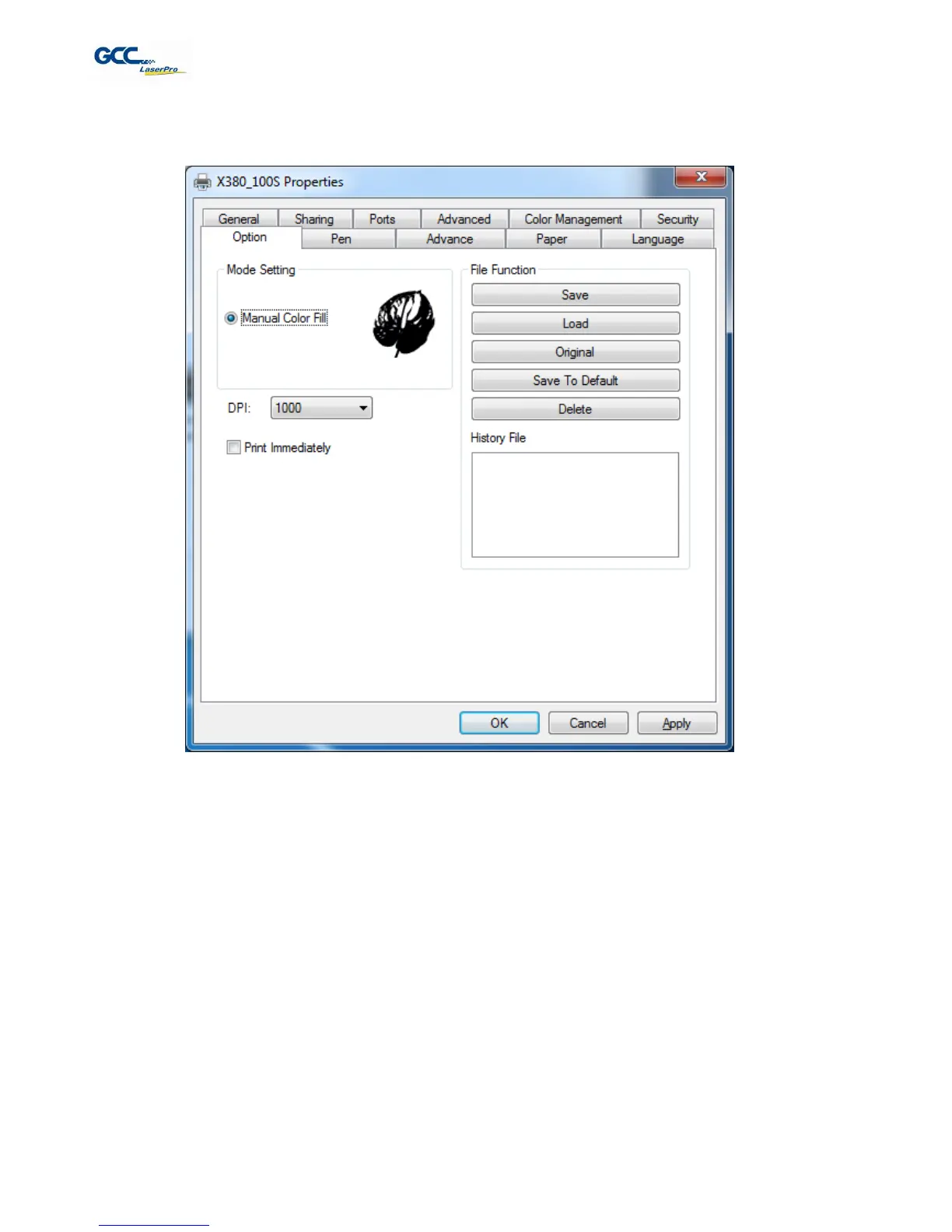
5.2.3.1 LaserPro X380 Print Driver >> Option Page
Mode Setting (OPTION PAGE)
[DEFAULT SETTING: Black & White]
Manual Color Fill: Select this mode when you would like to designate specific power and speed settings and
link them to certain colors of your image. The LaserPro X380 print driver allows a maximum of 16 pen parameters
to be set.
Print Immediately (Option Page)
[DEFAULT SETTING: Unselected]
Checking this will instruct the LaserPro X380 to immediately begin the laser process, when you select Print from
your graphic software program. If Print Immediately is not checked, then selecting Print will transfer the job file to
the LaserPro X380 system and will need to be initialized from the LaserPro X380 control panel.
File Function (Option Page):
The file function section allows you to manage various laser parameters. This section is useful when performing
repeat jobs on a variety of objects, allowing you to save your frequently used laser parameters and load them in
the future.



 To Next Page