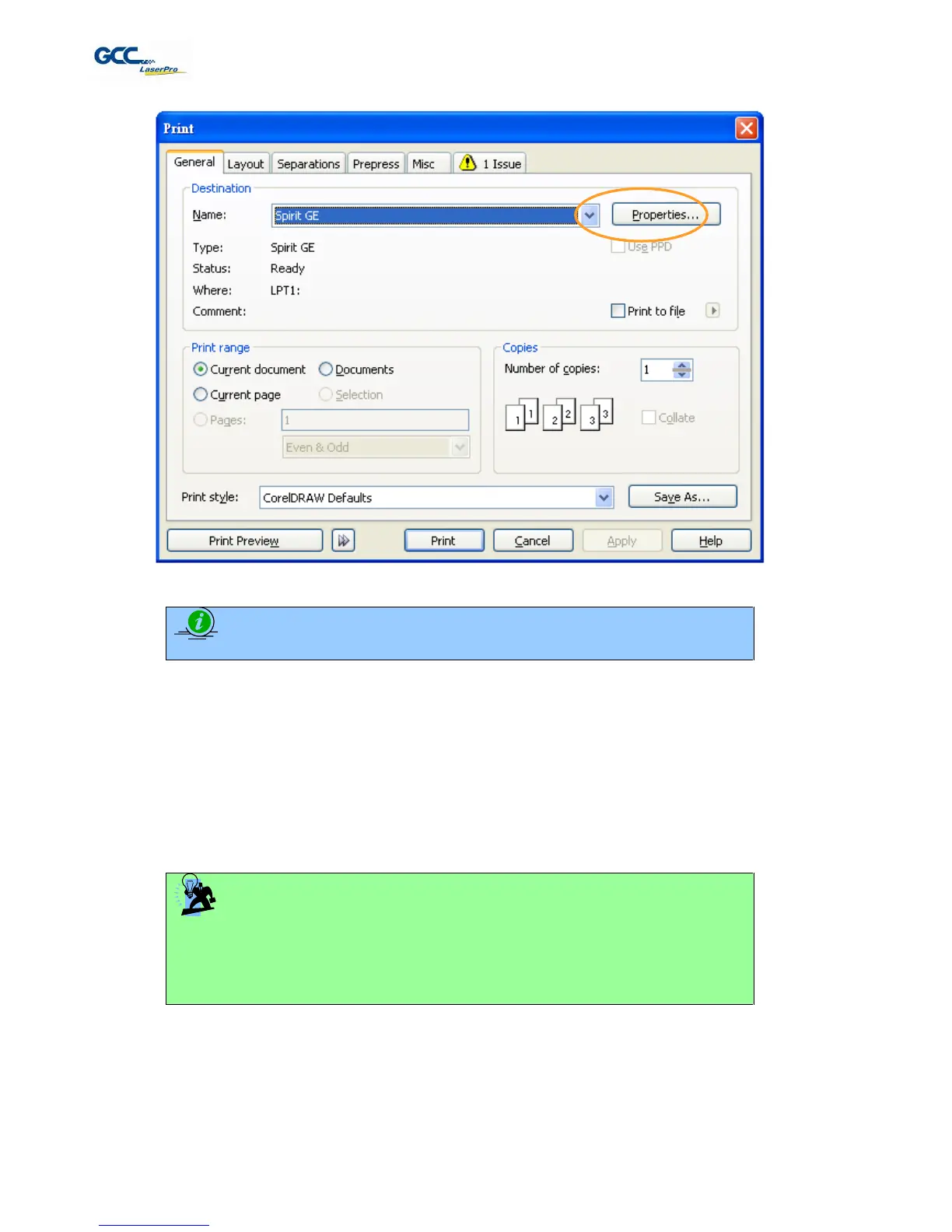
The LaserPro X380 Print Driver consists of seven primary sections (pages) in which you will be able to choose
various cutting options and settings:
Option Page
Pen Page
Advance Page
Paper Page
Language Page
TIP
The following sections describe the specific functions for each of the settings found in
the LaserPro X380 Print Driver. If you are new to laser cutting, it is recommended that
you first familiarize yourself with the general principals of the laser process in Section 6,
especially the Vector Cutting concepts. This will make it easier to understand the
various descriptions and terminology used in this section.



 To Next Page