74 232001250G(06)
7.2 Air Compressor Option
Specifically designed for laser engravers, the air compressor utilizes an oil-free diaphragm. The air compressor
helps eliminate harmful and potentially damaging moisture from the laser optics, maximizing laser optic life. In
addition the air compressor provides the optimal air flow to the SmartAIR nozzles to minimize flaming, suppress
working temperatures, and blow away dust and particle byproducts generated from the laser process.
INSTALLATION:
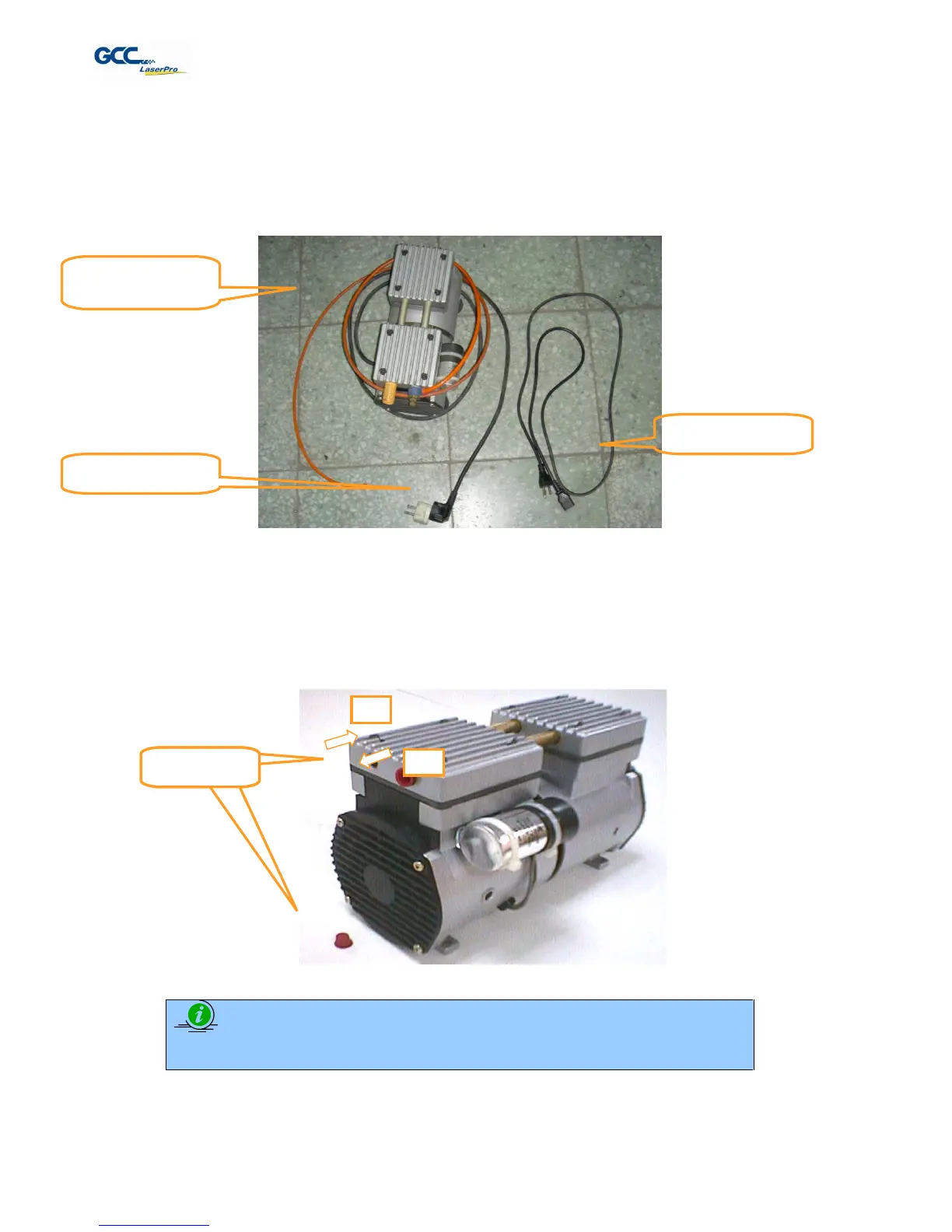
1) Remove the plugs on the air compressor to expose the air inlets.
2) Fasten the included air tube fastener valve to the outgoing air inlet (indicated by 2a) and the air filter
into the ingoing air inlet (indicated by 2b).
3) Connect a ¼” tubing to the air tube fastener valve on the air compressor.
NOTE
It is important that the ¼” air tubing has clean, straight cuts on each end. Jagged or
slanted cuts will not produce adequate sealing capabilities.



 To Next Page