61 232001250G(06)
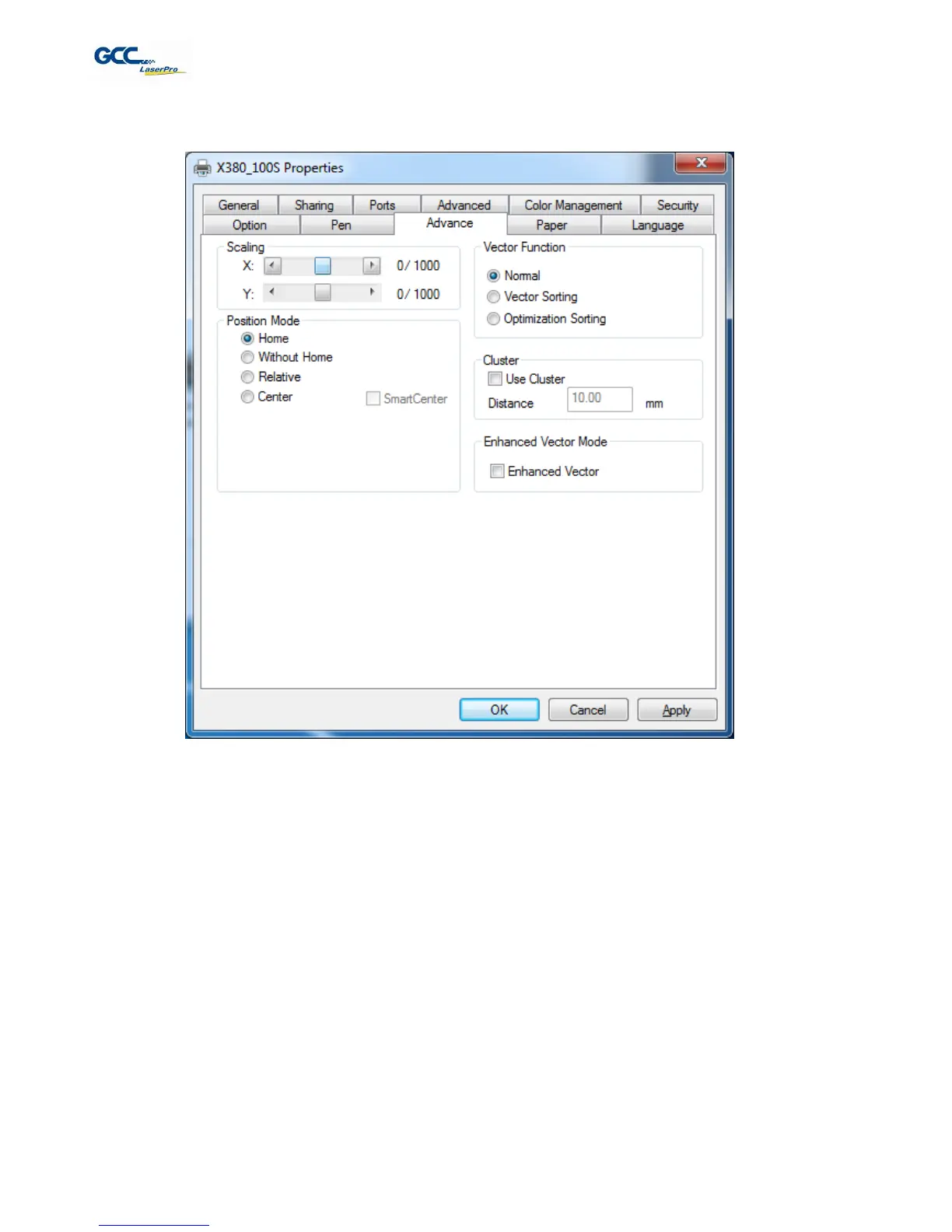
5.2.3.3 X380 Print Driver >> Advance Page
Scaling (Advance Page)
[DEFAULT SETTING: 0]
In some cases you may find a slight output inaccuracy in the actual output compared to what you have set in
the computer. This margin of error or offset is extremely small (approximately 1/300). What this means that
there may be a 1-unit offset for every 300 unit increments. As an example, if you engrave a 300mm straight line,
it may end up measuring only 299mm or 301mm in the final output. In this case, you will want to set the scaling
setting to +1 / 1000 or -1 / 1000, respectively to compensate. A general rule of thumb is for every 300 unit
increment, you will want to adjust the slider by +1 if the final output is 1 unit increment shorter or -1 if the final
output is 1 unit increment longer than your graphic design setting.
Position Modes (Advance Page)
[DEFAULT SETTING: Home]
These selections allow you to control the positioning of the laser head after each job completion and before the
next subsequent job.
Home: Resets the positioning of the laser head to the ‘home position’ (upper-right) before and after each
job.



 To Next Page