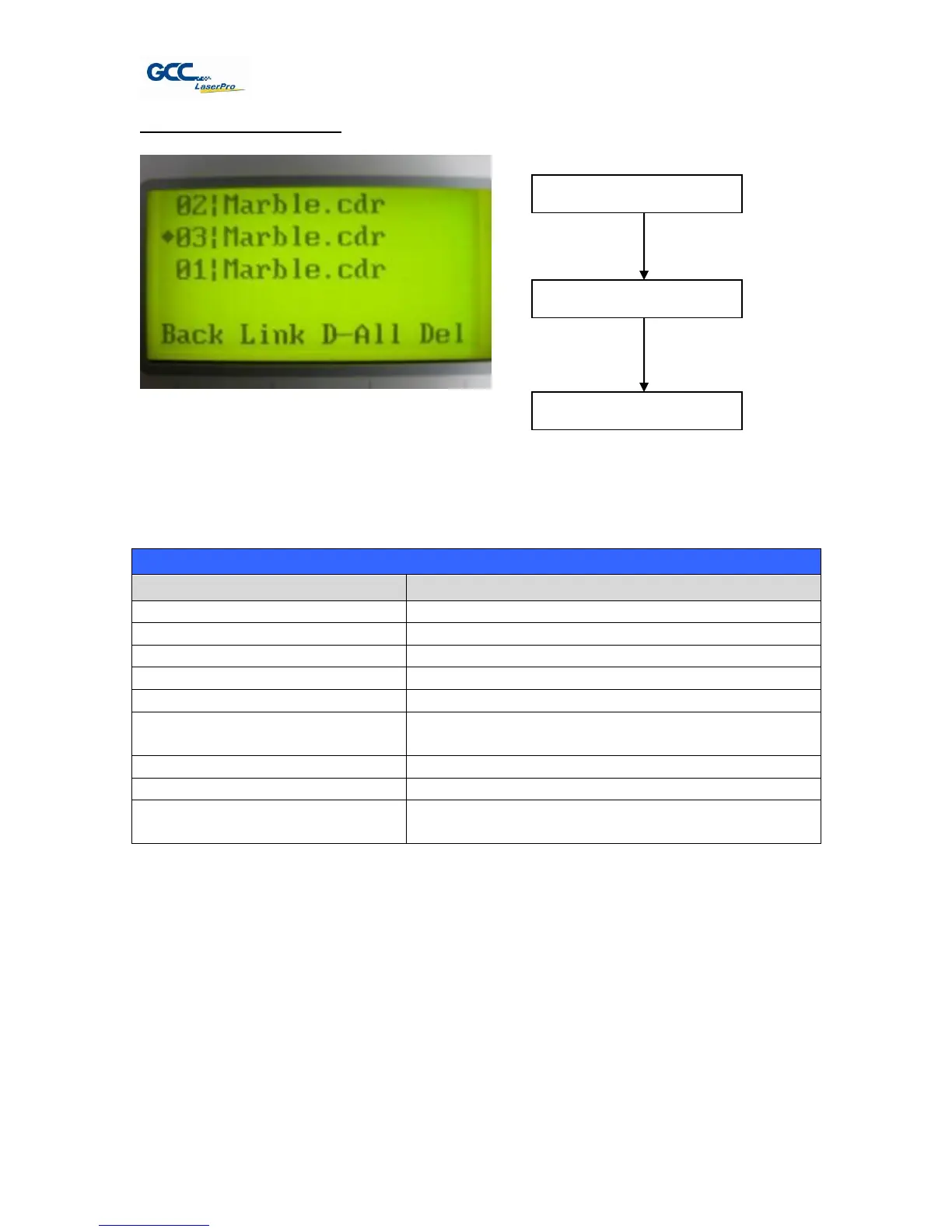
File Management Page
The File Management Page allows you to manage the files that you have loaded onto the
LaserPro X380. You can scroll through your jobs, delete a selected job, delete all jobs, and go to
the Link/DLink Page to set and arrange multiple loaded jobs into a single job queue for
processing.
Go to the Link/DLink Page
Scroll through your loaded jobs
Go to the File Information Page for the selected
job
Go to the Main Work Page for the selected job
Initiate the auto focus function
▲ / ▼ Manual Focus Buttons
Manually adjust the height of the work table (Z-
axis)
☼ Navigating to this page:
Select <File Management>
from the menu



 To Next Page