Overview
11
Battery charging
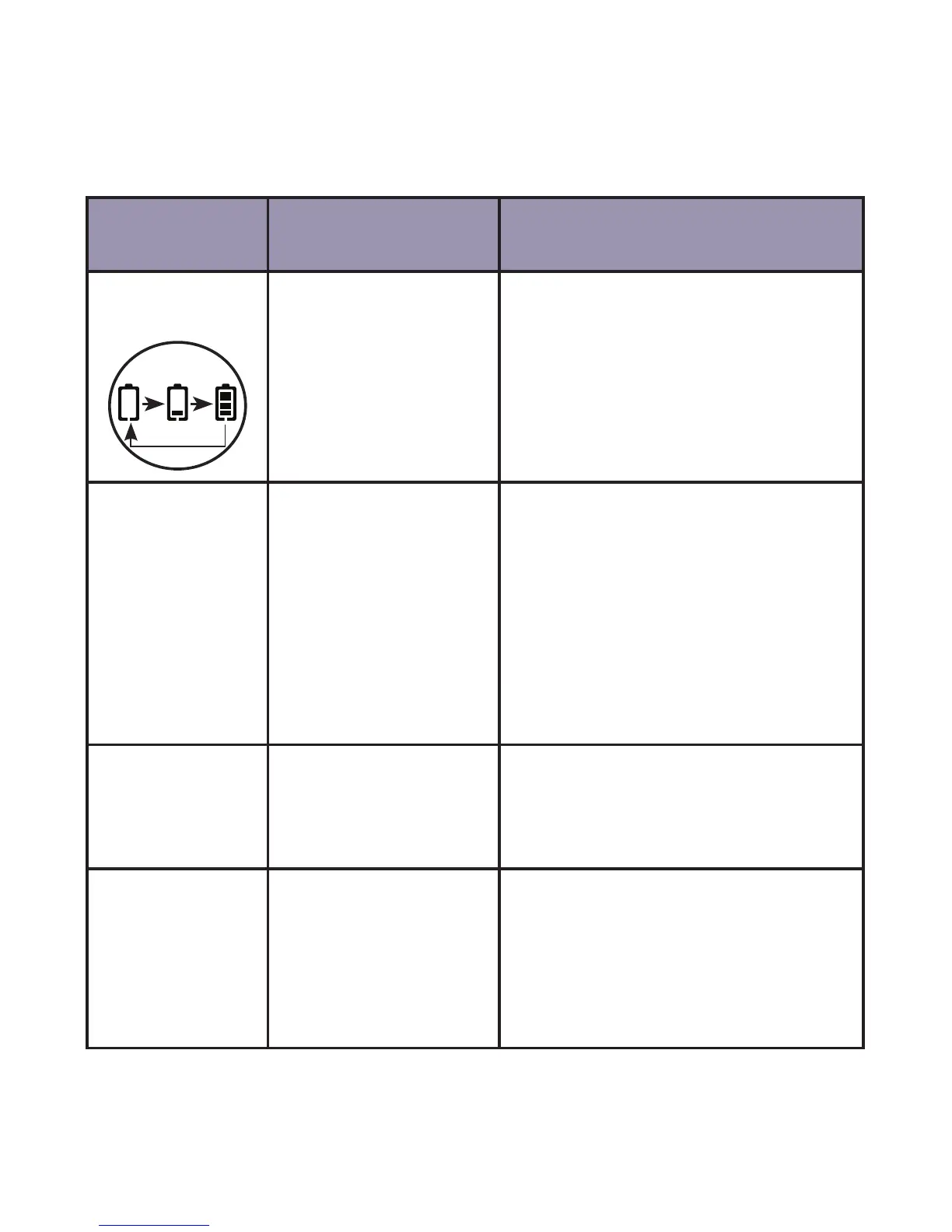
The following table summarizes the battery charge indicators and
what actions need to be taken.
Battery
indicators
Battery status Action
Battery icon is
scrolling.
Battery is charging. Keep the handset in the telephone
base or charger when not in use.
Battery icon is
on steadily.
Battery is completely
charged.
The handset is ready for use.
It will take approximately 2 hours
for the battery icon to indicate a
full charge even if the handset is
only removed from the telephone
base or charger for a short time
and replaced. This is a normal
operation and does not indicate a
battery issue.
Battery icon is
empty and the
screen shows
LOW BATTERY.
Battery is low. Place the handset in the telephone
base or charger to charge without
interruption (at least 30 minutes)
before use.
The screen is
blank.
Battery has no
power while the
handset is out of the
telephone base or
charger.
Place the handset in the telephone
base or charger for at least 16
hours without interruption. See
troubleshooting on page 45 for
help if the screen remains blank
after charging.



 To Next Page