26
Clock and alarm
Date and time
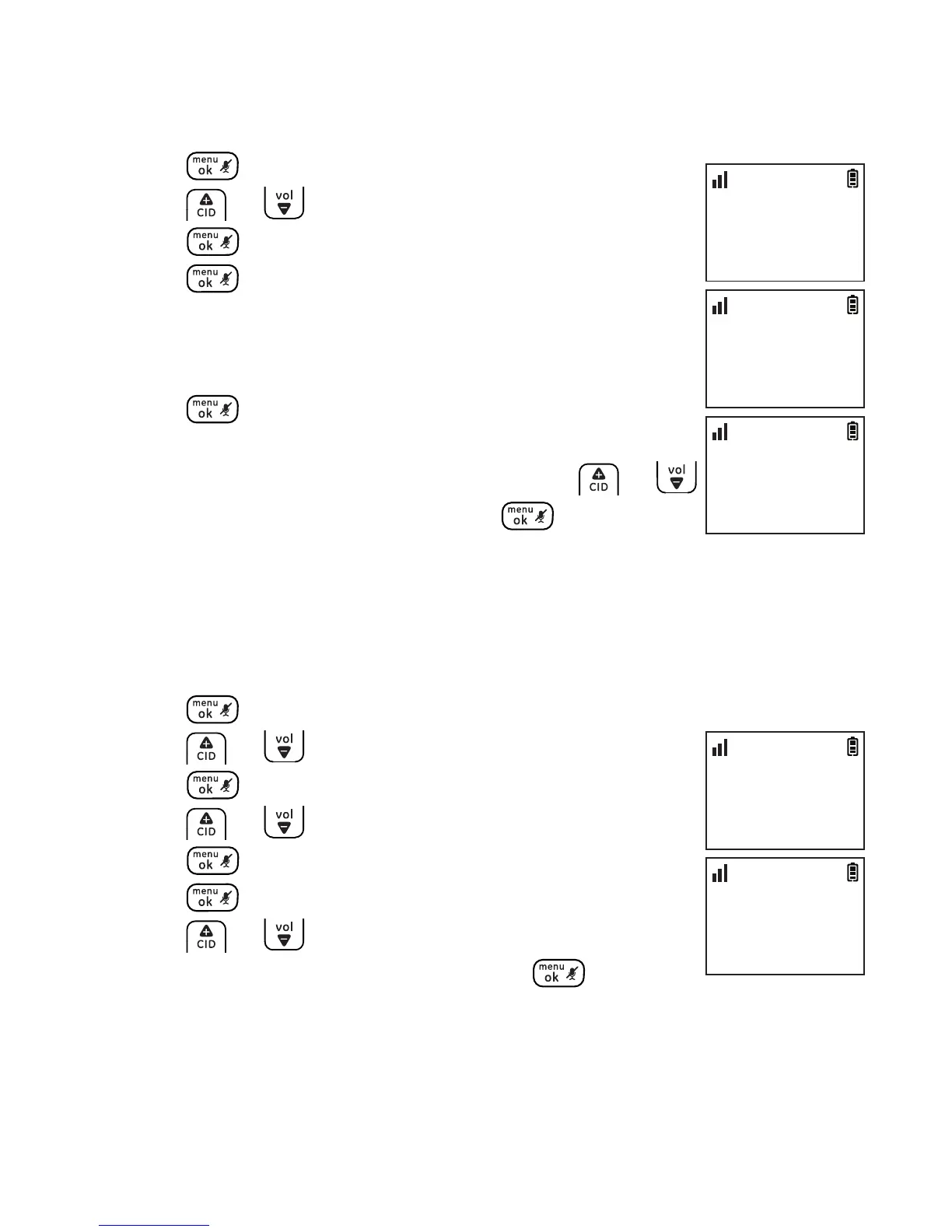
You can set the date and time of the telephone system as follows.
1. Press .
2. Press or to select CLOCK & ALARM and then
press .
3. Press again to select SET DATE/TIME.
4. Enter the current month, day and year. For example,
May 16, 2010 should be entered as [0], [5], [1], [6], [1],
[0].
5. Press to conrm.
6. Enter the current hour and minute. For example, 9:30
should be entered as [0], [9], [3], [0]. Press or
to select AM or PM and then press to conrm.
Time format
The display format of time can either be selected as 12 hour or 24 hour.
The default setting is 12 hour. To change your setting:
1. Press .
2. Press or to select CLOCK & ALARM and then
press .
3. Press or to select SET FORMAT and then
press .
4. Press again to select TIME FORMAT.
5. Press or to select the desired setting (12
HOURS or 24 HOURS) and then press to
conrm.
CLOCK & ALARM
>SET DATE/TIME
10:30
PM
11/20
SET DATE
05/16/10
10:30
PM
11/20
SET TIME
09:30 PM
10:30
PM
11/20
CLOCK & ALARM
>SET FORMAT
10:30
PM
11/20
SET FORMAT
>TIME FORMAT
10:30
PM
11/20



 To Next Page