Getting started
5
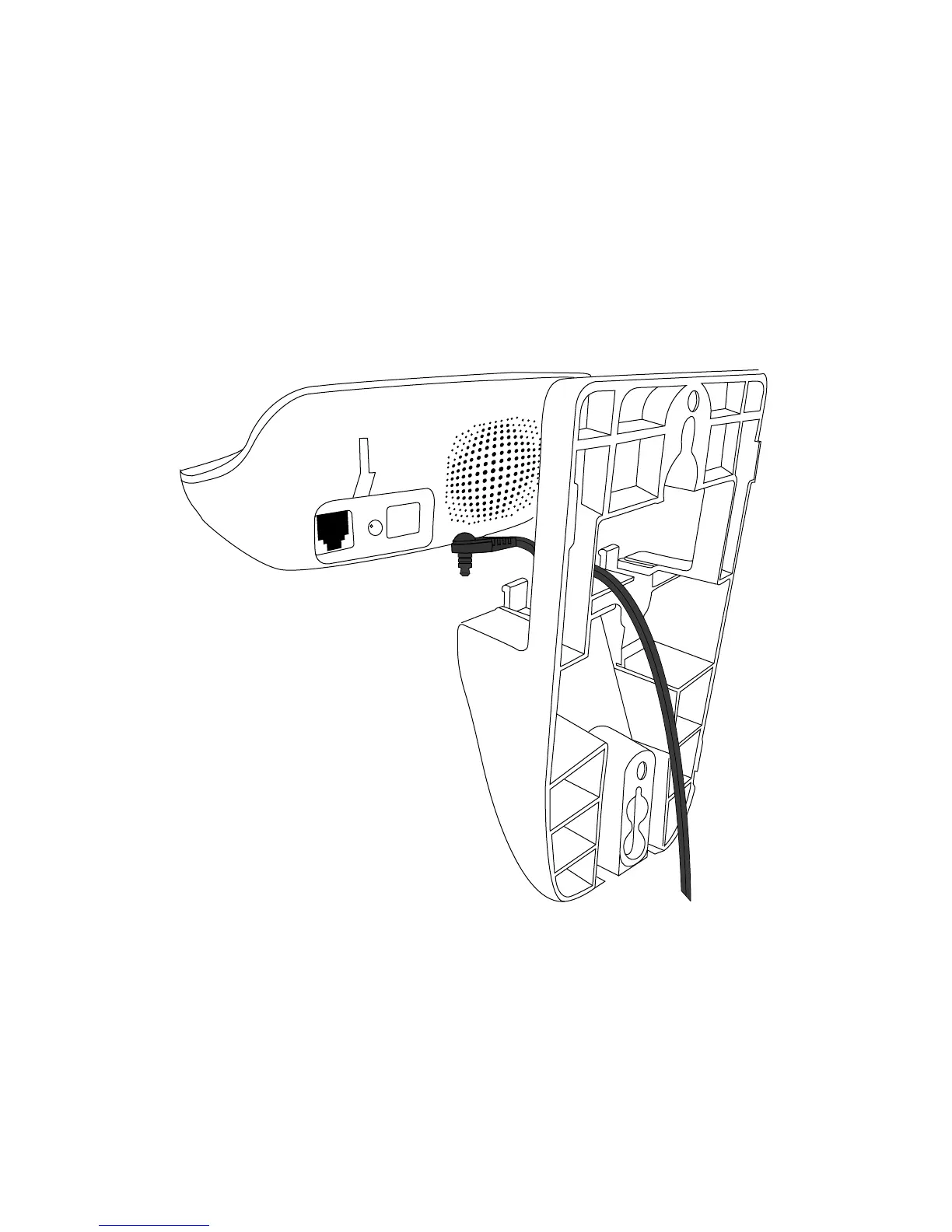
Wall mount installation
The telephone comes ready for desktop use. If you want to mount your
telephone on the wall, follow the steps below.
1. Make sure the telephone line cord is unplugged from the modular
jack and the power adapter cord is unplugged from the electrical
outlet before installation.
2. Thread the power cord through the center cut out of the wall
bracket as shown below.



 To Next Page