22
Base settings
Base ringer melody
You can select from 5 ringer tones.
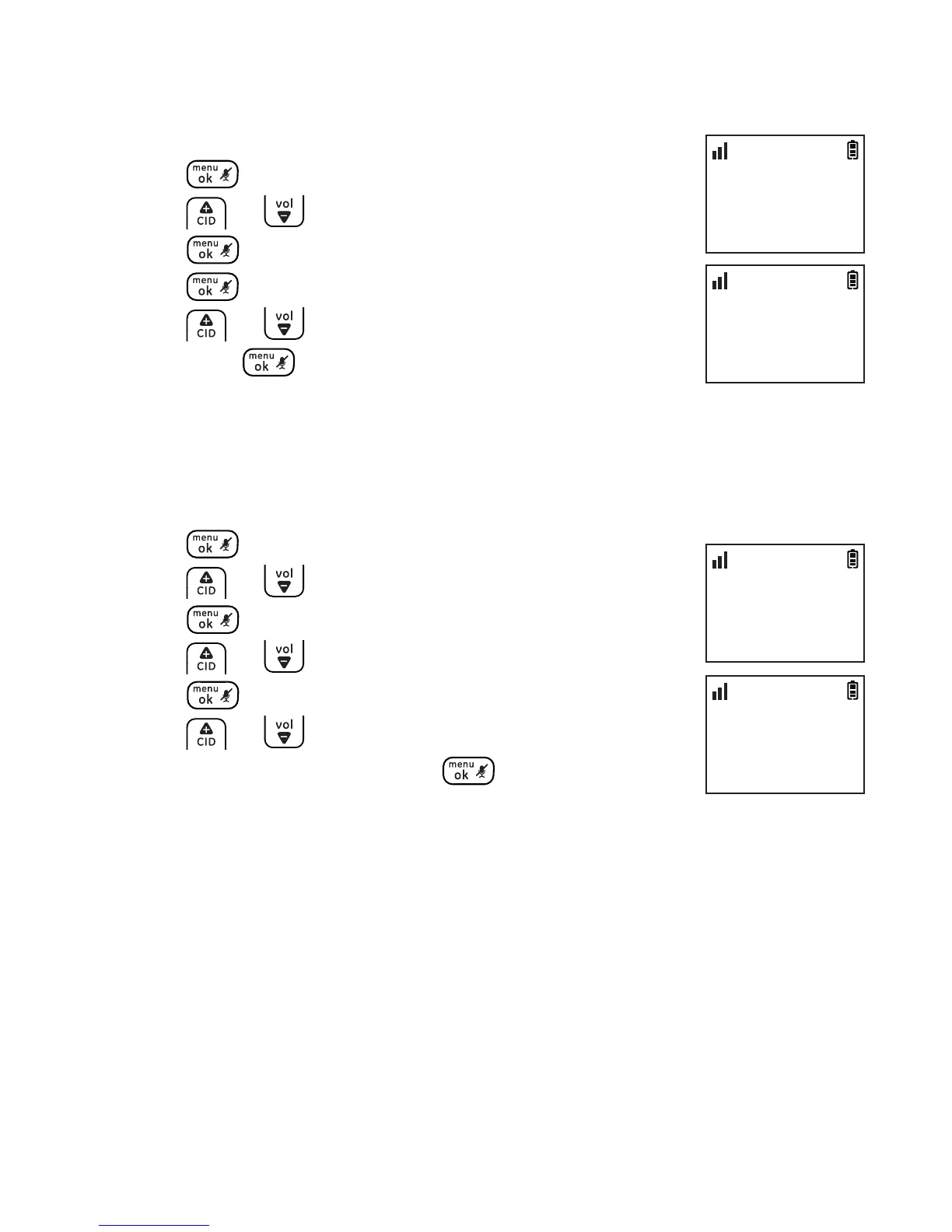
1. Press .
2. Press or to select BASE TONES and then
press .
3. Press again to select BASE MELODY.
4. Press or to select the desired setting and
then press to conrm.
Base ringer volume
You can set the telephone base ringer volume from level 1 to level 5 or
turn the ringer o.
1. Press .
2. Press or to select BASE TONES and then
press .
3. Press or to select BASE VOLUME and then
press .
4. Press or to select the desired setting (LEVEL
1 to 5 or OFF) and then press to conrm.
BASE VOLUME
>LEVEL 2
10:30
PM
11/20
BASE TONES
>BASE VOLUME
10:30
PM
11/20
BASE TONES
>BASE MELODY
10:30
PM
11/20
BASE MELODY
>MELODY 1
10:30
PM
11/20



 To Next Page