Handset settings
21
Equalizer
This feature allows you to change the balance of the audio of the
handset to best suit your hearing.
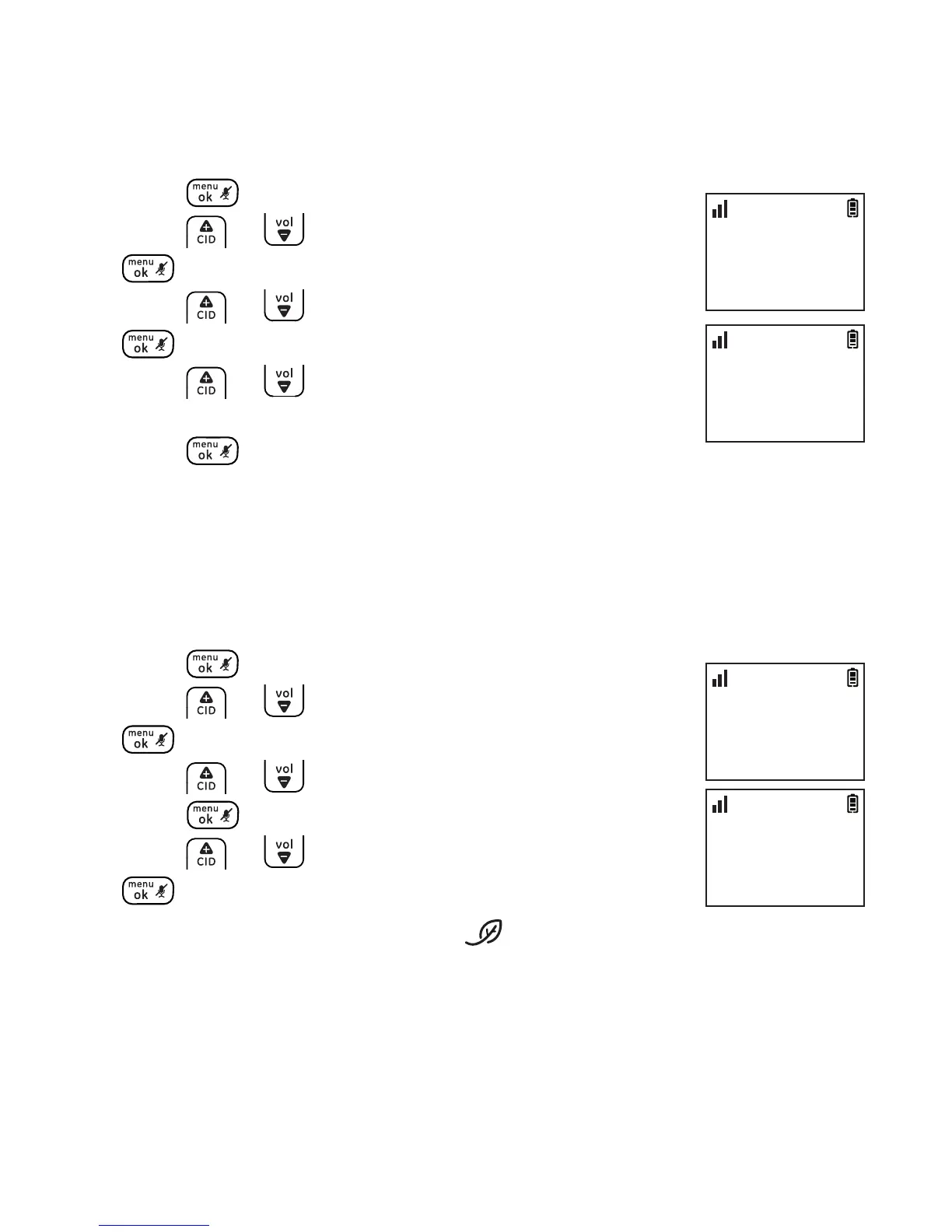
1. Press .
2. Press or to select SETTINGS and then press
.
3. Press or to select EQUALIZER and then press
.
4. Press or to select from NATURAL, BASS or
TREBLE.
5. Press to conrm.
Energy save
This feature enables the handset to operate in energy saving mode.
With this feature turned on, the handset will automatically turn the
handset backlight o and adjust the ringer volume to level 2.
1. Press .
2. Press or to select SETTINGS and then press
.
3. Press or to select ENERGY SAVE and then
press .
4. Press or to select ON or OFF and then press
to conrm.
NOTE: When ENERGY SAVE is turned on, the icon shows on the handset screen.
SETTINGS
>ENERGY SAVE
10:30
PM
11/20
ENERGY SAVE
>ON
10:30
PM
11/20
SETTINGS
>EQUALIZER
10:30
PM
11/20
EQUALIZER
>NATURAL
10:30
PM
11/20



 To Next Page