42
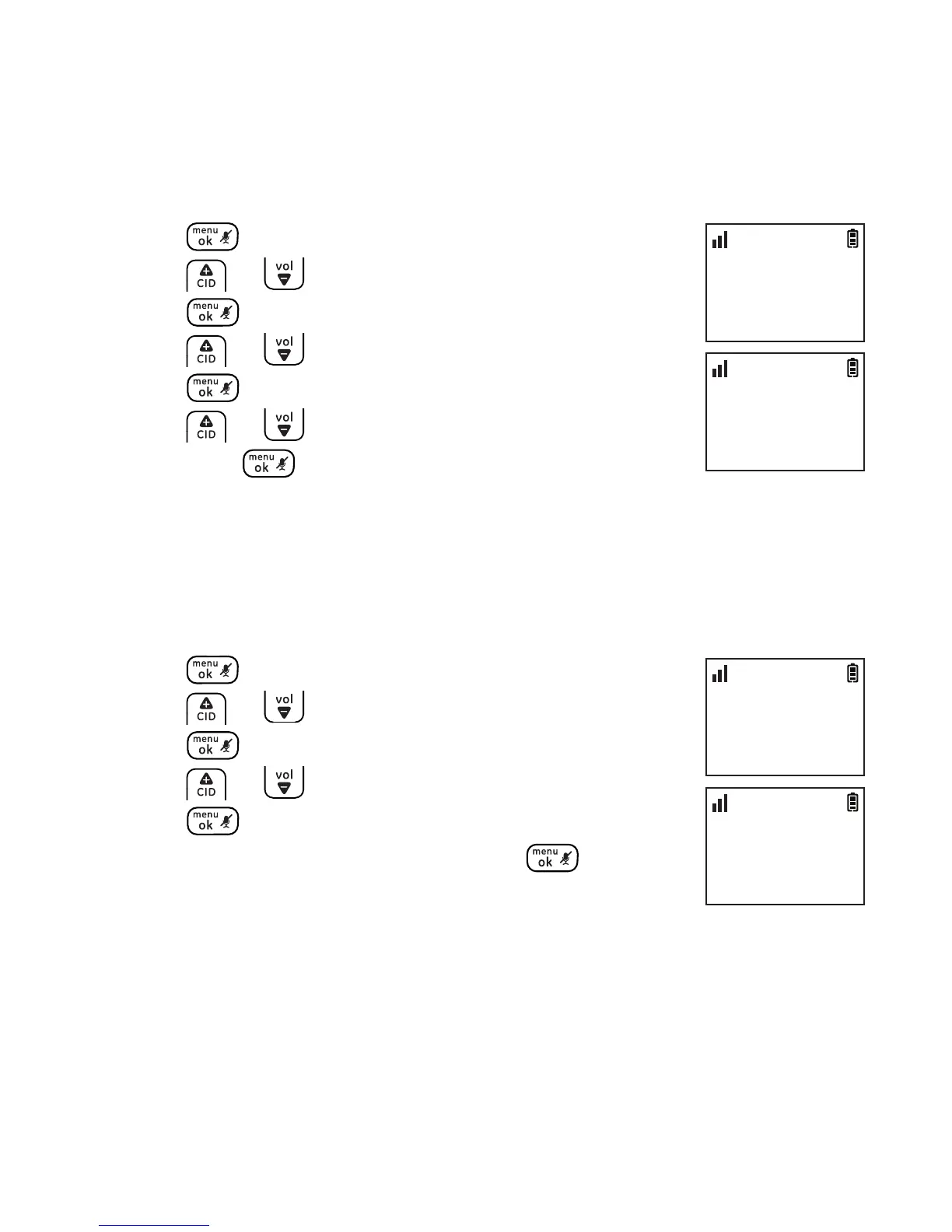
Dialing mode
The default dialing mode is TONE for touch tone dialing. If you have
pulse or rotary service, you can change this setting to accommodate
your telephone line service.
1. Press .
2. Press or to select ADV SETTING and then
press .
3. Press or to select DIAL MODE and then
press .
4. Press or to select the desired setting and
then press to conrm.
Programming your area code (optional)
If you program your area code, the caller ID history displays only seven
digits of the telephone numbers from your area code.
To set the area code:
1. Press .
2. Press or to select ADV SETTING and then
press .
3. Press or to select AREA CODE and then
press .
4. Enter your area code and then press to
conrm.
Advanced settings
ADV SETTING
>DIAL MODE
10:30
PM
11/20
DIAL MODE
>TONE
10:30
PM
11/20
ADV SETTING
>AREA CODE
10:30
PM
11/20
AREA CODE
_
10:30
PM
11/20



 To Next Page