Appendix
61
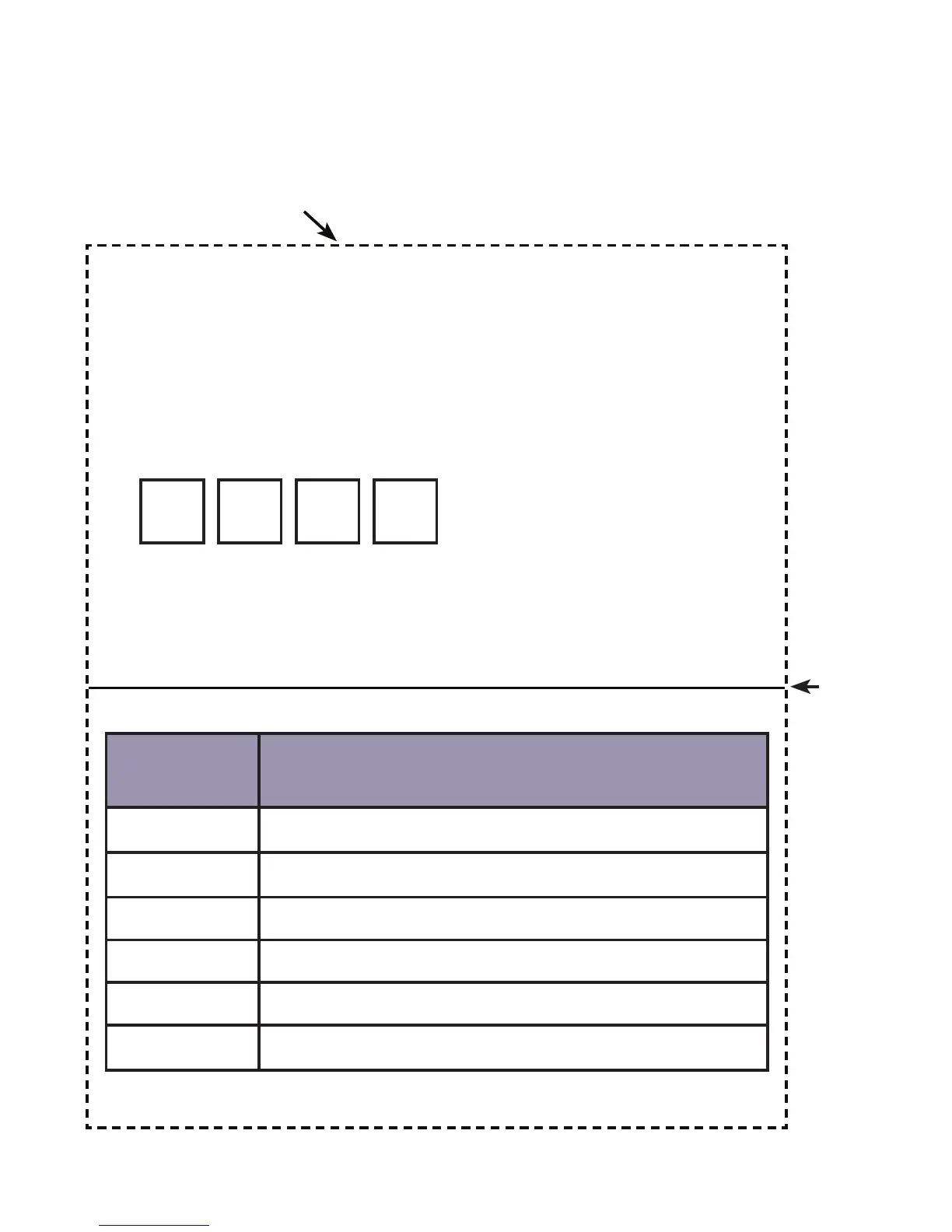
Remote access operation card
The remote access card below lists the commands needed to operate
your answering system remotely from any touch-tone telephone.
Remote access operation card
1. Call your telephone number from a touch-tone
telephone.
2. Press # when you hear your outgoing announcement.
3. Enter your security code (default is 0000).
Security code:
4. After the beep, the system will start playing messages.
NOTE: For more details about remote access operation, refer
to page 41 of the user’s guide.
Remote access commands
Touch-
tone keys
Remote command
1 Replay the current or previous message.
2 Play/stop messages.
3 Skip to the next message.
4 Turn the answering system on or o.
7 Listen to the main menu.
0 Delete the current message.
Cut along dotted line
Fold
here



 To Next Page