Answering system
39
Message playback using the telephone base
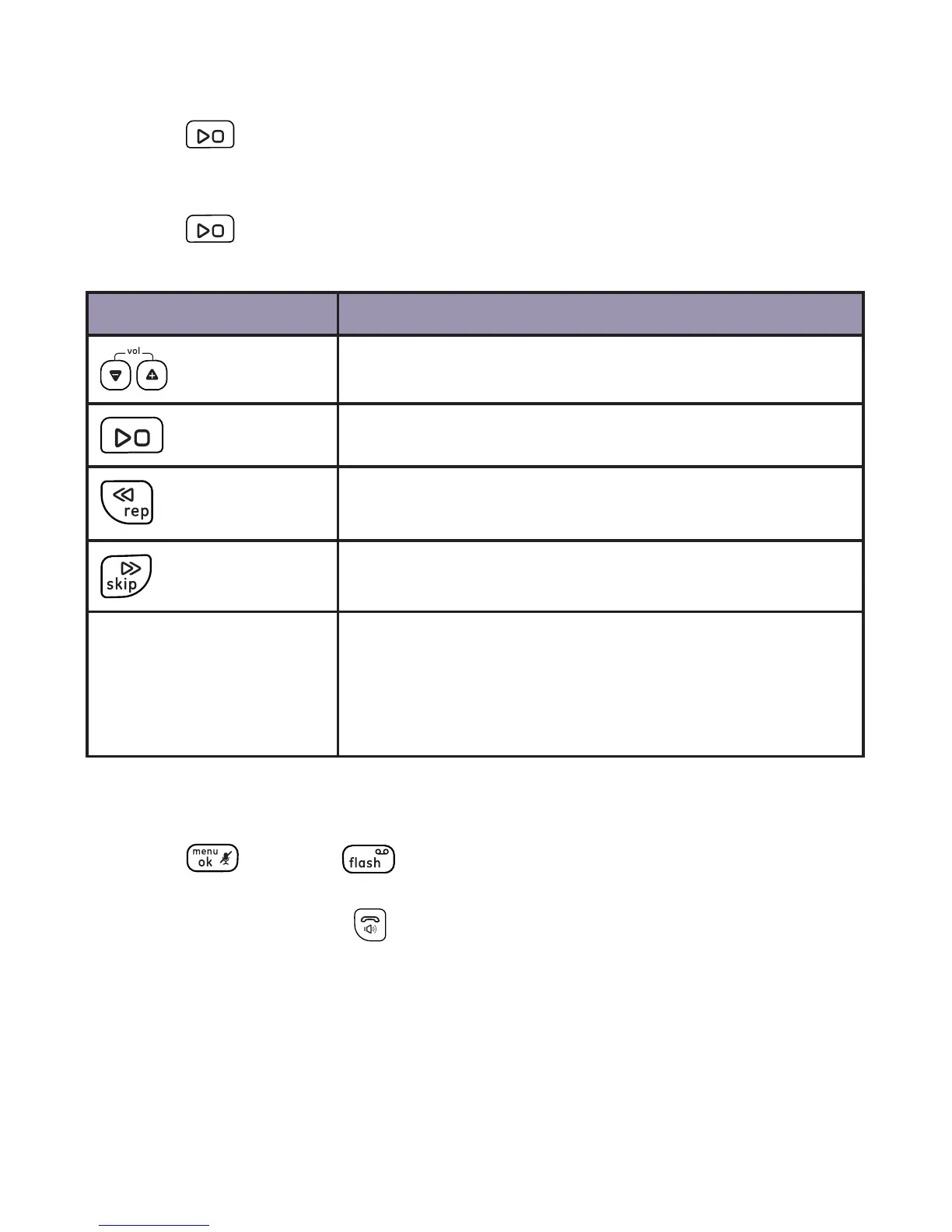
1. Press on the telephone base to listen to the messages.
2. The system announces the number of messages and date and time
when the message was recorded.
3. Press again to stop the playback.
Options during playback
Key Operation
Press to adjust the listening volume.
Press to playback or stop messages.
Press to repeat a message. Press twice to
play the previous message.
Press to skip to the next message.
del Press during playback to delete the current
message.
Press and hold in idle mode to delete all old
messages.
Message playback using the handset
To listen to messages on a handset:
1. Press twice or when the handset is in idle mode. Your
messages will automatically be played back through the handset
speakerphone. Press to listen to your messages privately
through the handset.
2. The following message options are available during playback:
• REPEAT: Press 1 to repeat the currently playing message.
• STOP: Press 2 to pause the message currently playing, press 2
again to resume playing.
• SKIP: Press 3 to listen to the next message.
• DEL: Press del/int to delete the currently playing message.



 To Next Page