Block list
24
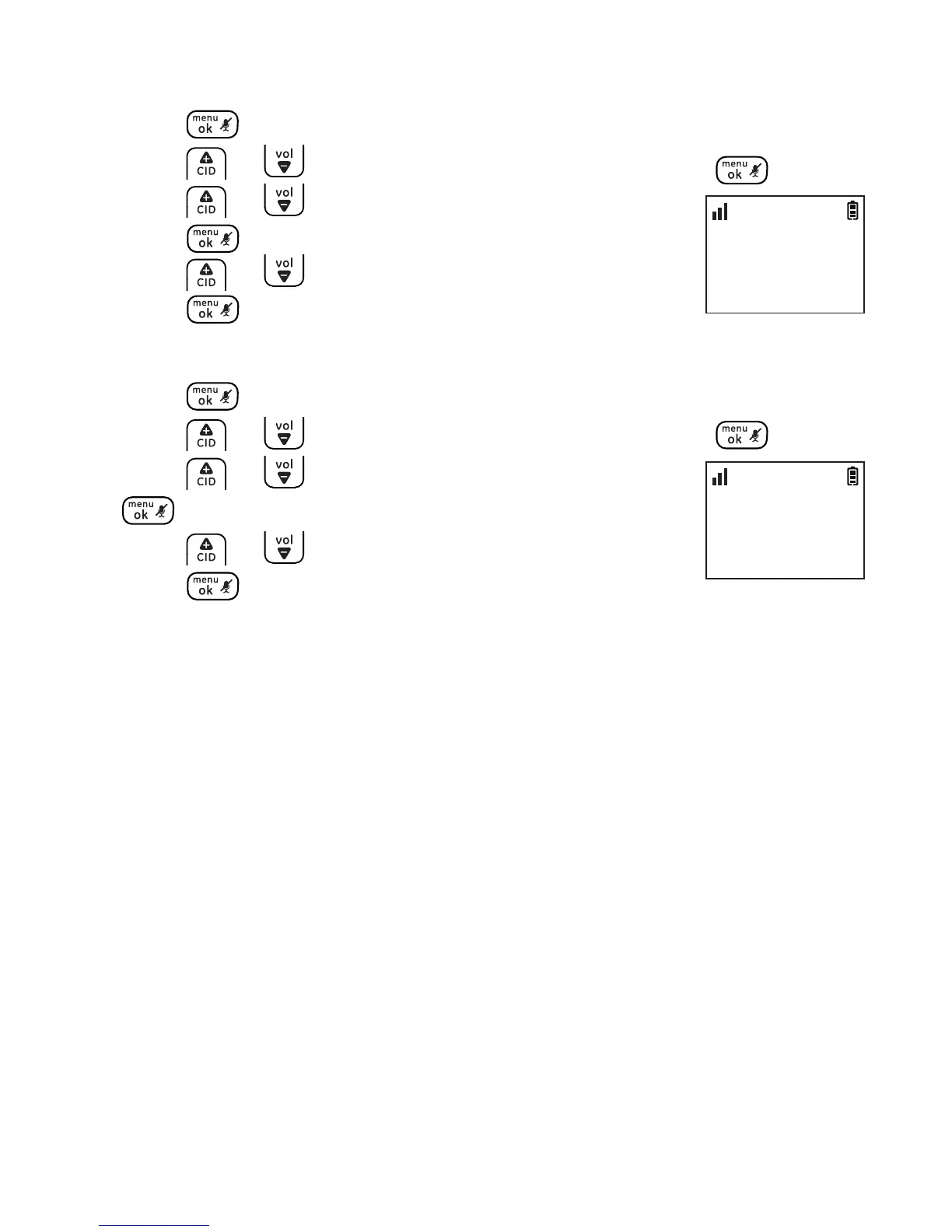
To delete an entry
1. Press .
2. Press or to select BLOCK LIST and then press .
3. Press or to select the desired entry and then
press .
4. Press or to select DELETE ENTRY and then
press 3 times to conrm.
To delete all entries
1. Press .
2. Press or to select BLOCK LIST and then press .
3. Press or to select any entry and then press
.
4. Press or to select DELETE ALL and then
press twice to conrm.
BLOCK LIST
>DELETE ENTRY
10:30
PM
11/20
BLOCK LIST
>DELETE ALL
10:30
PM
11/20



 To Next Page