Clock and alarm
27
Date format
The display format of date can either be selected as Month/Day or
Day/Month. The default setting is Month/Day. To change your setting:
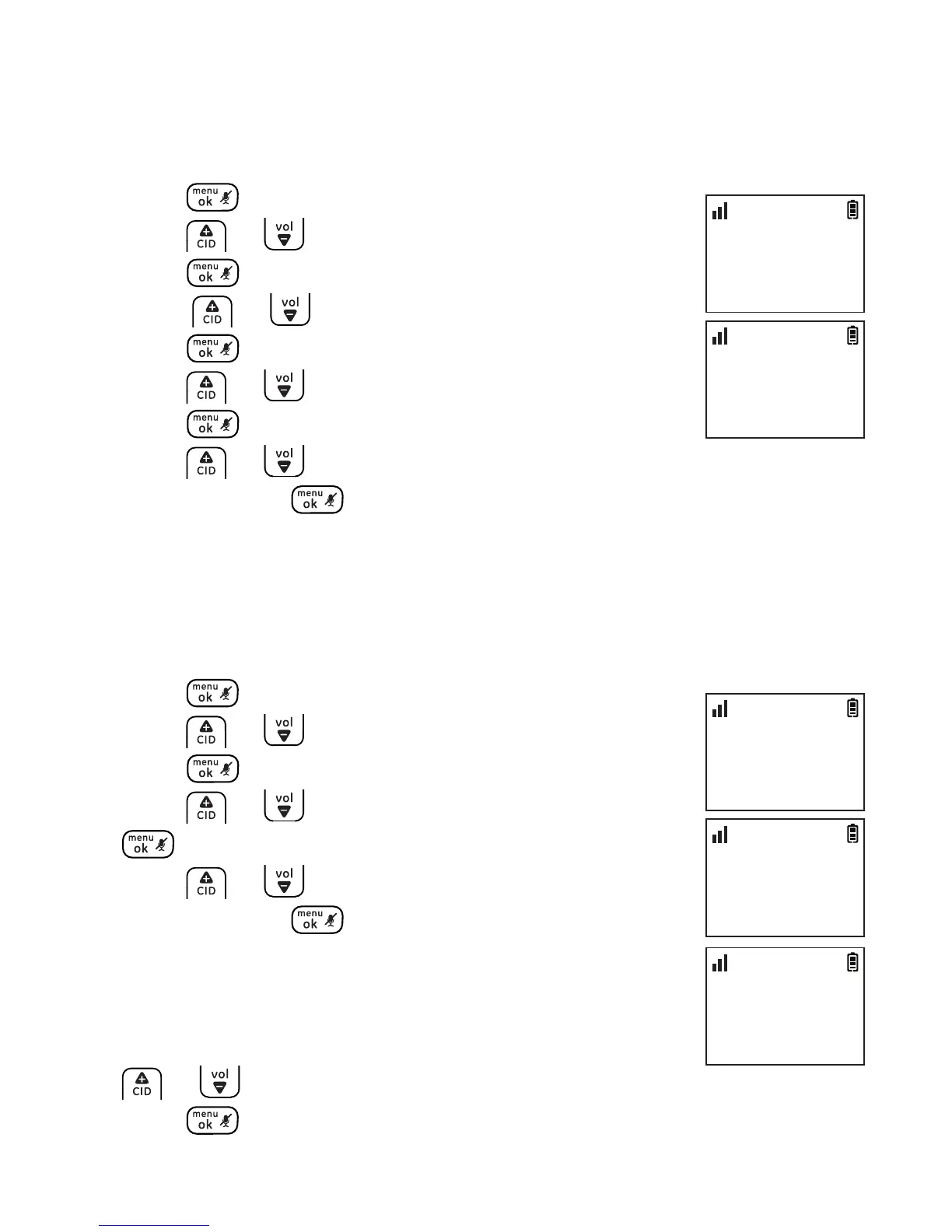
1. Press .
2. Press or to select CLOCK & ALARM and then
press .
3. Press or to select SET FORMAT and then
press .
4. Press or to select DATE FORMAT and then
press .
5. Press or to select the desired setting (MM/DD or DD/MM)
and then press to conrm.
Alarm
The alarm can be programmed to sound once or daily for one minute.
The alarm setting is independent to each handset.
1. Press .
2. Press or to select CLOCK & ALARM and then
press .
3. Press or to select ALARM and then press
.
4. Press or to select the desired alarm option
and then press .
OFF: Turn alarm o (go to step 6).
ONE TIME: The alarm sounds once at the set time.
DAILY: The alarm sounds daily at the set time.
5. Enter the desired hour and minute and then press
or to select AM or PM.
6. Press to conrm.
CLOCK & ALARM
>ALARM
10:30
PM
11/20
ALARM
>ONE TIME
10:30
PM
11/20
SET TIME
07:00AM
10:30
PM
11/20
CLOCK & ALARM
>SET FORMAT
10:30
PM
11/20
SET FORMAT
>DATE FORMAT
10:30
PM
11/20



 To Next Page