Advanced settings
43
Reset
This feature allows you to restore all system settings, except the
answering system messages and phonebook, to default settings. This
feature could be useful, for example, if you have forgotten the security
code to access the answering system remotely.
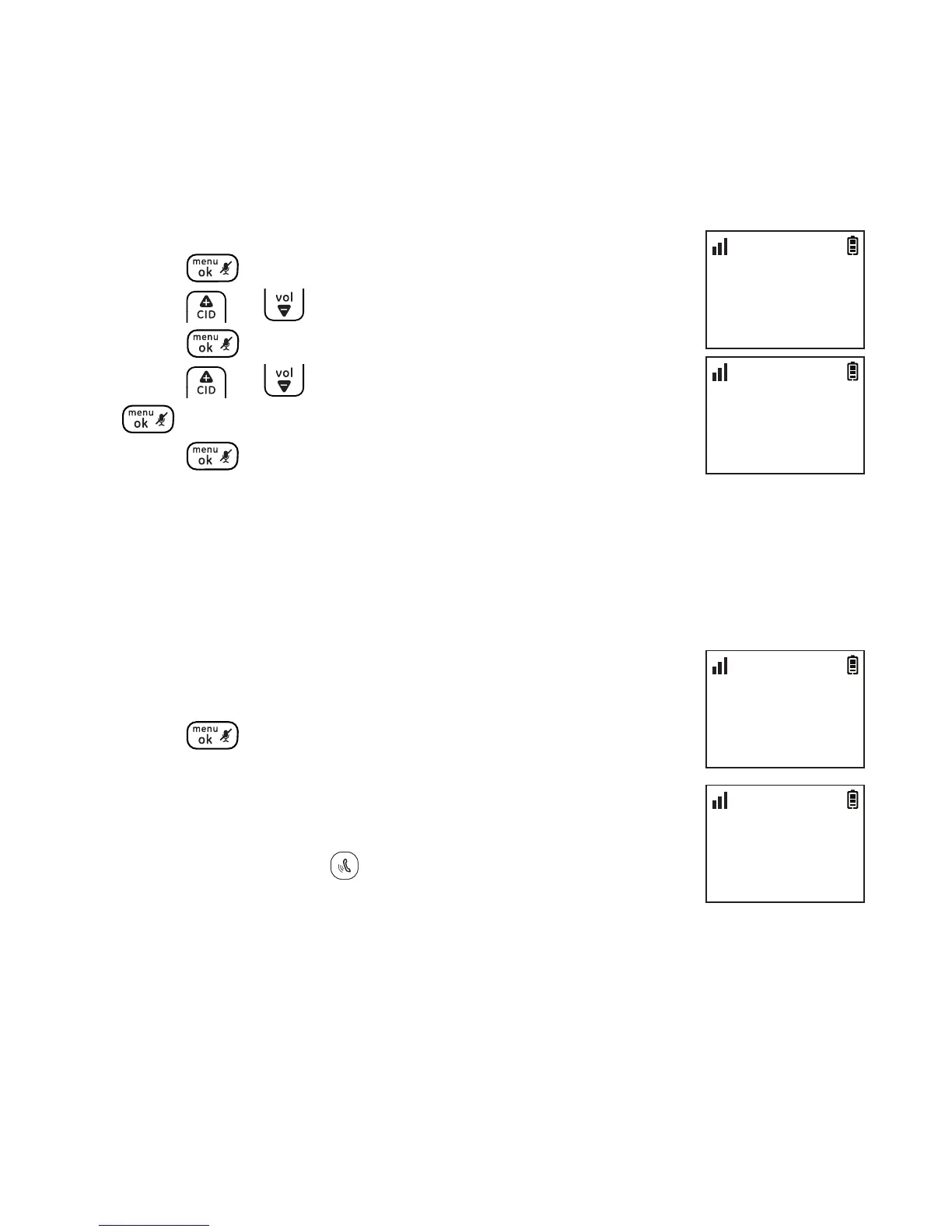
1. Press .
2. Press or to select ADV SETTING and then
press .
3. Press or to select RESET and then press
.
4. Press again to conrm.
NOTE: All settings under the ANS SYSTEM, BLOCK LIST, PROGRAM DND, CLOCK & ALARM,
SETTINGS, HANDSET TONES, BASE TONES and ADV SETTING menus in the handset will be
restored to default settings, the redial list and call log will also be cleared.
Registering a handset
The telephone system can support up to a total of 5 cordless handsets.
Handsets that were included with your main base are
pre-registered. To add or re-register a handset:
1. Press when the handset screen shows
REGISTER YOUR HANDSET.
2. The handset will show PRESS LOCATOR KEY FOR 5
SEC.
3. Press and hold the button on the telephone base
for 5 seconds.
A beep sounds on the handset when the registration is successful.
NOTES:
1. An error tone will sound if the registration is not successful.
2. This product is compatible with model 30520 accessory handsets only. For information
on how to purchase accessory handsets, please visit our website at www.gephones.com
ADV SETTING
>RESET
10:30
PM
11/20
RESET
CONFIRM?
10:30
PM
11/20
ADV SETTING
>DEREGISTER
10:30
PM
11/20
DEREGISTER
>HANDSET 1
10:30
PM
11/20



 To Next Page