23
Block list
You can program telephone numbers into the block list so that the
telephone silences when a call is received from one of the blocked
numbers. The handset shows BLOCK LIST when the programmed
numbers call and will not record the number in the caller ID history.
To add a new entry
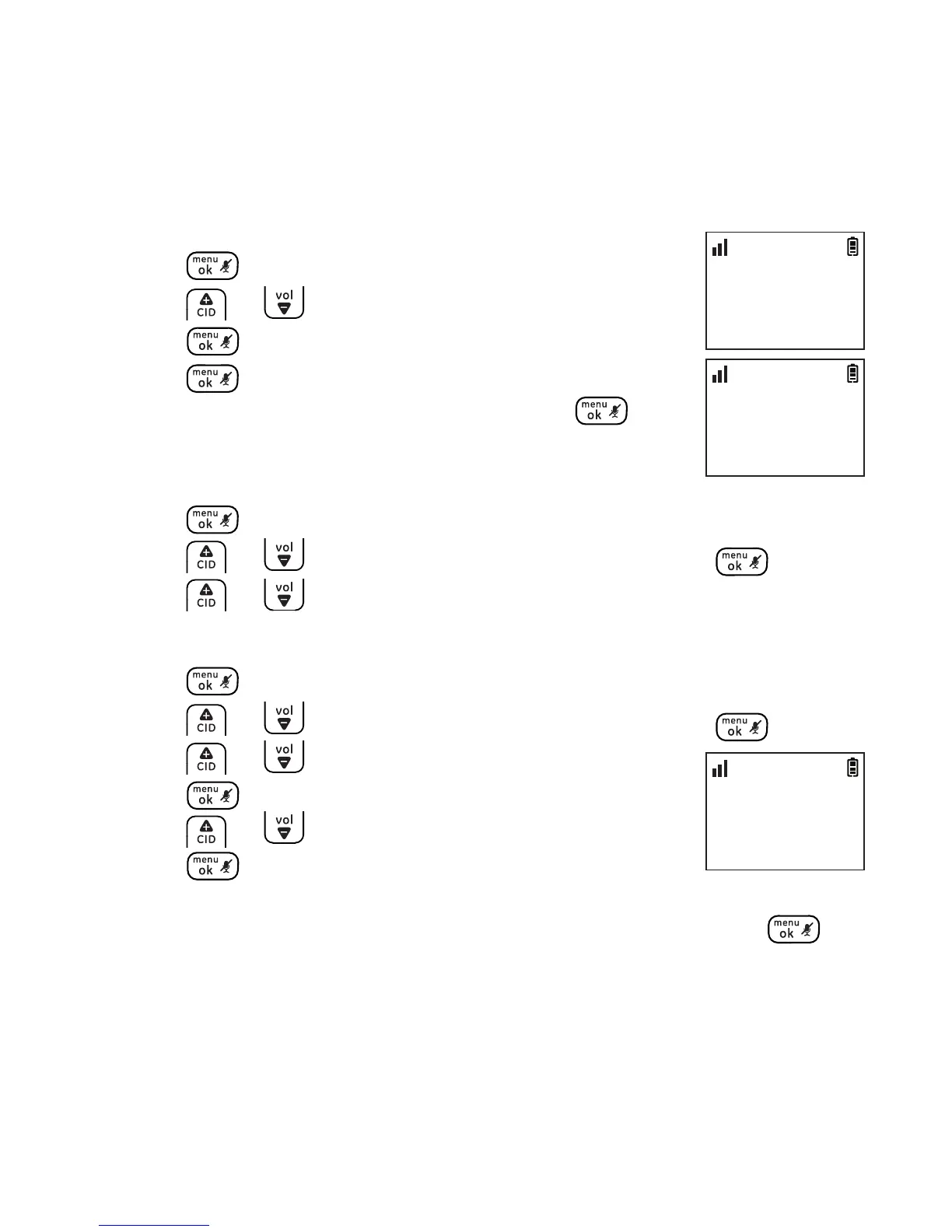
1. Press .
2. Press or to select BLOCK LIST and then
press .
3. Press again to select ADD NEW.
4. Enter the desired number and then press to
conrm.
To view the list
1. Press .
2. Press or to select BLOCK LIST and then press .
3. Press or to browse through the block list.
To edit an entry
1. Press .
2. Press or to select BLOCK LIST and then press .
3. Press or to select the desired entry and then
press .
4. Press or to select EDIT CONTACT and then
press twice.
5. Edit the number by using the del/int key to erase and backspace,
then enter new numbers using the dial pad keys and press .
BLOCK LIST
>ADD NEW
10:30
PM
11/20
ENTER NUMBER
_
10:30
PM
11/20
BLOCK LIST
>EDIT CONTACT
10:30
PM
11/20



 To Next Page