Phonebook
32
Edit a phonebook entry
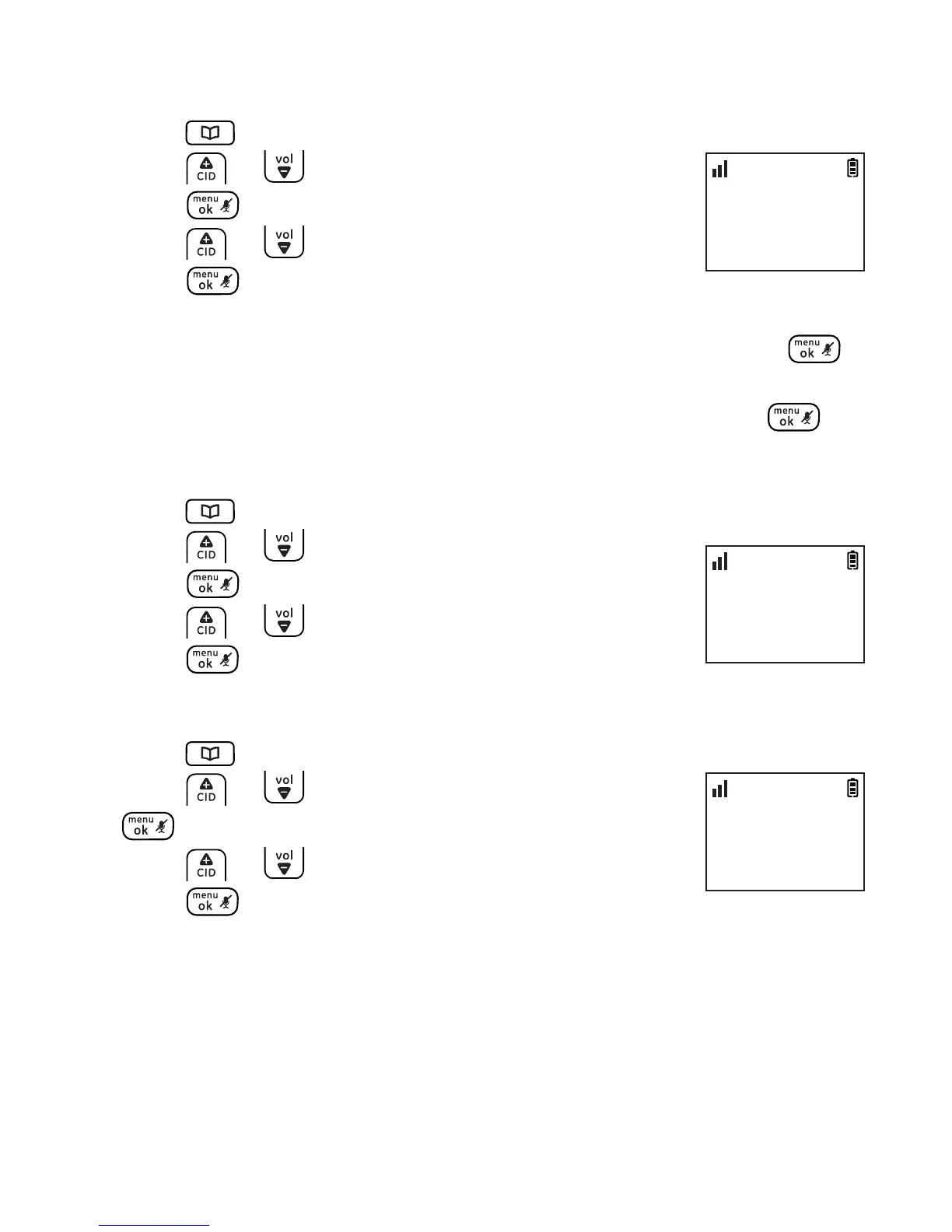
1. Press when the handset is not in use.
2. Press or to locate a desired entry and then
press .
3. Press or to select EDIT CONTACT and then
press twice.
4. Edit the name by using the del/int key to erase and backspace,
then enter new characters using the dial pad keys and press .
5. Edit the number by using the del/int key to erase and backspace,
then enter new numbers using the dial pad keys and press .
Delete a phonebook entry
1. Press when the handset is not in use.
2. Press or to locate a desired entry and then
press .
3. Press or to select DELETE ENTRY.
4. Press 3 times to delete the selected entry.
Delete all phonebook entries
1. Press when the handset is not in use.
2. Press or to select any entry and then press
.
3. Press or to select DELETE ALL.
4. Press twice to delete all entries.
PHONEBOOK
>EDIT CONTACT
10:30
PM
11/20
PHONEBOOK
>DELETE ENTRY
10:30
PM
11/20
PHONEBOOK
>DELETE ALL
10:30
PM
11/20



 To Next Page