Answering system
40
Delete all messages
Using the telephone base
Press and hold the del key. The system announces “All old messages
erased.”
Using a handset
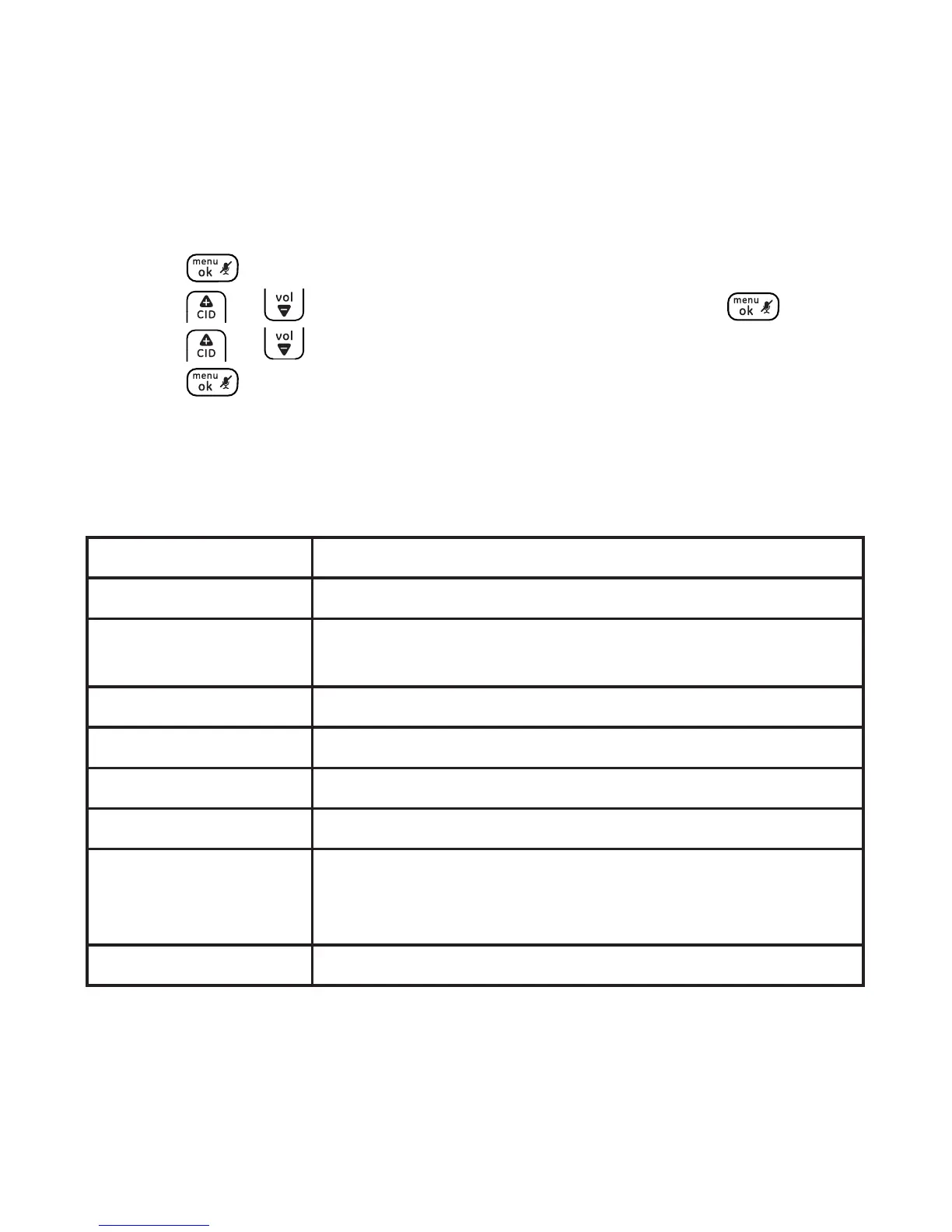
1. Press .
2. Press or to select ANS SYSTEM and then press .
3. Press or to select DEL. ALL OLD.
4. Press twice to conrm.
Message window
The table below summarizes the messages displayed on the telephone
base display.
-- Answering system is o.
00 (ON steadily) There are no messages in the answering system.
1-59 (ashing) Total number of new messages.
Current message number during playback.
1-59 (On steadily) Total number of old messages.
F (ashing) Memory is full.
CL (ashing) Time is not set.
LA (ashing) The answering system is being accessed remotely.
LA/1-59 (alternating) The answering system is being accessed remotely
and the alternating number indicates the total
number of messages.
L0-L5 (On steadily) Telephone base volume level when adjusting.



 To Next Page