Getting started
6
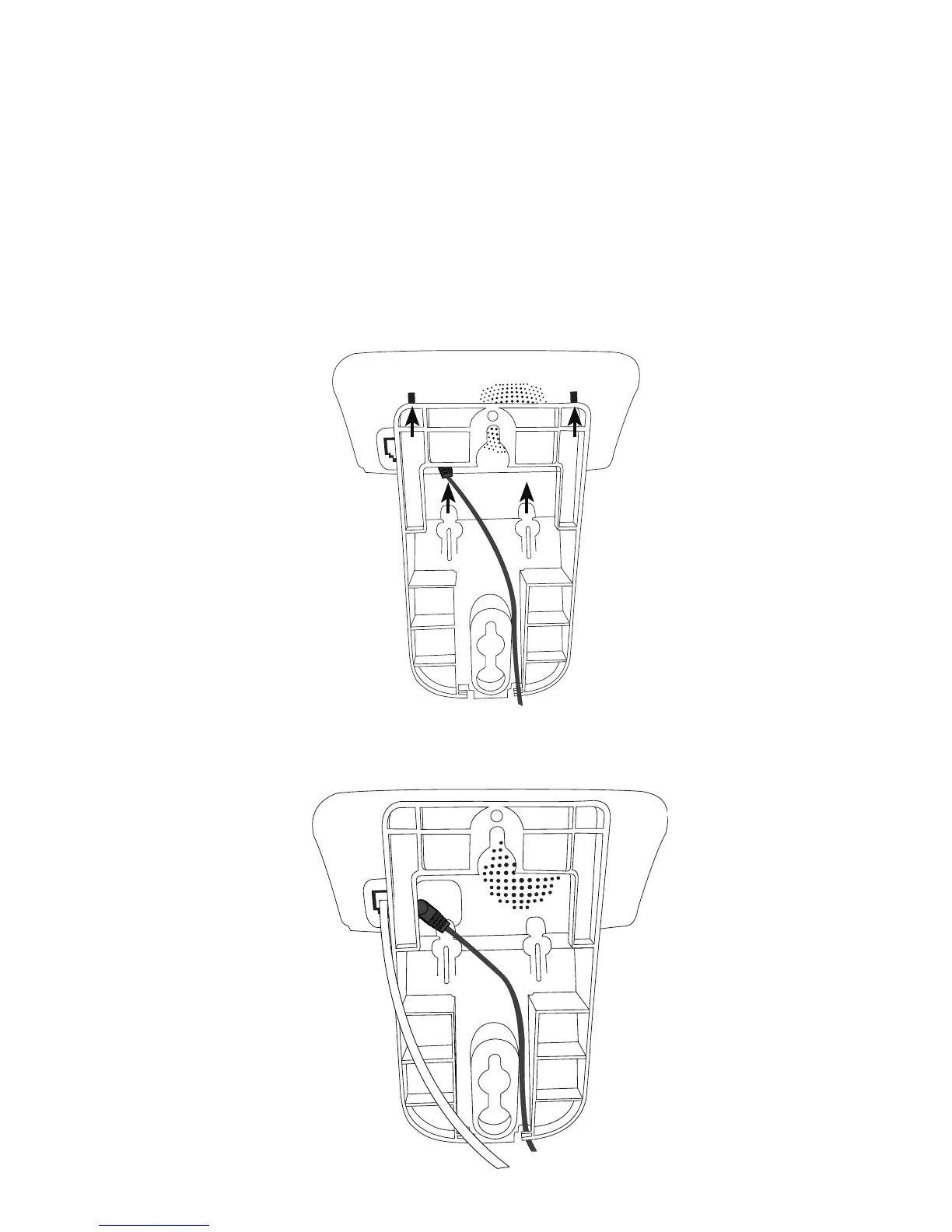
3. Plug the power adapter cord into the jack on the back of the
telephone base. Align the tabs at the top of the wall bracket with
the recessed slots on the back of the base unit. Align the lower tabs
of the wall bracket with the slots on the bottom of the base. Slide
the wall bracket upwards until it locks into place. Be sure the power
cord is threaded through the center opening and securely plugged
in. Route the power cord through either slot at the bottom of the
wall mount bracket.
4. Plug one end of the telephone line cord into the jack on the back of
the telephone base.



 To Next Page