Getting started
7
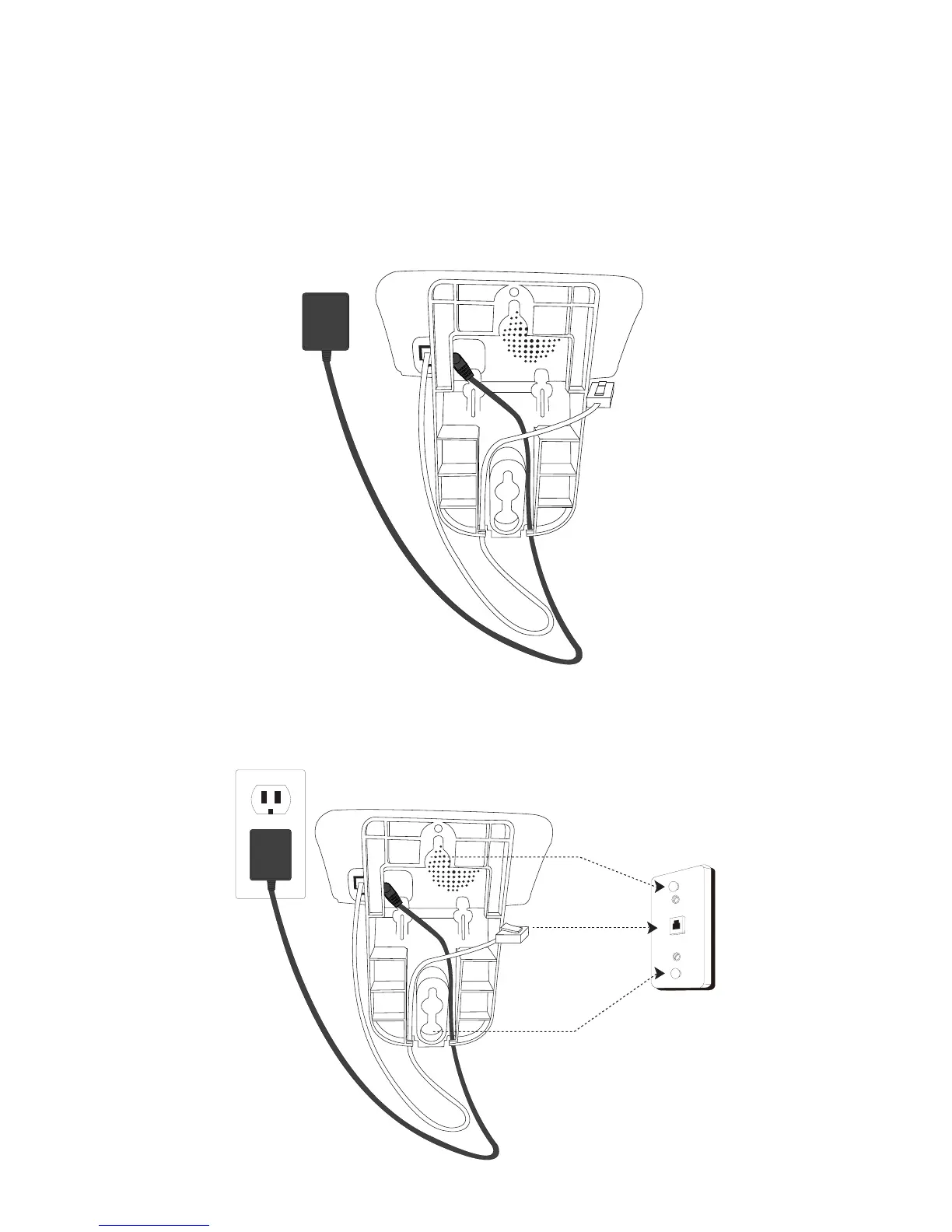
5. Route the telephone line cord through the open slot at the bottom
of the wall mount bracket, leaving about 8 inches from the slot to
the end of the cord as shown. Plug the line cord into the jack on
the wall plate. Align the holes on the mounting bracket with the
mounting studs of the wall plate and slide the bracket down until it
locks securely.
6. Plug the power adapter into an electrical outlet. Be sure to avoid
using an electrical outlet that is controlled by a wall switch. The
handset may now be placed in the base for charging.



 To Next Page