GE
D
IRECTION 5535208-100, REV. 2 LOGIQ E9 SERVICE MANUAL
8 - 62 Section 8-5 - Replacing Covers and Bumpers
8-5-13-4 Cable Hook removal (cont’d)
8-5-13-5 Cable Hook installation
1.) Position the Cable Hook on the Rear Cover.
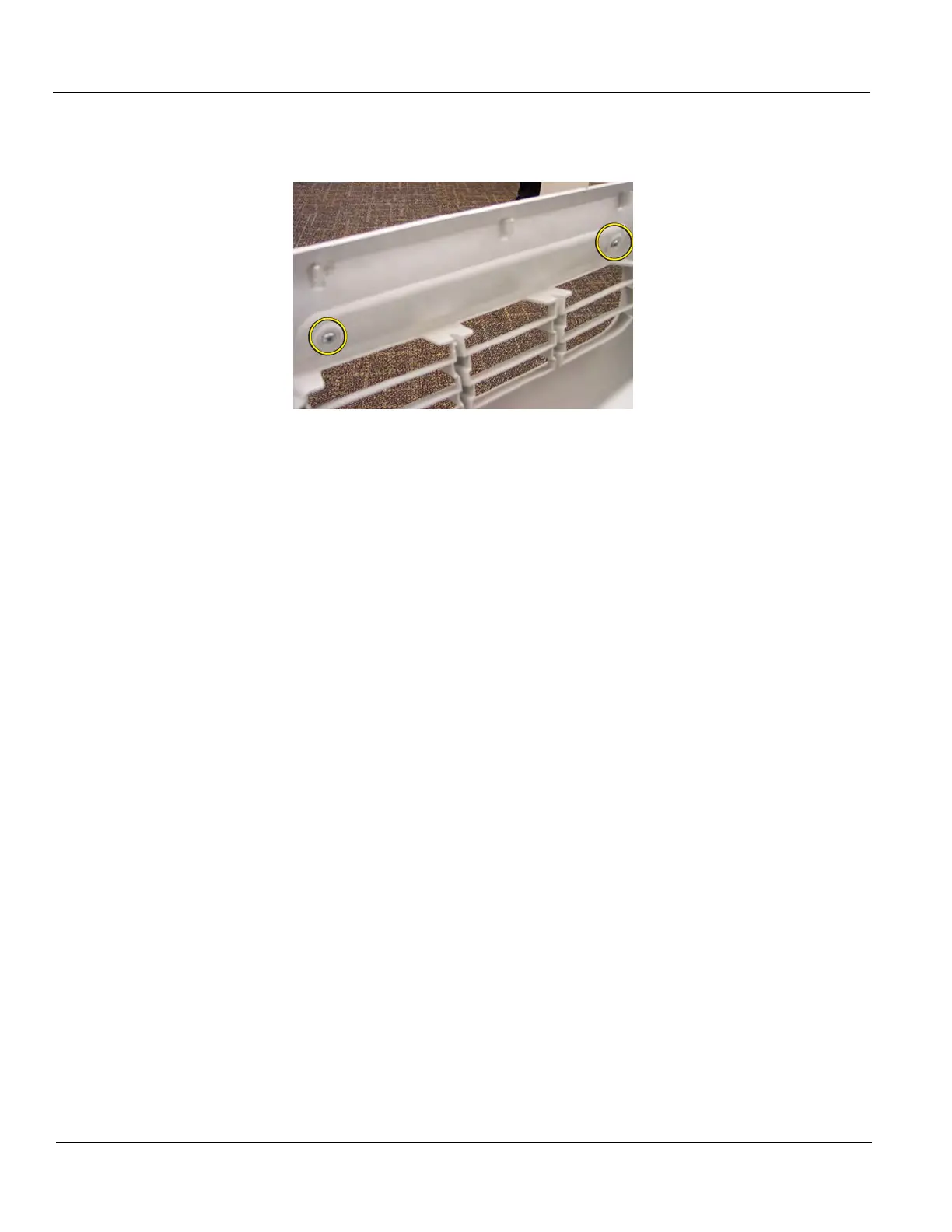
2.) Install the screw to secure the Cable Hook to the Rear Cover.
3.) Repeat step 2 to replace the other Cable Hook, if necessary.
Figure 8-26 Cable Hook screw placement



 To Next Page