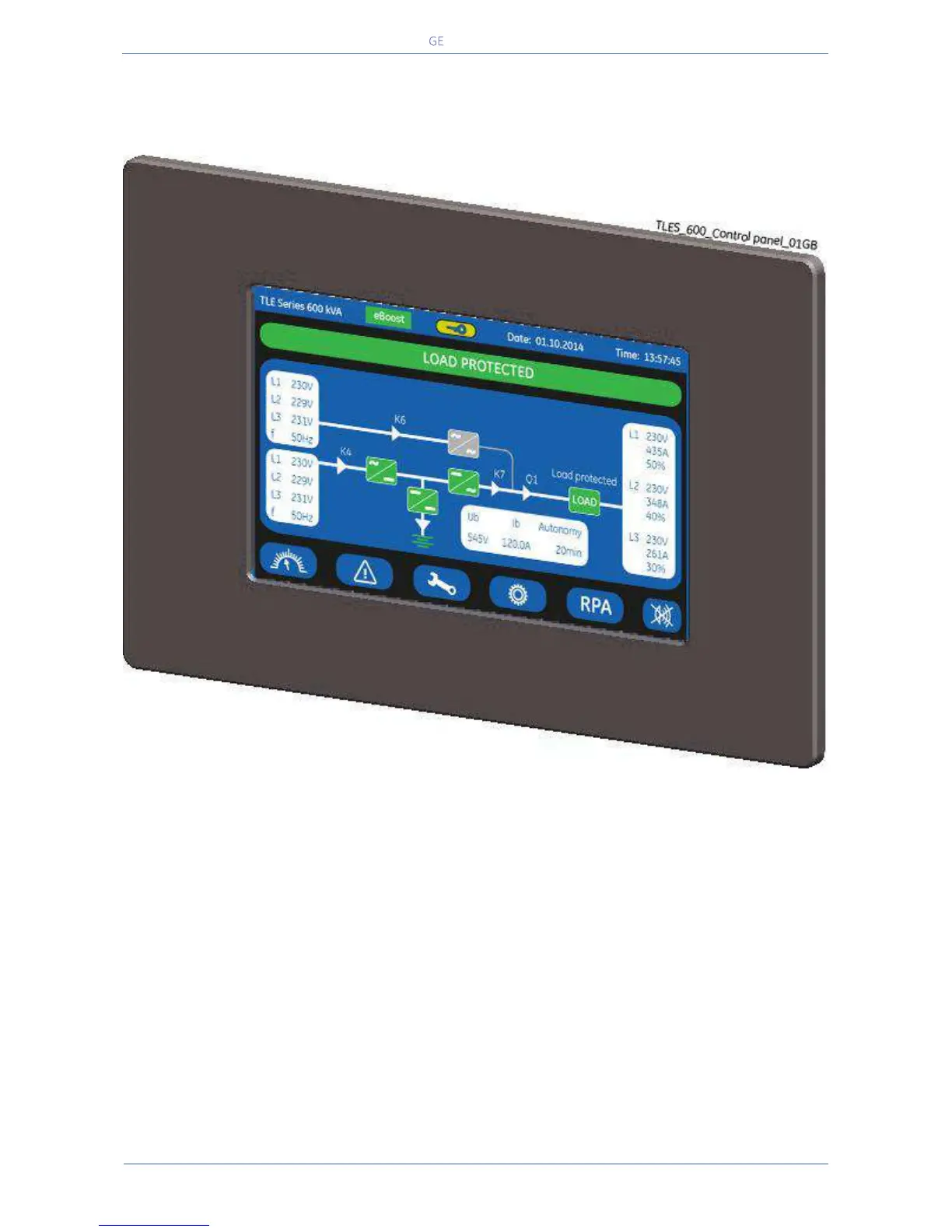
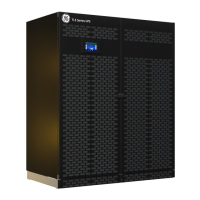
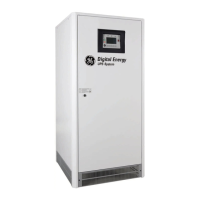
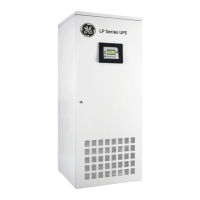
The Control Panel, positioned on the UPS front door, acts as the UPS user interface.
Main features:
LCD Touch screen colour graphic display. See Chapter 7.
Multilanguage communication interface:
English, German, Italian, Spanish, French, Finnish, Polish, Portuguese, Czech, Slovenian, Chinese,
Swedish, Russian and Dutch.
Synoptic diagram indicating UPS status.
Command keys and parameters setting.
UPS status control LED.


 To Next Page