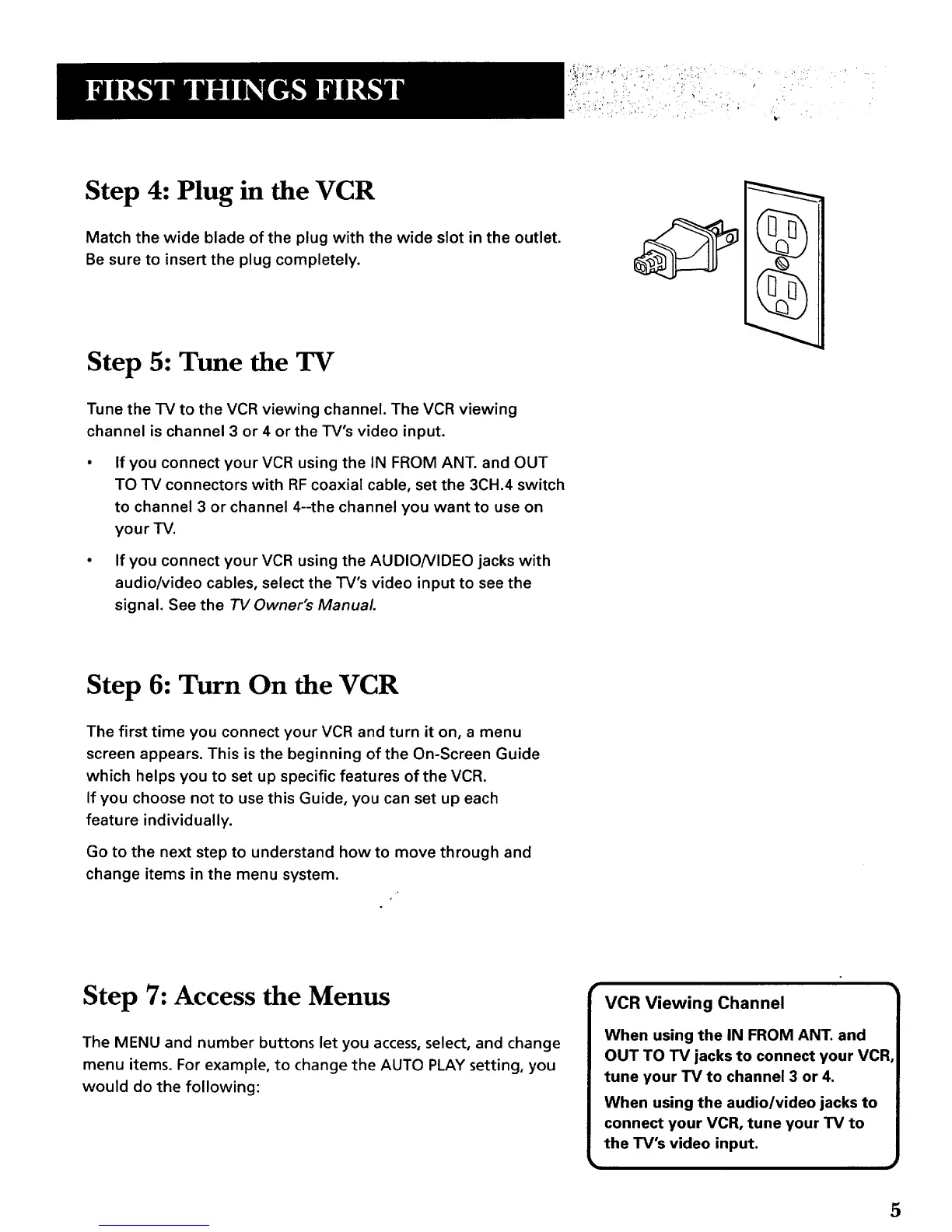
Step 4: Plug in the VCR
Match the wide blade of the plug with the wide slot in the outlet.
Be sure to insert the plug completely.
Step 5: Tune the TV
Tune the TV to the VCR viewing channel. The VCR viewing
channel is channel 3 or 4 or the TV's video input.
If you connect your VCR using the IN FROM ANT. and OUT
TO TV connectors with RF coaxial cable, set the 3CH.4 switch
to channel 3 or channel 4--the channel you want to use on
your TV.
• If you connect your VCR using the AUDIO/VIDEO jacks with
audio/video cables, select the TV's video input to see the
signal. See the TV Owner's Manual
Step 6: Turn On the VCR
The first time you connect your VCR and turn it on, a menu
screen appears. This is the beginning of the On-Screen Guide
which helps you to set up specific features of the VCR.
If you choose not to use this Guide, you can set up each
feature individually.
Go to the next step to understand how to move through and
change items in the menu system.
Step 7: Access the Menus
The MENU and number buttons let you access, select, and change
menu items. For example, to change the AUTO PLAY setting, you
would do the following:
5



 To Next Page