i ! i/ i, i _._ __':
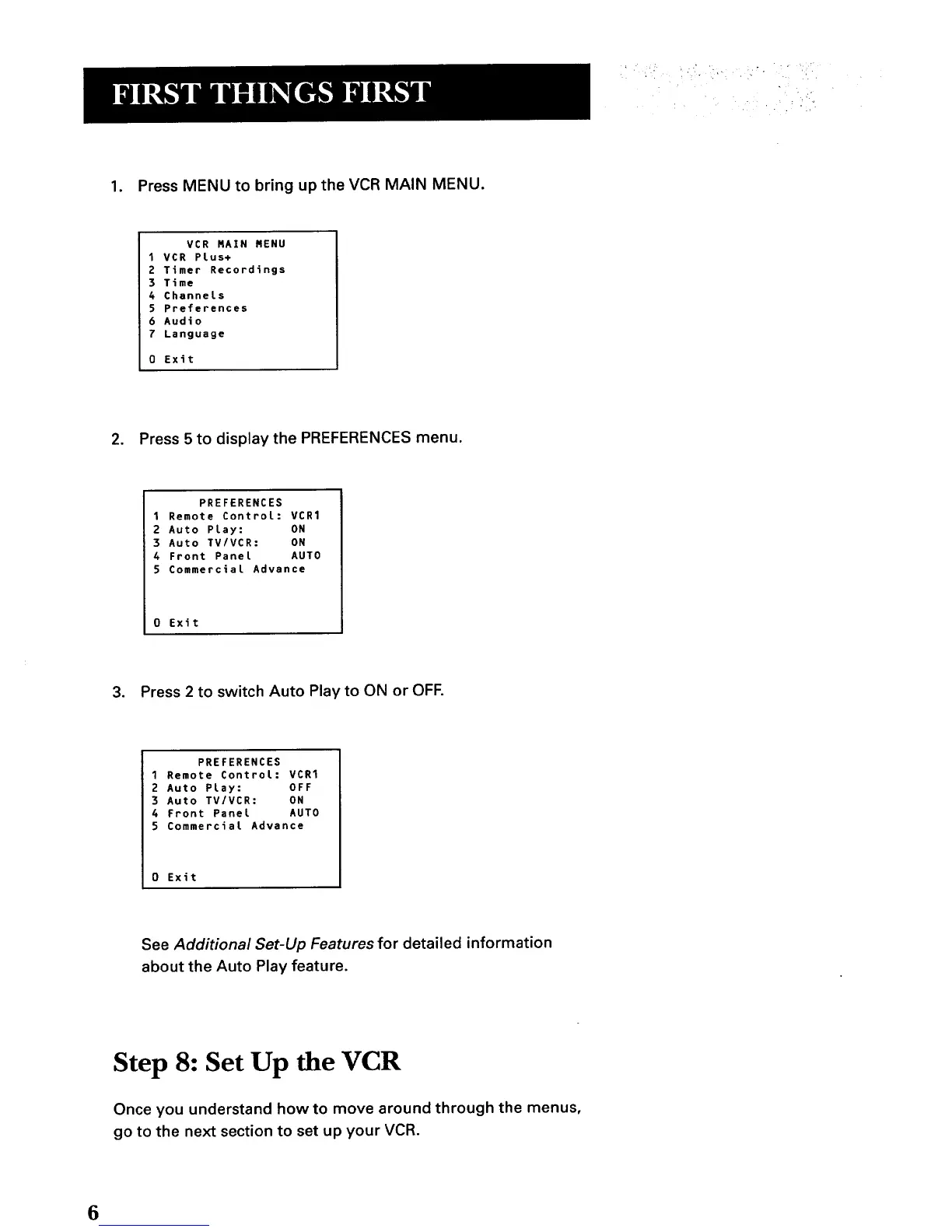
1. Press MENU to bring up the VCR MAIN MENU.
VCR MAIN NENU
1VCR Plus+
2 Timer Recordings
3 Time
4 Channels
5 Preferences
6 Audio
7 Language
0 Exit
2. Press 5 to display the PREFERENCES menu.
PREFERENCES
1 Remote ControL: VCR1
2 Auto Play: ON
3 Auto TV/VCR: ON
4 Front Panel AUTO
5 Commercial Advance
0 Exit
3. Press 2 to switch Auto Play to ON or OFF.
PREFERENCES
1 Remote Control: VCR1
2 Auto Play: OFF
3 Auto TV/VCR: ON
4 Front Panel AUTO
5 Commercial Advance
0 Exit
See Additional Set-Up Features for detailed information
about the Auto Play feature.
Step 8: Set Up the VCR
Once you understand how to move around through the menus,
go to the next section to set up your VCR.
6



 To Next Page