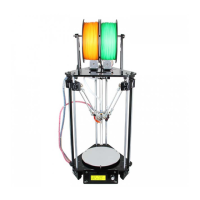
The proper printing effect of the first layer is like following picture:
7. Slic3r Setting
So far we can begin printing. But in order to achieve better effect, we need set the slicing parameters such as
the diameter of the filament, speed, layer height. Open the slicing software, slic3r, which comes with
Repetier host. Shown as below:
The following interface will appear:



 To Next Page