6: Applying the GSN
70
Geodesic Sensor Net Technical Manual
S-MAN-200-GSNR-001 • January 31, 2007
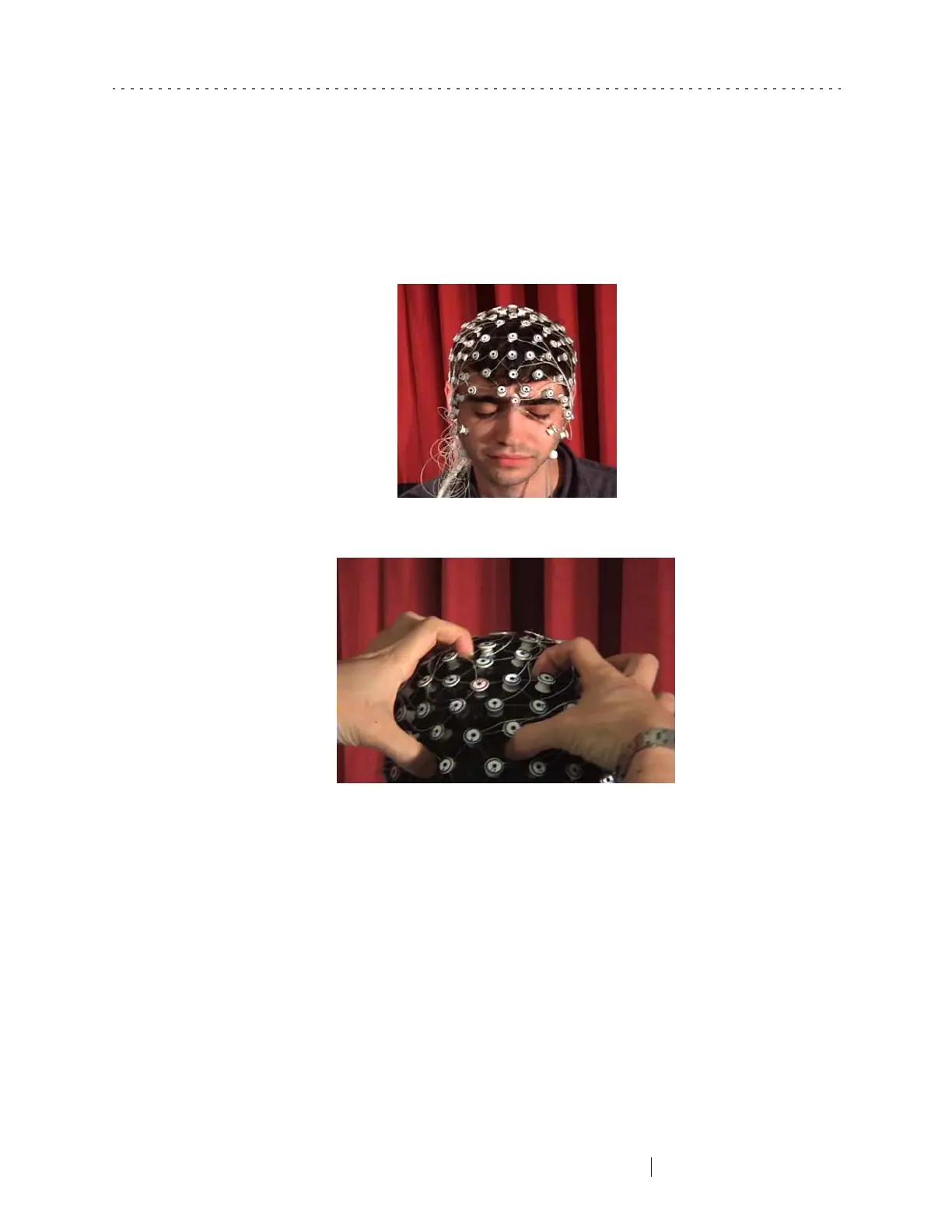
sections of the Net on both sides of the head, and shift in the correct direction
(Figure 6-15).
4
Check that the vertex sensor is positioned on top of the vertex mark and adjust,
if needed.
5
Adjust the elastic lines of the chin strap via the cord locks. Correct tension is
achieved when the chin strap is comfortably and securely located under the
subject’s chin. You may need to reposition it to allow for comfort and the use of
a chin rest. Once the chin strap is in place, the subject may open his or her eyes.
6
Next, adjust the orbital (ear and eye) sensors (Figure 6-16). Cord locks on either
side of the subject’s cheeks independently adjust the lines retaining the infra-
and extraorbital sensors, which slide along elastomer or polyurethane bands.
Figure 6-14. The nasion is too far to the subject’s left
Figure 6-15. Adjust Net position by grabbing large sections and shifting them uniformly



 To Next Page