6: Applying the GSN
72
Geodesic Sensor Net Technical Manual
S-MAN-200-GSNR-001 • January 31, 2007
4
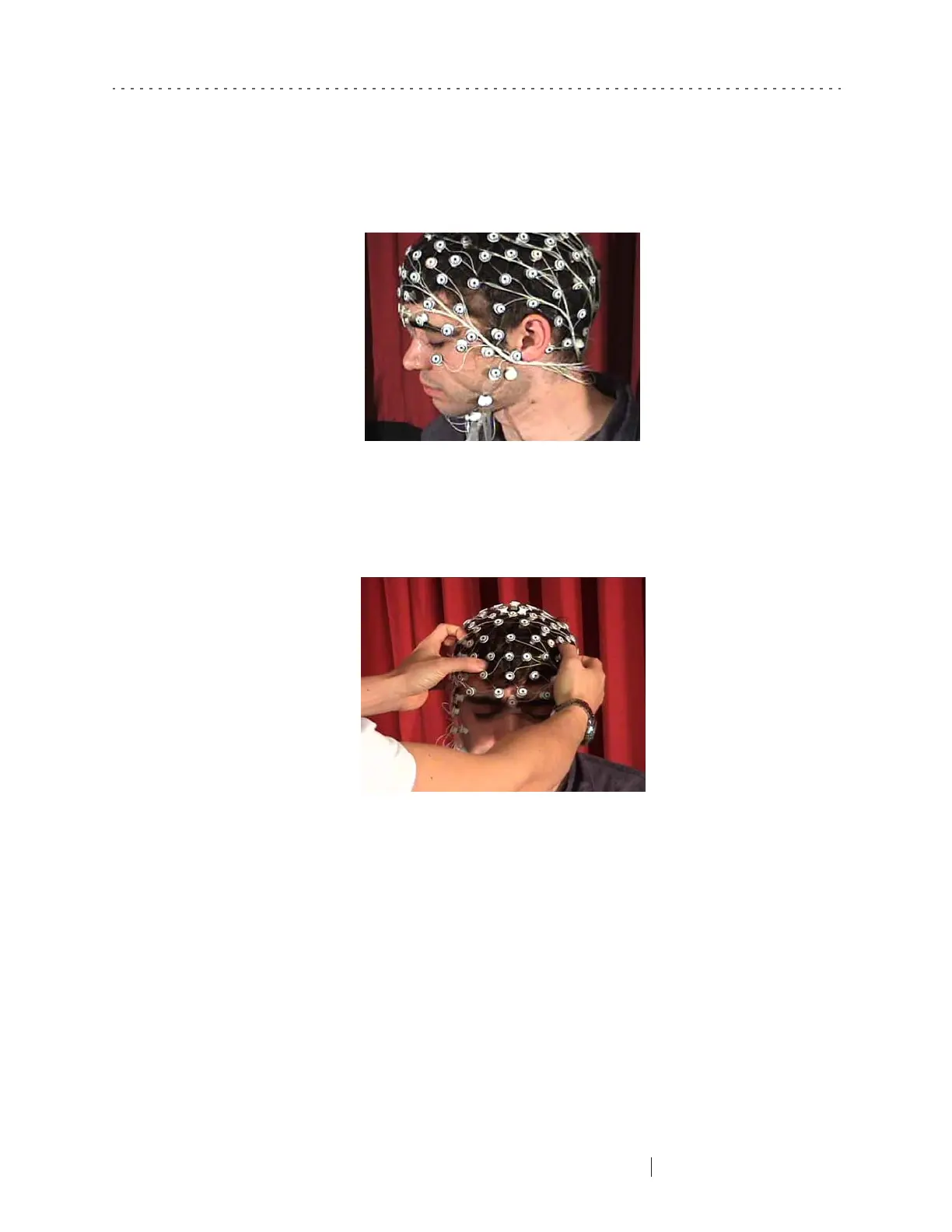
If minor adjustments are necessary, gently move the sensors
in groups
on each
side of the head (Figure 6-18). Do not attempt to move the entire Net by pulling
on single sensors.
5
If the position of the Net is off by more than 1 cm. (0.4 in.) in any direction,
remove it and repeat the application procedure.
6
Ensure good contact between the sponges and the scalp by using moderate
pressure to move each sensor on the scalp in a side-to-side or circular motion
(Figure 6-19). The brief (1–2 second) movement of each sensor is necessary to
establish contact and, for most subjects, painless. However, some subjects have
sensitive skin, so be attentive to any discomfort the subject may experience.
Figure 6-17. Check mastoid sensor positions (128-channel HCGSN)
Figure 6-18. Adjust big sections of the Net on both sides of the head



 To Next Page