9: Replacing GSN Parts
91
Geodesic Sensor Net Technical Manual
S-MAN-200-GSNR-001 • January 31, 2007
Remove Electrode from Plug
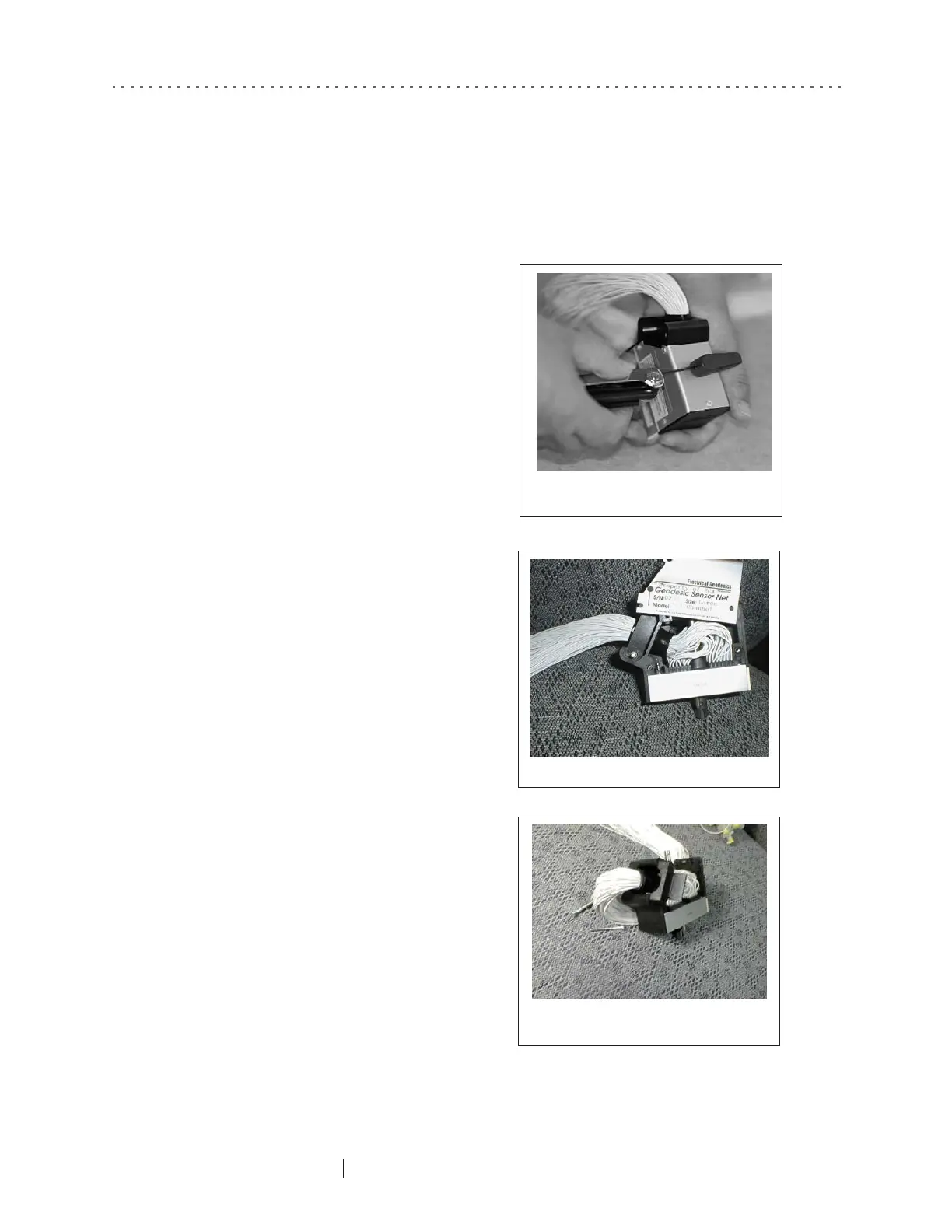
1
Remove the handle on the
Hypertronics plug using a 1.5 mm.
Allen wrench (Figure 9-3).
2
Remove the six screws that secure
the hood. Gently remove the hood
(Figure 9-4) and place in a small
plastic bag along with the screws
and the handle.
3
Remove the two long screws that
hold the strain relief clamp in place
and slide the clamp out of the
retainer (Figure 9-5). Save the screws
and the clamp in the bag with the
other parts.
Figure 9-3. Remove the handle
on the Hypertronics plug
Figure 9-4. Remove the hood
Figure 9-5. Remove the screws
and slide the clamp out



 To Next Page