6: Applying the GSN
74
Geodesic Sensor Net Technical Manual
S-MAN-200-GSNR-001 • January 31, 2007
10
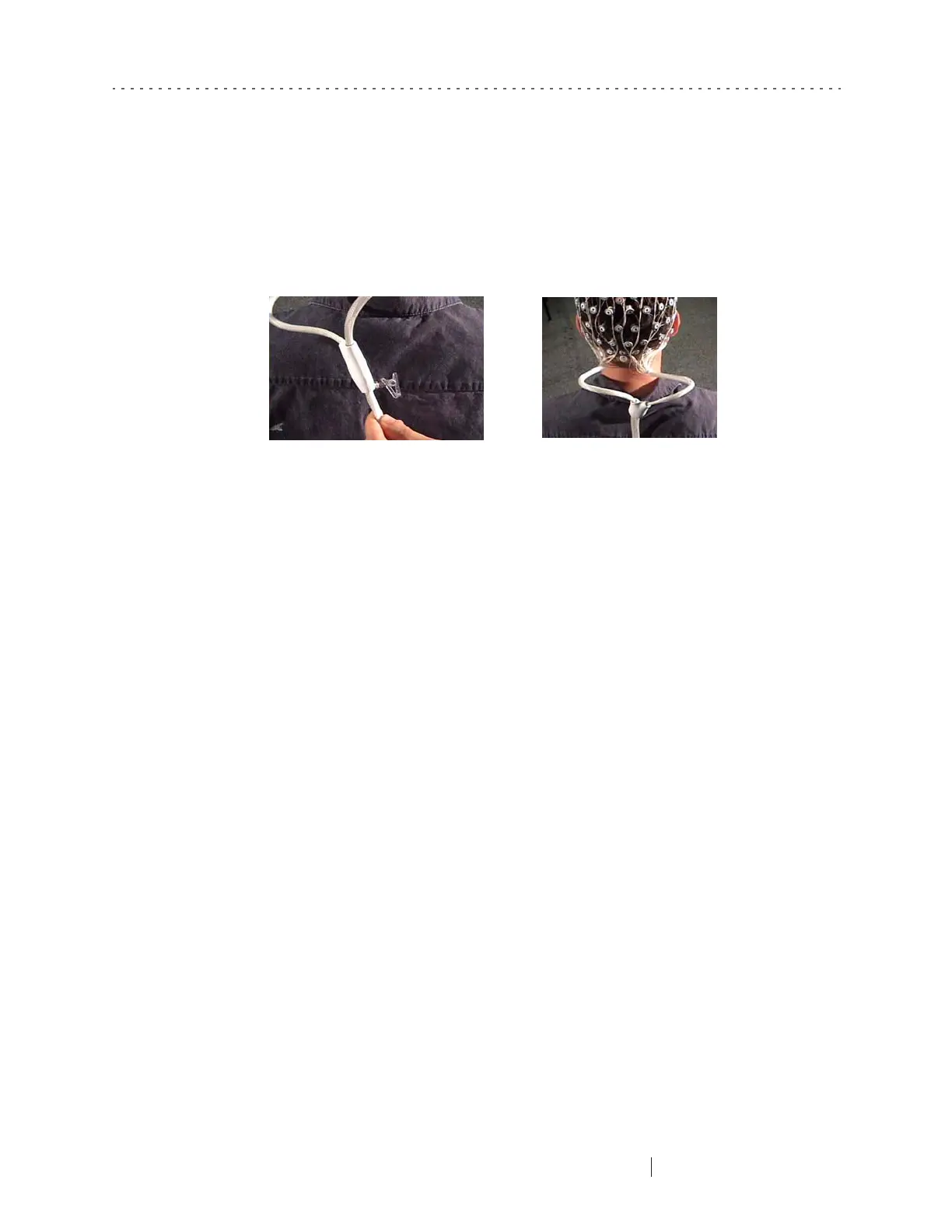
If you are applying an HCGSN with more than 32 channels, secure the Y clip to
the subject’s collar (Figure 6-21).
Filling Pedestals with HydroCel HS
This section applies only to HCGSNs without sponge inserts. After applying the Net
to the subject, you must now use a syringe to fill each pedestal with HydroCel HS
(refer to “HydroCel HS” on page 59, if needed). This section provides step-by-step
instructions.
If you are using a GSN 200 or an HCGSN with sponge inserts, skip this section.
1
Fill a provided syringe from the Net Support Kit (see Chapter 12, "Accessories
and Supplies”) half-full with the HydroCel HS formulation.
2
Locate the Reference sensor and move it in a side-to-side motion for 1–2
seconds to part the hair. The goal is to part the hair, not irritate the scalp, so ask
the subject to notify you if he or she experiences any discomfort.
(Although you can start with any pedestal, EGI recommends beginning with
the Reference, proceeding to Common, and then working in numerical order
starting with sensor 1.)
3
Gently turn over the Reference sensor and fill the spongeless chamber with
HydroCel HS.
4
Carefully turn the pedestal upright on the head, making sure the sensor is
resting on the scalp, not the hair.
Figure 6-21. Secure the Y clip to the collar



 To Next Page