6: Applying the GSN
75
Geodesic Sensor Net Technical Manual
S-MAN-200-GSNR-001 • January 31, 2007
5
Repeat Steps 2–4 with the Common sensor.
6
Then repeat Steps 2–4 with sensor 1, sensor 2, and so on numerically,
continuing until each pedestal of the HCGSN contains HydroCel HS, refilling
the syringe when needed.
Removal
During removal, always peel the GSN back from the subject and let the Net hang
freely. For the GSN 200, avoid passing the connector or the sensor end of the Net
through the sensor lead bundle (see Figure 3-11 on page 46).
1
Ask the subject to close his or her eyes and to keep them closed until told
otherwise.
2
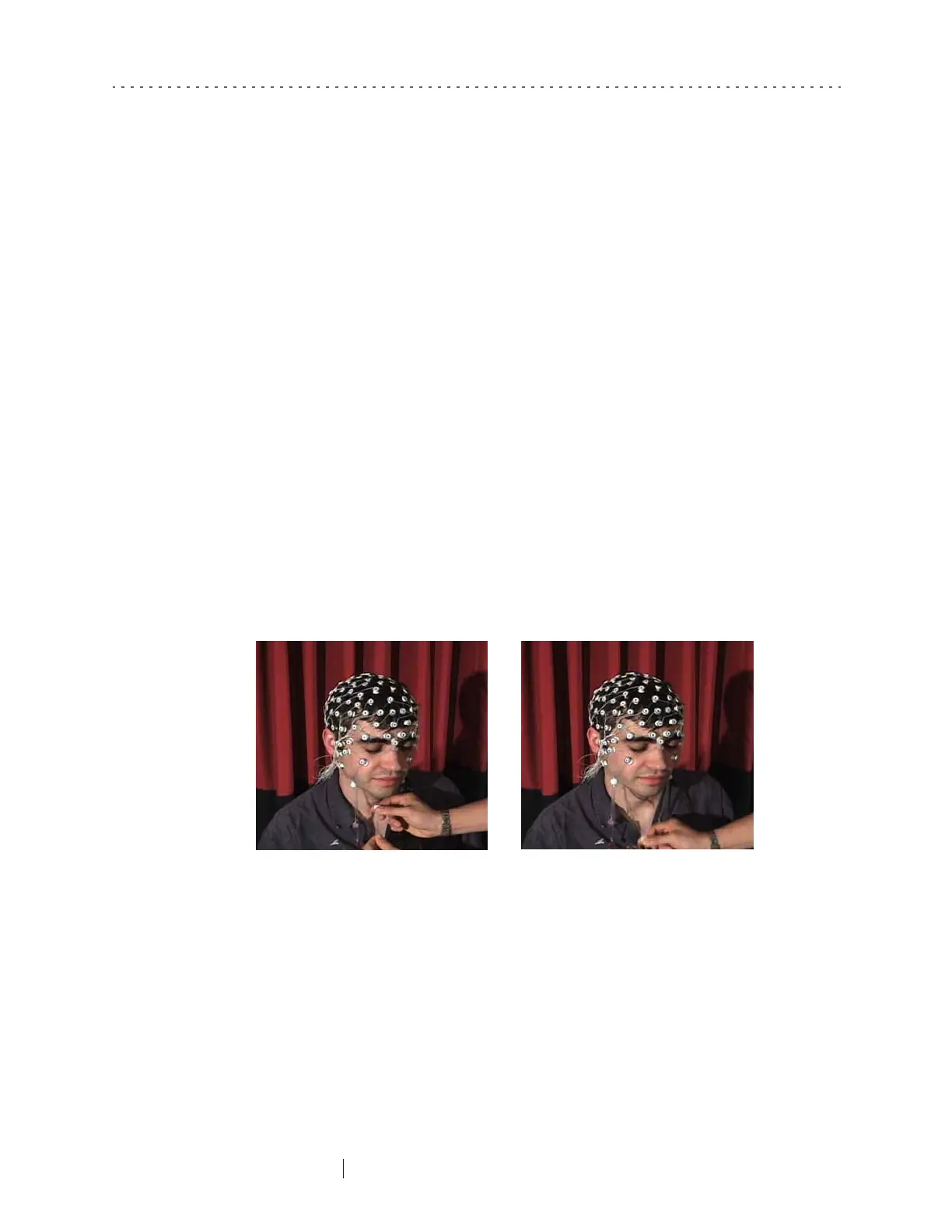
Loosen the chin strap by pinching the cord lock under the chin and sliding it
down the chin strap (Figure 6-22).
Figure 6-22. Initial removal of the Net from the subject’s face



 To Next Page