1.4.3
CARRYING OUT A MEASUREMENT CHAPTER 4
GEODIMETER SYSTEM 600
STD P0 10:17
HA: 165.2355
VA: 106.5505
STD P0 10:18*
HA: 137.2235
HD: 37.202
VD: -1.300
STD P0 10:18*
HA: 137.2235
VA: 102.2240
SD: 37.225
STD P0 10:18*
N: 1234.567
E: 8910.123
ELE: 456.789
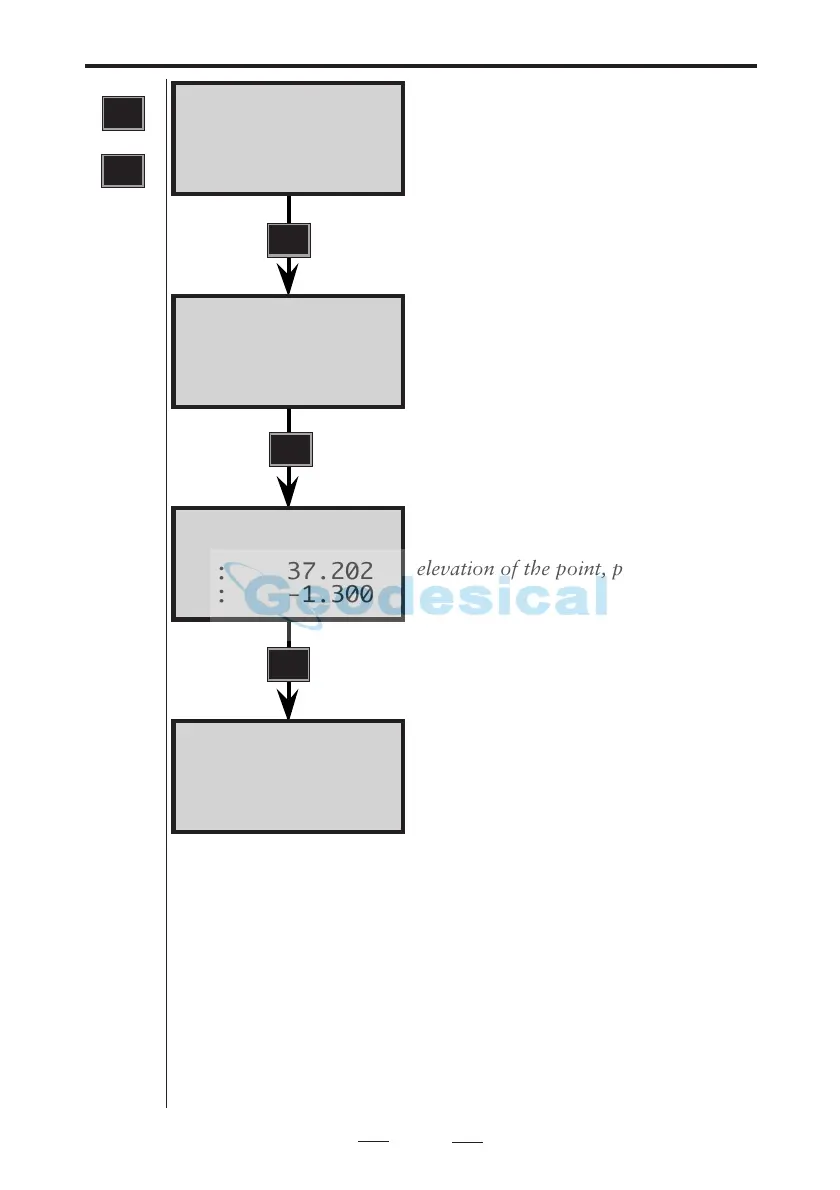
Aim instrument at the point. A signal
is heard if it is marked with a prism.
To measure a distance press the
A/M key.
Note- If you have activated Power
Save you will not be able to hear a
signal.
After 3.5 sec. the slope distance (SD) is
seen on the display. If you want to see
the other values – i.e. horizontal
distance (HD) and vertical distance
(VD), press ENT....
If you wish to see the coords and
elevation of the point, press ENT.....
The VD and ELE values are directly
related to the Stn. data and IH & SH.
To measure to the next point, aim the
instrument horizontally and vertically
at the prism target and repeat the
above instructions. If you measure to
the next point in this mode, N, E and
ELE will be displayed first.
1
STD
or
STD
A/M
ENT
ENT
Note!
☛
Power save
Note-ROE (Remote Object Elevation)
R.O.E is automatic in the display modes VD and ELE when
the telescope is turned vertically. Use MNU 1.2 to preset
R.O.E.
Note-Live Data
If you turn the instrument horisontally after carrying out a
measurement the values for N, E and ELE is automatically
updated (within certain limits).
Note!
☛
R.O.E
Note!
☛
Live Data



 To Next Page