1.4.5
CARRYING OUT A MEASUREMENT CHAPTER 4
GEODIMETER SYSTEM 600
Press in front
Rotate the instrument to the C2
position*.
*Servo: Rotate the instrument to the
C2 position and wait for a beep.
To measure and record angles, press
the A/M key in front. A beep is heard.
Both the horizontal and vertical angles
at the time the A/M key is pressed are
stored in the working memory of the
keyboard unit. When the instrument is
rotated to the C1 position both these
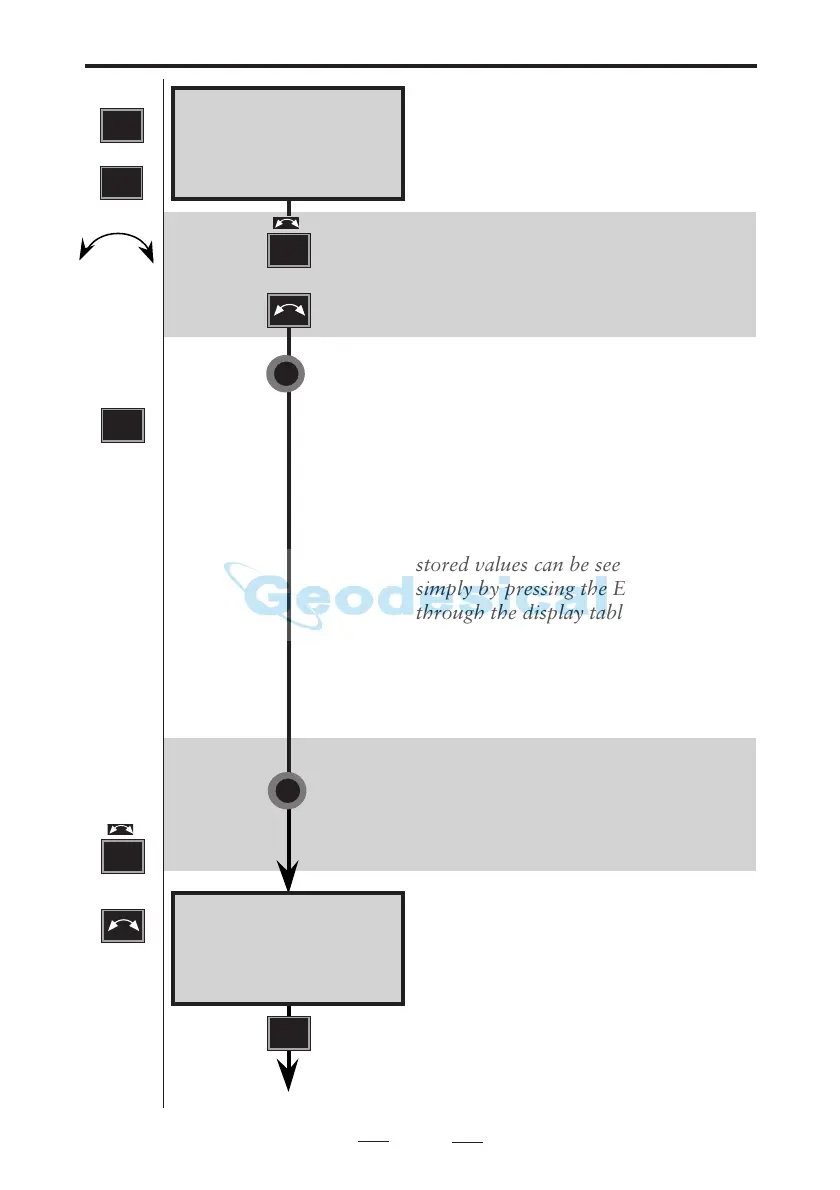
stored values can be seen, if required,
simply by pressing the ENT key to step
through the display tables.
Rotate the instrument to C1 posi-
tion**. A signal is heard if the point is
marked with a prism…
**Servo: Rotate the instrument to C1
position by depressing the A/M key in
front for approx. 2 sec. A signal is
heard if the point is marked with a
prism....
The dH & dV values displayed are half
the differences between the C2 & C1
angle values.
To measure distance press A/M key.
Press in front
STD P0 10:17
HA: 154.3598
VA: 106.3707
See next page
A/M
7
or
1
STD
or
STD
C2 + C
STD P0 10:18*
HA: 154.3599
VA: 106.3704
dH:02 dV:02
Note!
☛
Press
if you
have a
keyboard
unit at
the front.
A/M
Note!
☛
Press
or
if you
have a
keyboard
unit at
the front.
7



 To Next Page