1.5.15
SURVEYING METHODS CHAPTER 5
GEODIMETER SYSTEM 600
Search window
From page 1.5.13
When Station Establishment has been
carried out or 1.OK is selected the
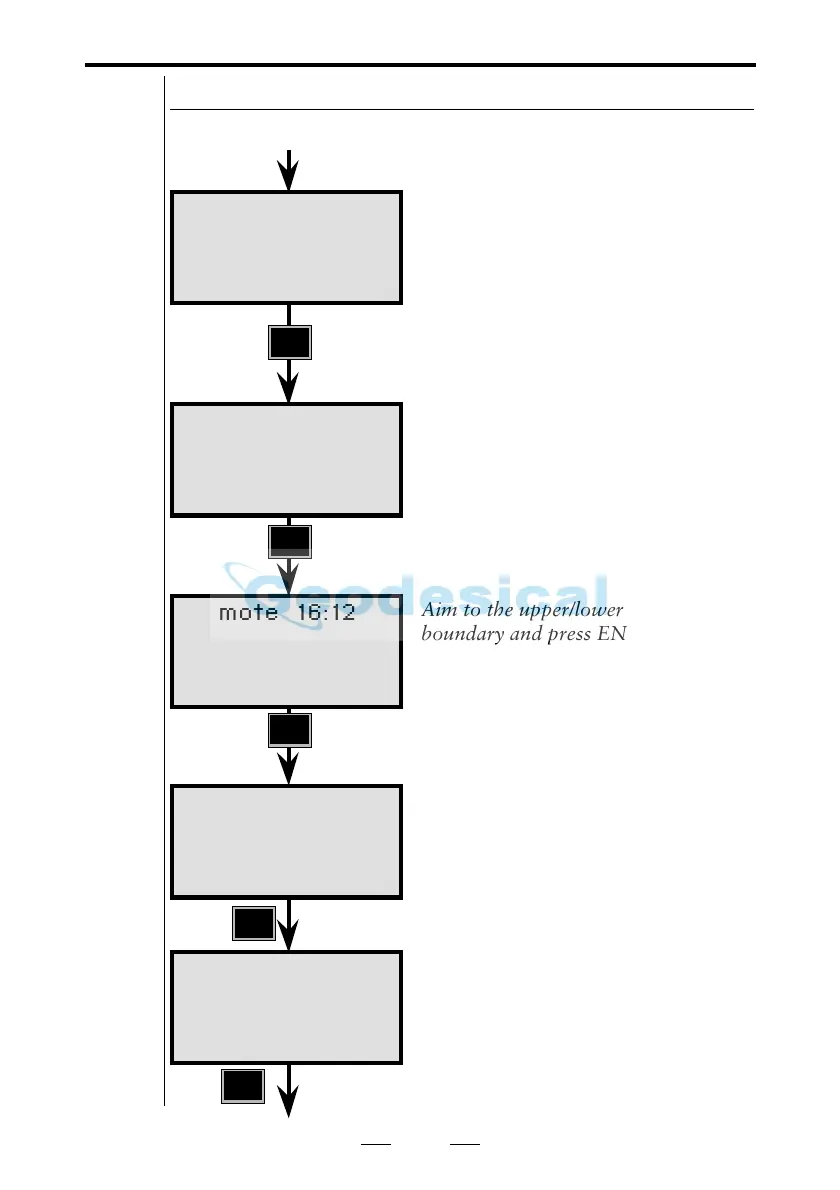
display will show "Define window?".
Define window gives you the
possibility to set a window in which
the instrument will search for the
RPU. This will decrease the search
time and will make you more efficient
(it takes 10-12 sec for the instrument
to search the complete circle). In this
example we will show you how to use
the function, answer YES.
Aim to the upper/lower left boundary
and press ENT.
Aim to the upper/lower right
boundary and press ENT.
Note - Define window
The window can be relocated from the
RPU menu, see chapter 2.5.
Do you want a reference object ? If so,
press YES or ENT, otherwise press
NO. The reference object doesn't have
to be located at a known point, but
should be located outside the search
window where the sight is clear.
Now it is time to take control over the
measurement from the RPU, that is
the detached keyboard unit at the
measuring point. Press any key and
detach the keyboard unit from the
station unit.
Robotic
Surveying
ENT
See next page
YES
ENT
ENT
Remote 16:12
Define window?
Remote 16:12
Aim to A
Press ENT
Remote 16:12
Aim to B
Press ENT
Remote 16:12
Press any key
Remove keyboard
Note !
☛
Define
window
ENT
Remote 16:12
Measure Ref Obj?
Note !
☛
The
reference
object must
be a remote
target
(RMT).



 To Next Page