1.5.16
SURVEYING METHODS CHAPTER 5
GEODIMETER SYSTEM 600
ENT
PWR
P0 16:13
Temp=
Activation of the RPU
Robotic
Surveying
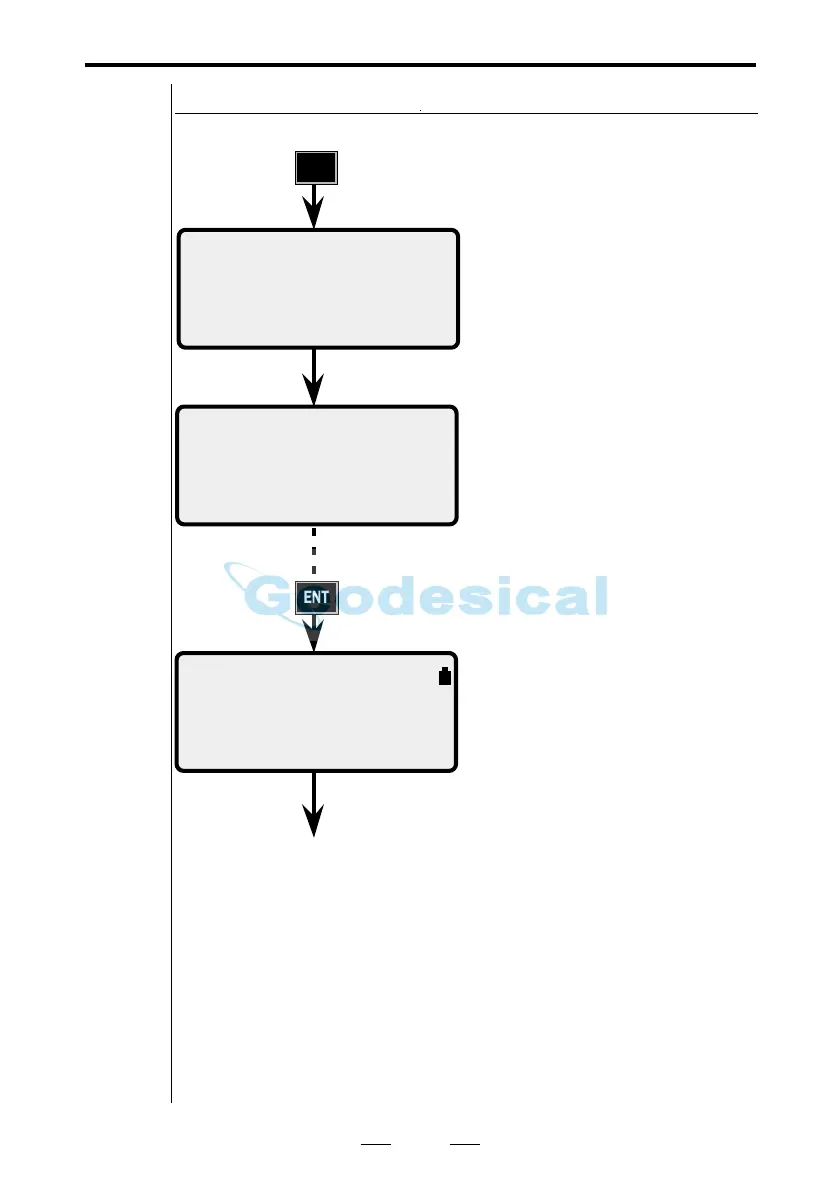
Activate the RPU by pressing
the PWR-key.
The compensator in the instru-
ment is now calibrating, please
wait.
When the calibration is ready
you will step to program 0,
where you enter the PPM
values, temp, pressure, (humid-
ity), offset and HAref.
The display now switches to
Standard Measurement mode.
You are now in control over the
measurement from the RPU. In
the upper right display corner
you can see the battery status of
the battery connected to the
station unit and the function of
the A/M-key (see chapter 2.5).
16:13
Comp init
Please Wait
STD P0 16:13 Am
HA: 192.8230
VA: 91.7880
See next page



 To Next Page