2.5.8
TRACKER CHAPTER 5
GEODIMETER SYSTEM 600
Reference Control in Robotic mode
When setting up the instrument for robotic surveying (see
chapter 1.5) you can define a reference object which is mar-
ked with a remote target. By doing this you can eliminate
angular errors caused by tripod turning.
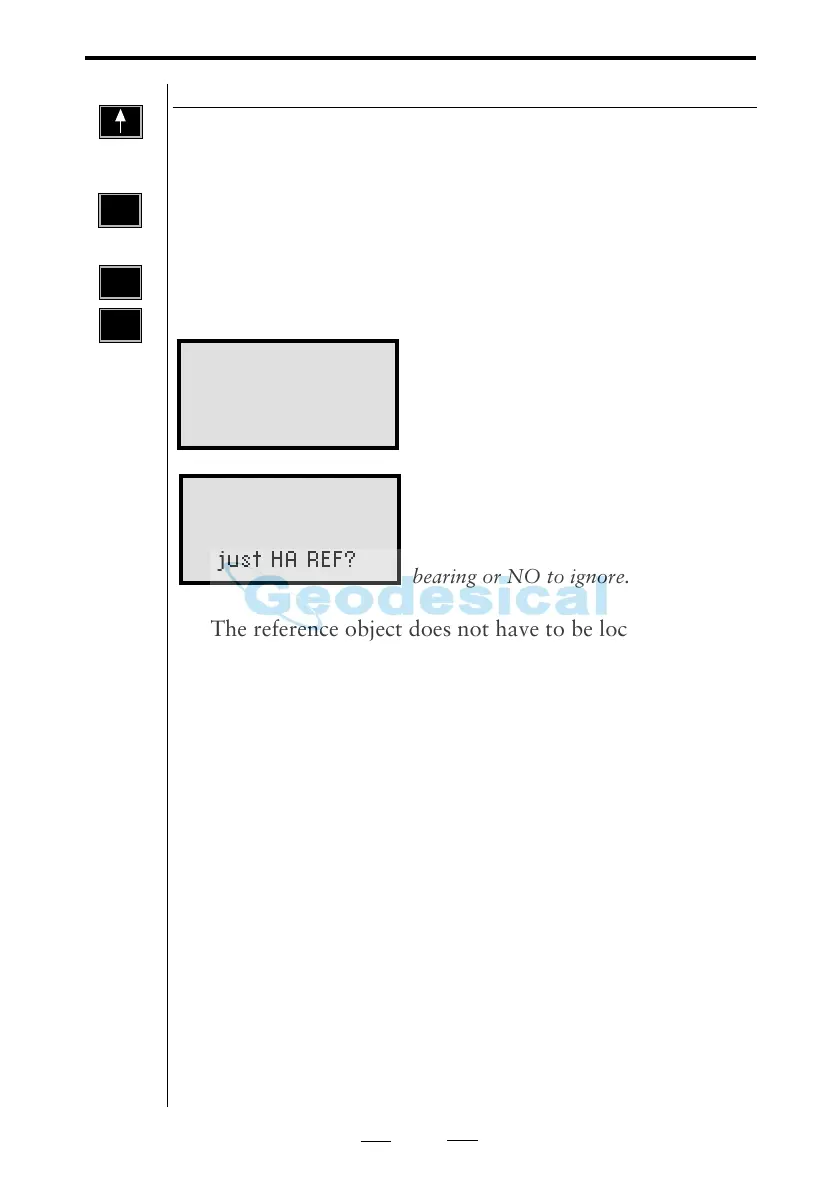
By using RPU menu 14 you can, whenever you want during
the survey in robotic mode, check the reference object
bearing and automatically compare the measured bearing
with the original and if you want adjust it.
The instrument located the reference
object and measures towards it 5 times
in both faces.
The difference between the original
HAref and the measured is presented as
dH. Press YES or ENT to adjust the
bearing or NO to ignore.
• The reference object does not have to be located at a
known point but should be located outside the search
sector and preferably at a distance longer than 100m.
• Don't change label 21 because this will also change the
angle to the reference object.
• If you choose MNU 33 (Fetch Station data) the original
HA will be used, and a reference control measurement
will be made automatically.
• If the reference object is obstructed when choosing RPU
menu 14 you will get INFO 158 (Can not find the
target).
• If the reference object is obstructed during the reference
control you will get INFO 161 (The target is lost) and
the measurement is cancelled.
• If the reference object is located inside the search sector
it is possible that the instrument locks on the reference
object instead of on the RMT. In that case the system
will automatically continue to search after the correct
RMT.
1
4
Reference
Control
Robotic 14:32
Coll.adjusted
TotdH:-0.0050
Adjust HA REF?
Robotic 14:32
Measuring RefObj
Please Wait
RPU
4
RPU
or
and



 To Next Page